



swamprat1214
Members
-
Joined
-
Last visited
Reputation Activity
-
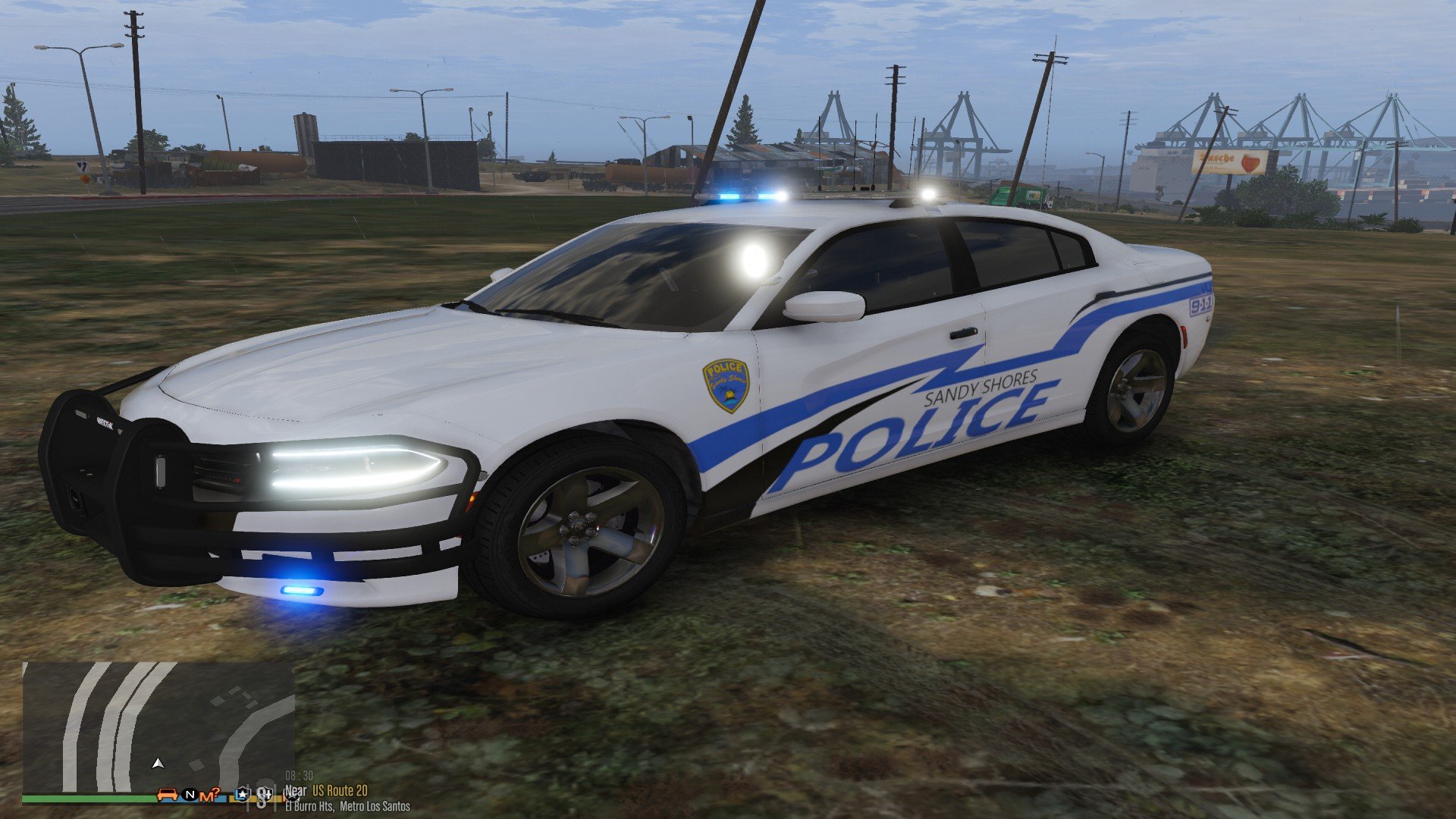
 this goes for pranger too? i used the settings i think it worked cool thank you guys it worked on fbi2 sheriff2 and pranger thanks again
-
swamprat1214 reacted to Iggy Fresh in Lightbar on Sheriff2 Tinted? Please helpEither go and remove tint with this same Trainer in your screenshot. Vehicle Mods > Window Tint.
Or, open Vehicles.meta file, find Sheriff2 and replace
<diffuseTint value="0x00000088" />
to
<diffuseTint value="0x00FFFFFF" />
-
swamprat1214 reacted to Giomig24 in Lightbar on Sheriff2 Tinted? Please helpthis might help hopefully:
" in the vehicles.meta find the line for sheriff2 that says diffusetint and replace the value with this
<diffuseTint value="0x00FFFFFF" />
heres the path to the meta
mods\update\update.rpf\common\data\levels\gta5\vehicles.meta "
