Skip to content
View in the app

A better way to browse. Learn more.

LCPDFR.com

A full-screen app on your home screen with push notifications, badges and more.

To install this app on iOS and iPadOS
  1. Tap the Share icon in Safari
  2. Scroll the menu and tap Add to Home Screen.
  3. Tap Add in the top-right corner.
To install this app on Android
  1. Tap the 3-dot menu (⋮) in the top-right corner of the browser.
  2. Tap Add to Home screen or Install app.
  3. Confirm by tapping Install.

OMFGIOU

Members
  • Joined

  • Last visited

Everything posted by OMFGIOU

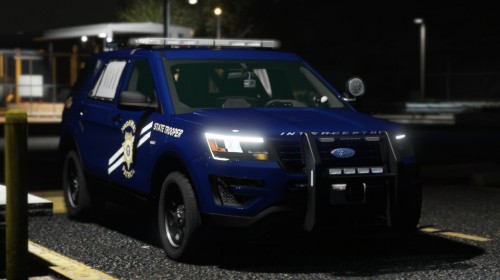
  1. Where did you get those FPIU hubcaps? They look really nice!
  2. i really liked v1 of this pack, but you KILLED it with v2 man!
  3. Please continue with this pack. That light bar is so different and refreshing, I absolutely love it!
  4. @rabbit1988 I do believe that was my issue, it kept saying invalid model when i tried to spawn it. Thank you! Now, could you tell me how you figured that out based off the Log, so i can better figure out issues in the future?
  5. I've scoured the internet trying to find out why I keep crashing while trying to go on duty and I've come up empty handed. If anyone has any insight, it would be greatly appreciated. Basically, what's happening is everytime i clock in, it loads for a few seconds, then LSPD First Response.dll crashes. RagePluginHook_30042019_025551.log

Account

Navigation

Search

Search

Configure browser push notifications

Chrome (Android)
  1. Tap the lock icon next to the address bar.
  2. Tap Permissions → Notifications.
  3. Adjust your preference.
Chrome (Desktop)
  1. Click the padlock icon in the address bar.
  2. Select Site settings.
  3. Find Notifications and adjust your preference.