KryptekPrecision
Members
-
Joined
-
Last visited
Everything posted by KryptekPrecision
-
 Makes sense. Thanks!
 -
Female and male heads are the same right? These should also fit females?
-
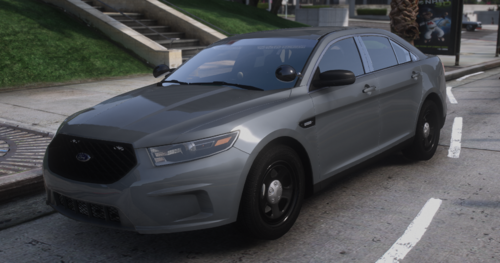 Very well built car with a simple but effective light pattern. ULC cars when?
 -
Looking very nice brotha. Keep up the solid work
-
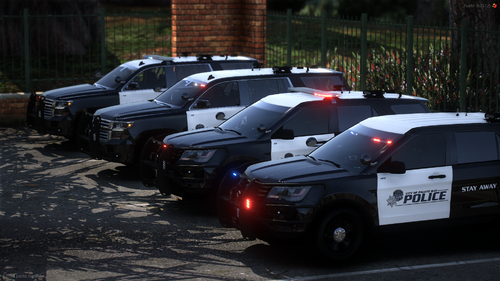 It’s a possibility. I should have some time to look into adding some ghosted liveries today
 -
Just now got to it. Just waiting approval
-
To be honest, I completely forgot about that. If I still have the files to it when I get home, I will update it then
-
Thanks!
-
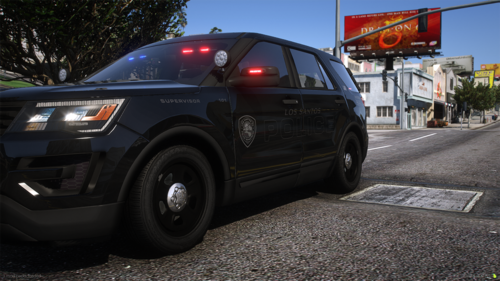 Well, back in 2022, I made a mini version of this pack and released it. Decided to give you guys the full pack that my community uses. So as the title says, this is inspired by Queen Creek, Arizona. It's a small town that just formed the department at the beginning of 2022. Originally, this pack only included skins for a 2020 and 2021 Tahoe as it's all they used but I stretched it out to include liveries to fit our FiveM needs. Most vehicles come with multiple liveries such as Patrol, Traffic, Supervisor, and Ghosted. I included the template I used for each vehicle in the respective folders so you all can see if it works for the vehicle(s) you have. Hope you all enjoy it!
 -
-
 That livery is looking really nice 😉. Glad you enjoyed it enough to throw it on your release
 -
 That's fair lol. Good release nonetheless
 -
Nice release. I'd call it DoJRP based vs Southern CA based because you have Alameda County and Nevada DPS, but that's just my opinion.
-
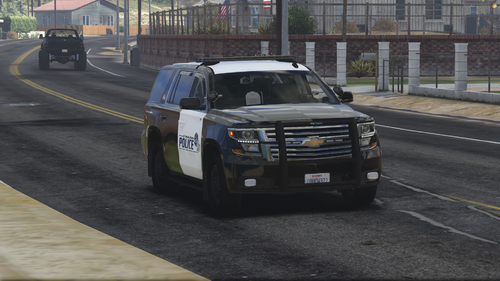
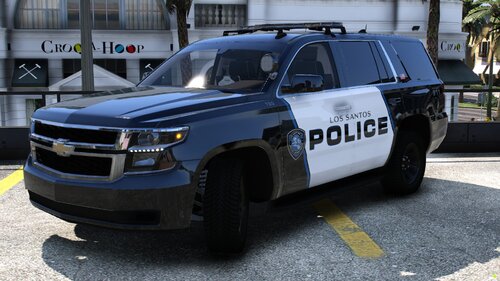 Hey guys coming with another small release here. This pack only has a 2020 and 2021 Chevy Tahoe in it. Depending on the demand, I might make it a full package. So like the title says, this is based on Queen Creek, Arizona. It's a small town that actually just formed the department at the beginning of this year. Hence the reason I only did the two Tahoes as it's all they use. I included the template I used for each vehicle in the respective folders so you all can see if it works for the vehicle(s) you have. Hope you all enjoy! ps. Sorry for the low quality screenshots. I was in between graphics packs when I took them. Vehicles Included: 2020 Chevy Tahoe (GM) 2021 Chevy Tahoe (Unknown)
 -
I used Ripple’s legacy pack for the templates and the screenshots.
-
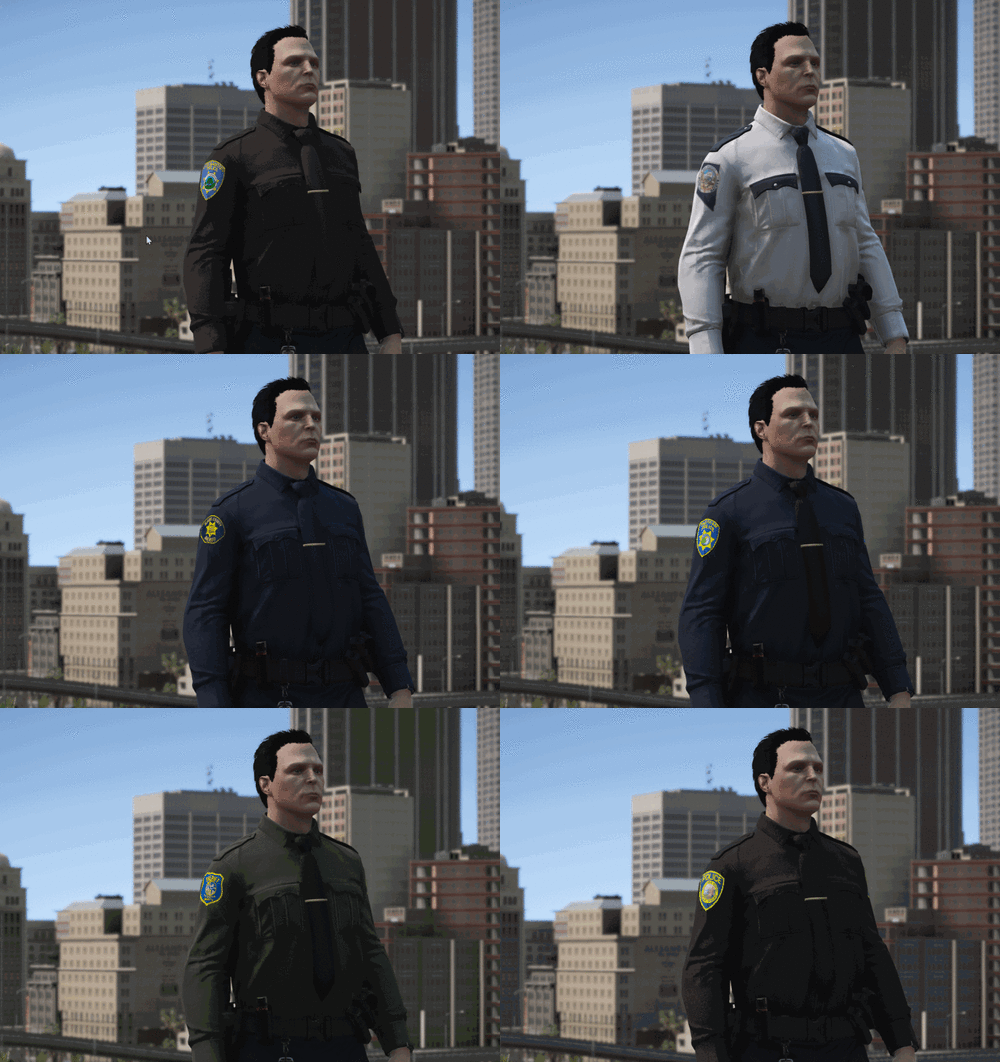
Hey everyone! I came across GTAKING23000's Sheriff and Police Badge Set and decided to make some liveries to go with the Modesto Police patch and badge. This pack is based on Modesto but it is not 100% accurate. For the screenshots and templates, I used Ripple's latest Legacy Pack. Of course these will fit on any vehicle with the same template. Hope you all enjoy this release. If you want the skin on a specific model, DM me on Discord @Kryptek#9999 and shoot me the template. I'll try to create it when I get the chance. Liveries Included: 2011 Ford Crown Victoria (Includes retro and modernized skins) 2014 Dodge Charger 2016 Ford Explorer (Includes standard and Canine skins) 2018 Ford Taurus 2018 Ford F-150 2018 Dodge Charger 2019 Chevy Tahoe 2020 Ford Explorer (Not Ripple's Base)
-
-
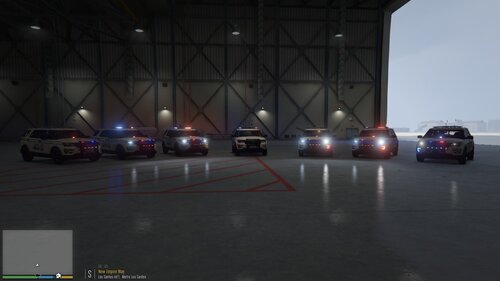 #DaytonStrong. They look good bro. Love how you used the new livery we have for the FPIU too. Hopefully you make a lore friendly entire pack for this
 -
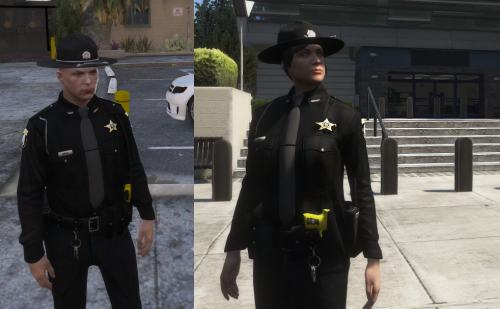 Yo I couldn't find the Class A or Class B uniform shirts. Can you tell me where they would be?
- 21 comments
- 1 review