


robbanswe
Members
-
Joined
-
Last visited
Everything posted by robbanswe
-
 A lot of us don't use fivem, I don't understand why you would assume that everyone does.
 -
 I love this script, but I have an issue... During a traffic stop, after arresting the driver and doing a pat down (either by myself or police buddy) and when a weapon is found during the pat down, the cuffed AI jumps into their car and drives away with their handcuffs on. This has never happened until I tried this script. What am I doing wrong?
- 631 comments
- 56 reviews
-
Great work. Detailed!
-
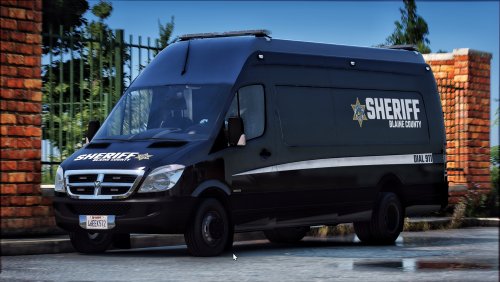
This is awesome, just what I've been looking for for a long time now. Thank you for your great work with this. Is there any chance you might be doing an unmarked version in the future? Maybe with dark tinted windows from the B-pillar and back, so it can be utilized as a passenger version for SWAT teams, but also as a mobile field office or mobile speed trap. Would be a great addition to this.
-
 Very good, I like it. 5 out of 5. But there is no tail lights during dark. Only a license plate light. Can you fix this?
 -
Love it. Very detailed, and very undercover. Just what I've been looking for.

