
Iceknight
Members
-
Joined
-
Last visited
Everything posted by Iceknight
-
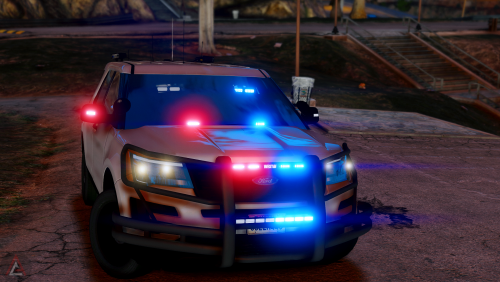 Love this vehicle. I can't change its color though. Stuck with the default color.
- 36 comments
- 14 reviews
-
Build Name Triton Blackout V2 Operating System Windows 10 Home x64 Case NZXT S340 Elite Matte Black Motherboard MSI B450 Gaming Pro Carbon Processor AMD Ryzen 7 2700x at 4.3GHz Memory Corsair Vengeance LPX 2x16 GB 3000 Mhz Graphics Card(s) EVGA GTX 1080 Ti SC2 Storage Drive(s) Samsung EVO 750 250GB SSD Samsung QVO 860 1TB SSD Seagate Barracuda 2TB HDD Power Supply EVGA SuperNova G3 1000W Full Modular Power Supply Cooling System AMD Wraith Prism Monitor(s) ASUS 23" 1920x1080p monitor Keyboard Logitech RGB Keyboard Mouse Logitech RGB Mouse Peripherals/Other Logitech Webcam Sony MDR 7506 Studio Monitors Blue Yeti USB Microphone
-
I'm loving LSPDFR 0.4 the more and more I hear about. I can't wait for it to be released! Keep up the hard work!