Skip to content
View in the app

A better way to browse. Learn more.

LCPDFR.com

A full-screen app on your home screen with push notifications, badges and more.

To install this app on iOS and iPadOS
  1. Tap the Share icon in Safari
  2. Scroll the menu and tap Add to Home Screen.
  3. Tap Add in the top-right corner.
To install this app on Android
  1. Tap the 3-dot menu (⋮) in the top-right corner of the browser.
  2. Tap Add to Home screen or Install app.
  3. Confirm by tapping Install.

ainvisibleyak

Members
  • Joined

  • Last visited

  1.    ainvisibleyak reacted to a post in a topic: RPH v678
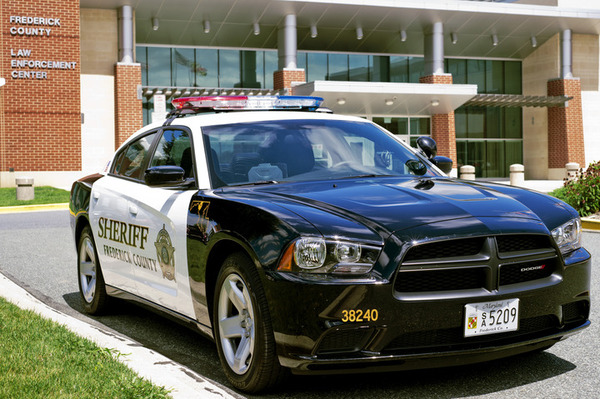
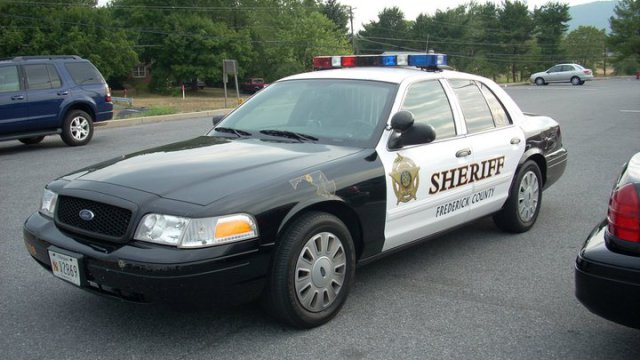
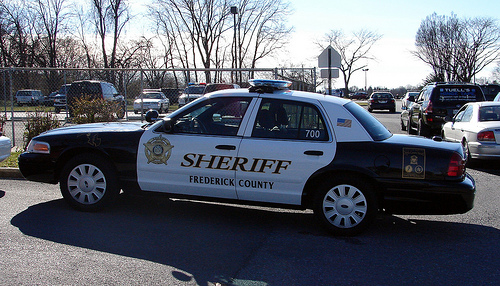
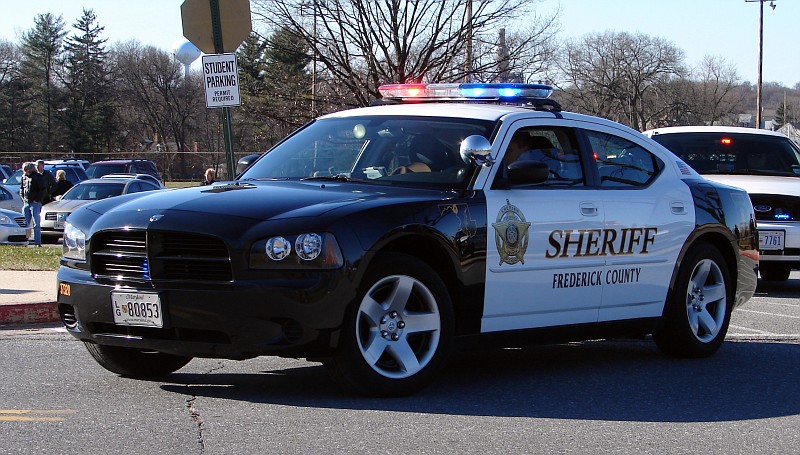
  2. here are some pics of their cruisers. they do have the new explorers with the same paint scheme.
  3. Anyone got any good Maryland State Police or Frederick County MD, Sheriff Textures and models? I have been searching but couldn't really find any. If yiu can help me out that would be much appreciated.
  4. Thank you, That worked
  5. yes i have simple trainer
  6. My ELS is acting up, if i get a callout i cannot turn my emergency lights on. however when i arrive on scene and step out of my vehicle the automaticly turn on untill i clear the call and get back in then they shut off, it does the same thing when i do traffic stops. can anyone shed some light onto what is going on here, Thank you

Account

Navigation

Search

Search

Configure browser push notifications

Chrome (Android)
  1. Tap the lock icon next to the address bar.
  2. Tap Permissions → Notifications.
  3. Adjust your preference.
Chrome (Desktop)
  1. Click the padlock icon in the address bar.
  2. Select Site settings.
  3. Find Notifications and adjust your preference.