Skip to content
View in the app

A better way to browse. Learn more.

LCPDFR.com

A full-screen app on your home screen with push notifications, badges and more.

To install this app on iOS and iPadOS
  1. Tap the Share icon in Safari
  2. Scroll the menu and tap Add to Home Screen.
  3. Tap Add in the top-right corner.
To install this app on Android
  1. Tap the 3-dot menu (⋮) in the top-right corner of the browser.
  2. Tap Add to Home screen or Install app.
  3. Confirm by tapping Install.

Dom665

Members
  • Joined

  • Last visited

Everything posted by Dom665

    Brake lights dont work. Interior is a bit weird but that might not be the models fault.
  1. So i set the body guard task to look at player but they wont attack if i set it to that. When i respond to calls, and the attacker has a gun, my body guards will just stand there. Please help.
  2. Im not trying to hate but why are all the unmarked fpiu's very low quality on the inside? im just curious. Not meaning to hate.
  3. yeah i did, i put in all my correct els files. And i installed it by the book.
  4. So ive installed an add on car into my game, everything works fine. The problem is when i install another car, then the car i first installed has a problem. The problem is that the cars are not yielding or pulling over when i have my siren on. But the second cars siren works fine. Is there a fix to this? Thanks.
  5. If you guys have any suggestions, I would be more than interested to find some.
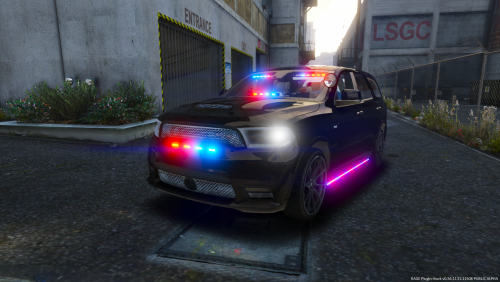
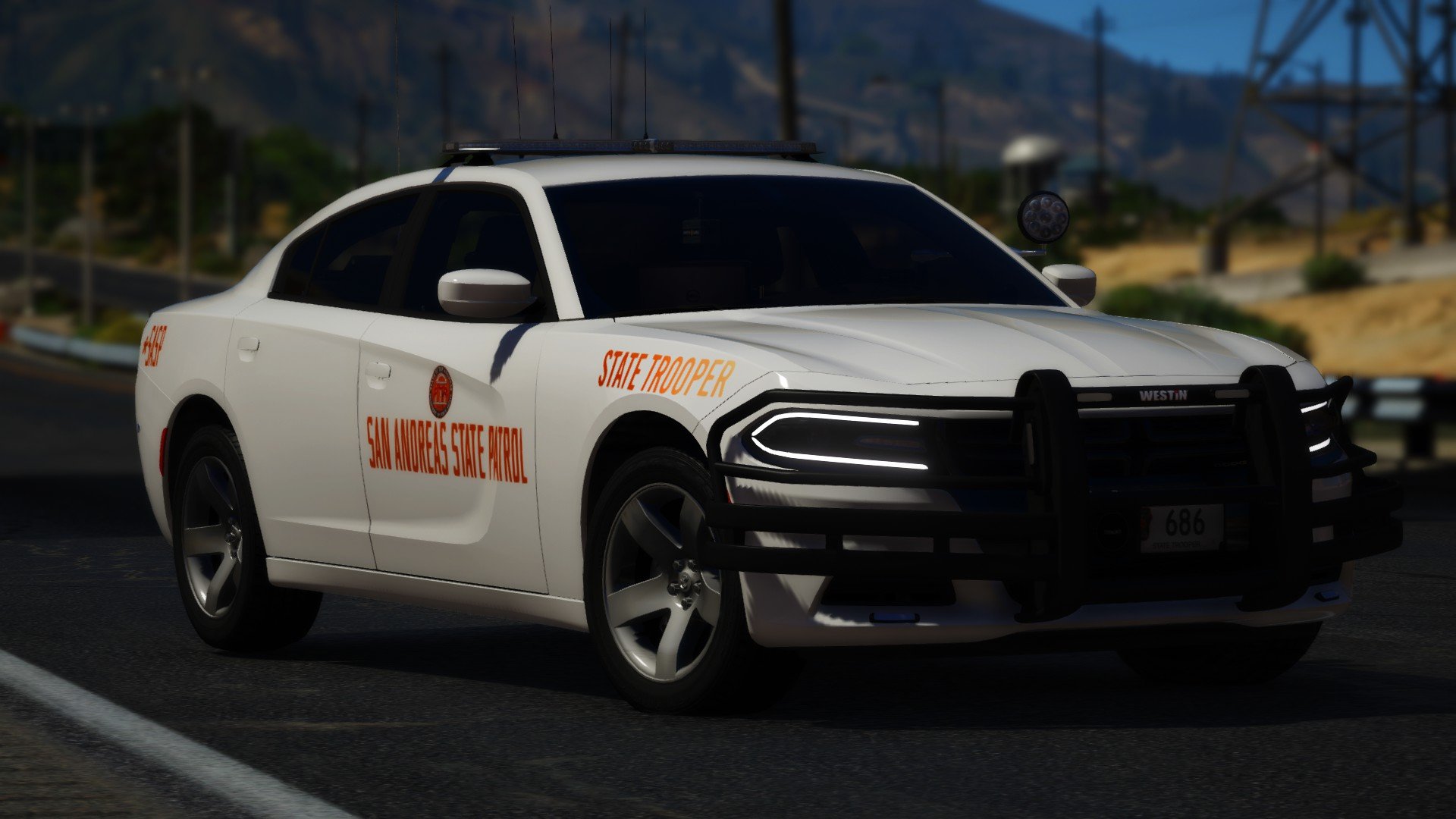
  6. Images added to a gallery album owned by Dom665 in GTA V Galleries
  7. Images added to a gallery album owned by Dom665 in GTA V Galleries
  8. Images added to a gallery album owned by Dom665 in GTA V Galleries
    i really dont support trump at all but i support this.
  9. Images added to a gallery album owned by Dom665 in GTA V Galleries
  10. Images added to a gallery album owned by Dom665 in GTA V Galleries
  11. Images added to a gallery album owned by Dom665 in GTA V Galleries

Account

Navigation

Search

Search

Configure browser push notifications

Chrome (Android)
  1. Tap the lock icon next to the address bar.
  2. Tap Permissions → Notifications.
  3. Adjust your preference.
Chrome (Desktop)
  1. Click the padlock icon in the address bar.
  2. Select Site settings.
  3. Find Notifications and adjust your preference.