



Vision7124
-
Joined
-
Last visited
Everything posted by Vision7124
-
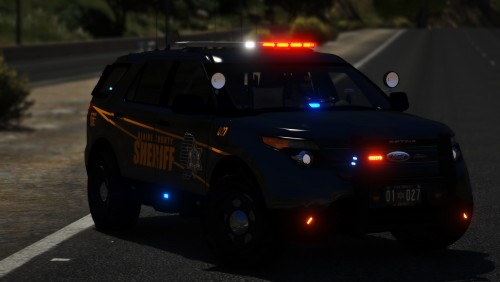 @StraightGlitcheZ The texture is by BradM. It is from his [4K] Blaine County + Los Santos County Sheriff Texture Pack.
- 35 comments
- 15 reviews
-
-

- 1
-
-
love 0.4
-
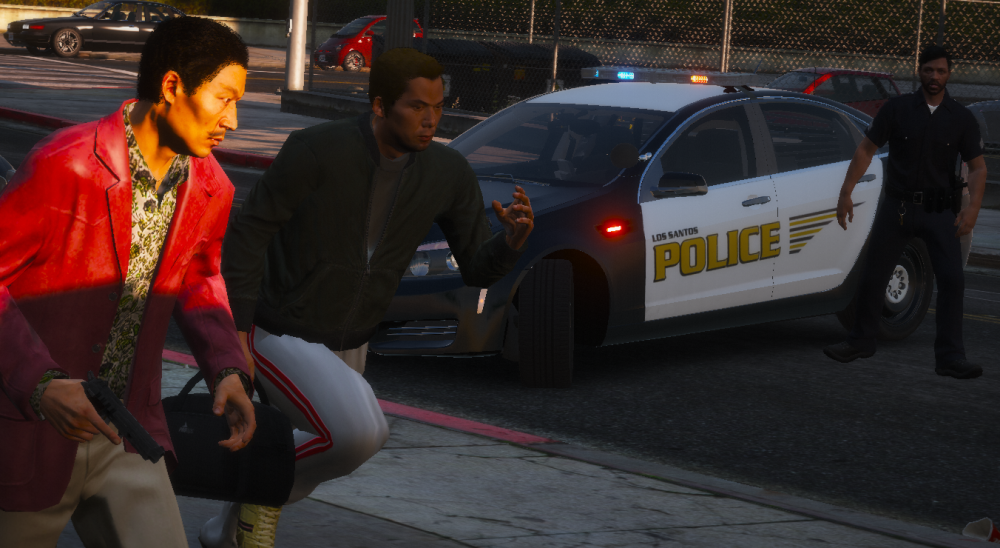
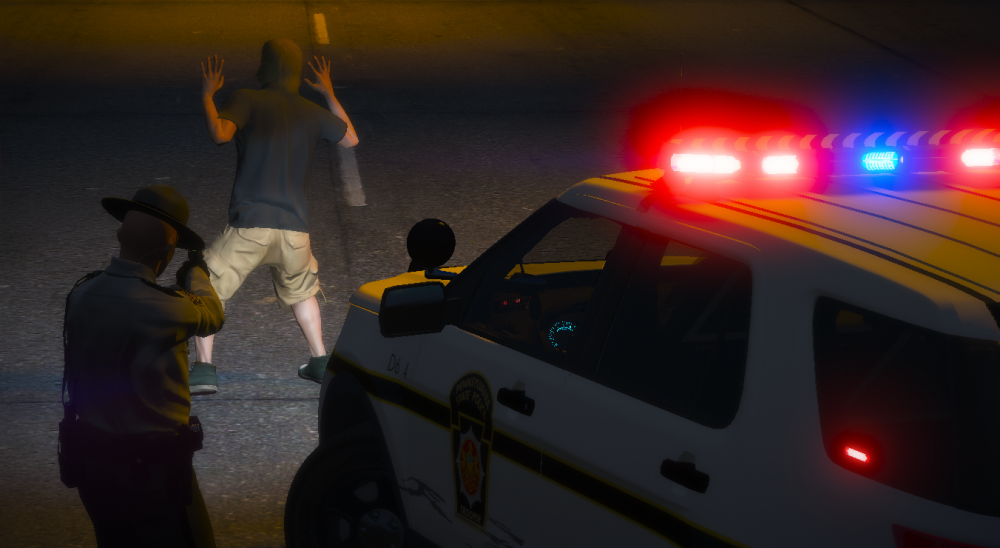
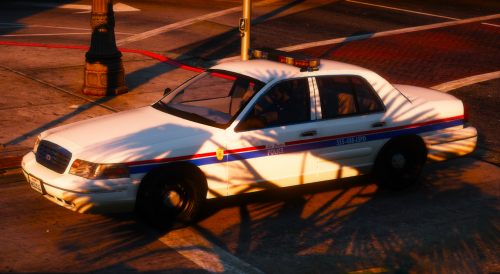 RELEASE DATE: 03/08/2019 Author: Vision7124 Release Name: 1990's LSPD Retro Mini Pack Contributor(s): Vision7124 GENERAL INFORMATION: The 1990's, an era of drugs? eh, i guess that was all of the eras.. Well anyway, let's get to the police vehicles shall we! This design came from an older pack of mine, that has since been made private. The shitty screenshots, the poor craftsmanship, if you will, of the textures. Here we are today, with a makeover! Don't forget to join my Discord! https://discord.gg/XRYxc9A File Information: -Design Based on: I really know, uhh, I never really wrote down the department this was based off of and I can't find the original photos I found, lol -Resolution: 4K & 2K, however for this pack I recommend 2K (for the 4K I just resized the 2K, it's probably not the best of quality, probably worse.. -Design Complexity: Simple -Lore-friendly -2 Vehicles Vehicle(s) Included: -1998 & 96 Ford CVPI Installation: -Navigate to mods/update/x64/dlcpacks/patchday20/dlc/64/levels/gta5/vehicles -Find and open the YTD file associated with the model. -Drag and drop the specified .png files into OpenIV. -Left click "Save". TERMS OF USE: DO NOT ATTEMPT TO MODIFY, REDISTRIBUTE, OR COPY ANY WORK INCLUDED IN MY FILE DOWNLOADS. MYSELF NOR THE CONTRIBUTOR(S) TO MY FILES WILL NOT BE HELD RESPONSIBLE FOR ANY DAMAGE TO YOUR GAME, OR THE SYSTEM WHICH YOU STORE MY FILES ON. Vehicle(s):
 -
From the album: I take photos I guess? ...
-
From the album: I take photos I guess? ...
\ -
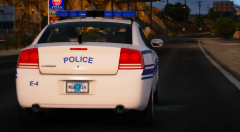
From the album: I take photos I guess? ...
-
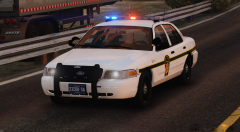
From the album: I take photos I guess? ...
-
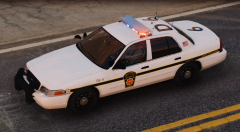
From the album: I take photos I guess? ...
-
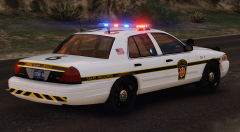
From the album: I take photos I guess? ...
-
-
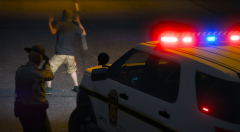
From the album: I take photos I guess? ...
-
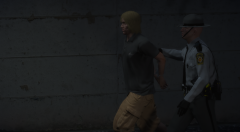
From the album: I take photos I guess? ...
-
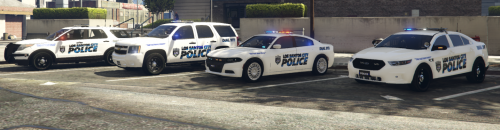 Looks great for a first release, keep it up and don't be afraid to try new things! Although, more photos would have been a nice addition. 🙂
 -
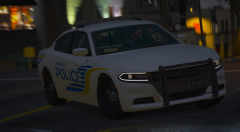 Thx, but actually a guy by the name of Prodigy did. It's his first model released to the public to my knowledge.
 -
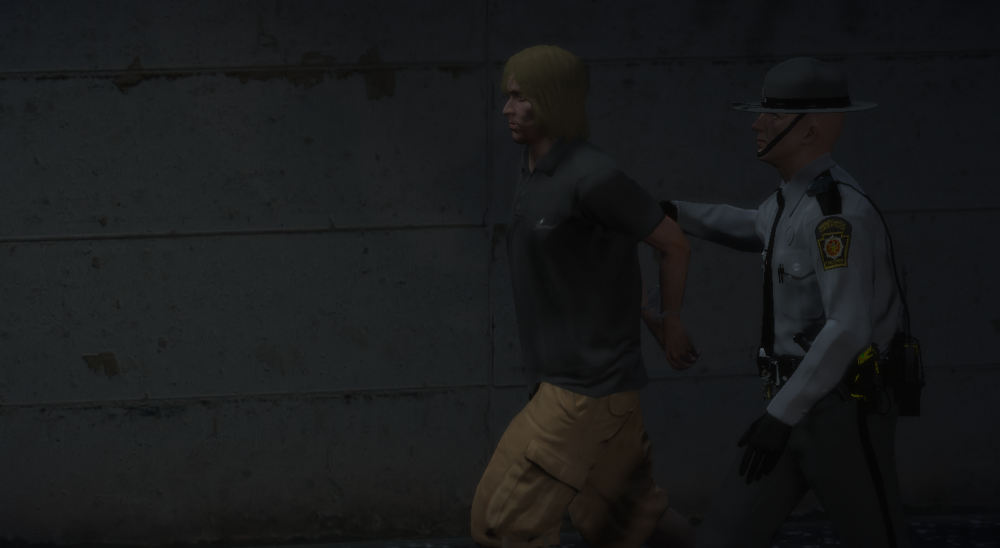
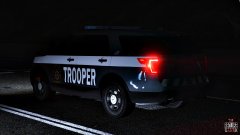 I can't really see much of the vehicle, but the texture looks a bit off. The font is not whatever you are using for the "TROOPER" and the line going across the vehicle seems to be a bit over scaled, basing this upon the real life PSP. Although it is not bad at all. btw the correct font for PSP is Futura. I believe there is a whole Futura font package available which includes fonts used on their old design and new design. Nevertheless, not bad at all.
 -
.png.a7d810a08ed36fa423a60dfe23364e7f.png) One mention of his name and you're guaranteed to win the grand prize.
One mention of his name and you're guaranteed to win the grand prize. -
From the album: I take photos I guess? ...
-
From the album: I take photos I guess? ...
-
From the album: I take photos I guess? ...
-
From the album: I take photos I guess? ...
-
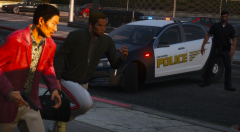
From the album: I take photos I guess? ...
-
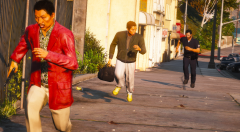
From the album: I take photos I guess? ...
-
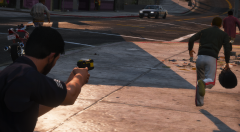
From the album: I take photos I guess? ...
-
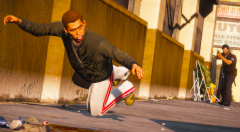
From the album: I take photos I guess? ...
-
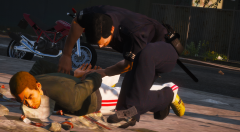
From the album: I take photos I guess? ...


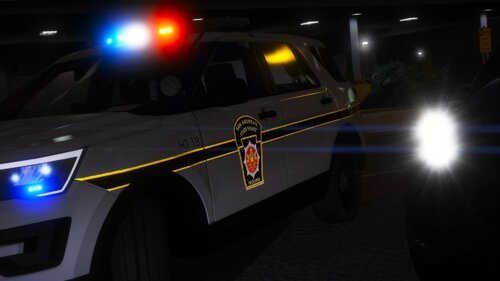
.png.a7d810a08ed36fa423a60dfe23364e7f.png)
