


.png.1ea7fc3a6e17ccdb06eb431c74e74917.png)
.png.389a57d0a99b3137fd951c9a64f24fcb.png)
S4mpl31
Insiders
-
Joined
-
Last visited
Everything posted by S4mpl31
-
There is a mod that changes that. It's called the Official Florida License Plates v1.0
-
Yeah Albo callouts are outdated. I using only callouts who are working with 0.4.8
-
do you have the latest version, because if not the plugin deactivates itself.
-
It should work with every Typ of police vehicle. It doesn't matter which mod you use to control the lights and the siren or do you have problems to turn the lights on with ELS?
-
For a Traffic Stop you must turn the lights on and pressing the left shift key.
-
Wenn du RagePluginHook startest halte dann sofort die linke shift taste gedrückt bis sich ein neuen Fenster öffnet. Dann gibst du bei Plugin timeout threshold 60000 ein und klickst auf Save and Launch. Damit sollte dein Problem behoben sein.
-
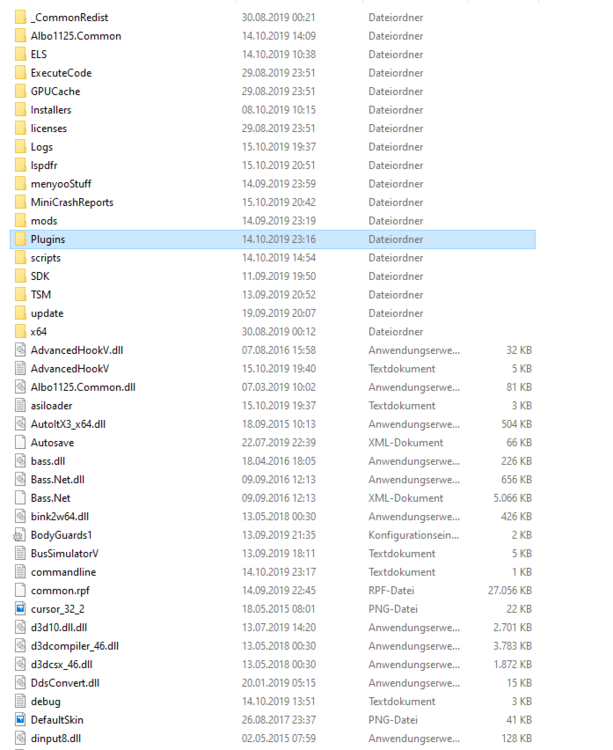
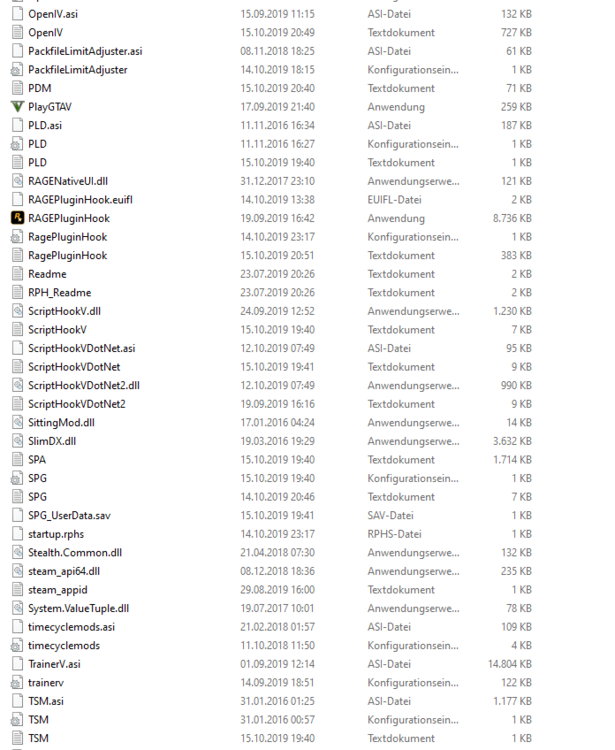
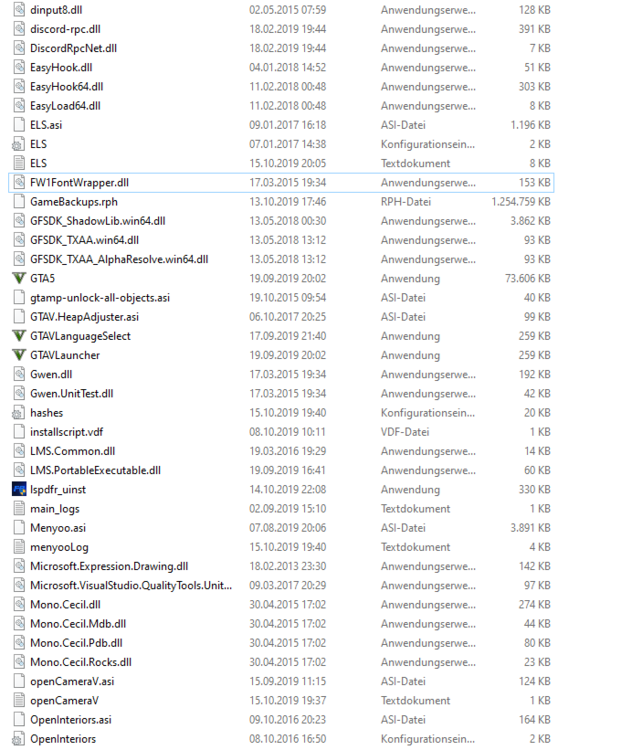
Hallo Community, Ich habe das Problem das wenn ich als Cop rum fahre das Rage Plugin Hook nach einer gewissen Zeit abstürtzt. Ich fahre z.B. mit 130 Km/h rum und das Bild stockt bzw. das Spiel freezt und dann kommt die Meldung von Rage Plugin Hook das es abgestürzt ist oder ich spawne Polizeiautos um sie mir anzuschauen und Rage Plugin Hook stürtz ebenfalls ab. Es stürtzt auch manchmal direkt am Anfang ab manchmal auch später wenn ich schon einige Minuten gespielt habe. Ich habe schon probiert ohne LSPDFR zu spielen. Trotzdem ist es abgestürzt. Ich benutze die Steam Version. Hier ist die Log: Ich benutze LSPDFR in der neusten Version, EUP in der neusten Version, BodyCam in der neusten Version sowie Spike Strips V in der neusten Version.

.thumb.png.39c6e46bfcfee0b6e496df5f610d7545.png)


