


Brent the Rogue
Members
-
Joined
-
Last visited
Everything posted by Brent the Rogue
-
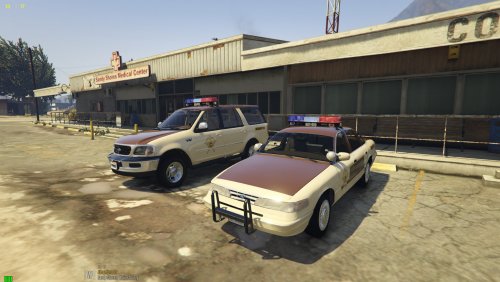 Love the Pack! Thank you for making great instructions. So glad to have something like this to play around with. I feel most packs I find are mod makers giving half effort and releasing a broken model often causing memory implications or crashes. It is very clear a lot of time and attention to detail was made. Kudos.
- 92 comments
- 4 reviews
-
-

- 1
-
