GTA Cop
Members
-
Joined
-
Last visited
Everything posted by GTA Cop
-
Same problem here. Started fresh with a reinstall of GTA 5 and then installed LSPDFR
-
 Can you give a update on how it is going so far and when we can expect it?
 -
-
-
-
Okay I cant wait, any plans on a date that we can expect this and how many vehicles will be included?:)
-
I need a Tennessee pack in my life, will this ever get released?
-
-
 Looks so nice, do you have any idea when this pack is going to be ready for release?
 -
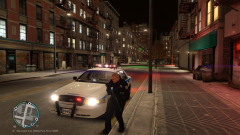 That moment that GTA 4 looks better then GTA 5 on a screenshot
 -
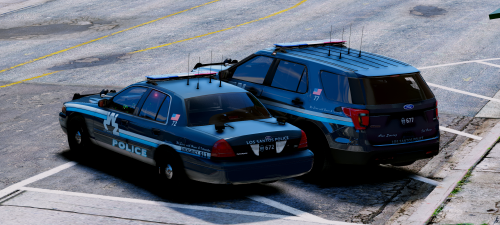 You are a example of people who we need here, someone who is willing to listen to what people want :) Thanks for adding these cars they look amazing, keep it up!
- 9 comments
- 19 reviews
-
-
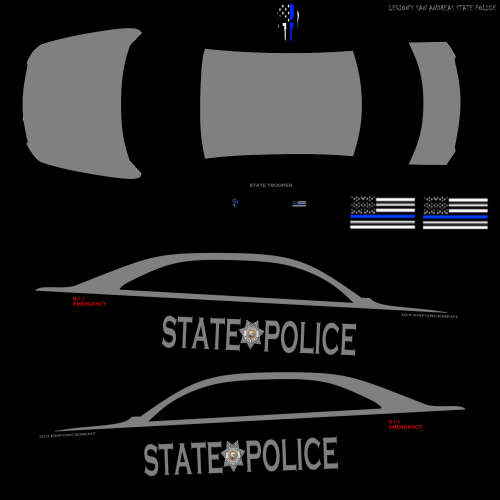 Some ingame pictures should be nice :)
 -
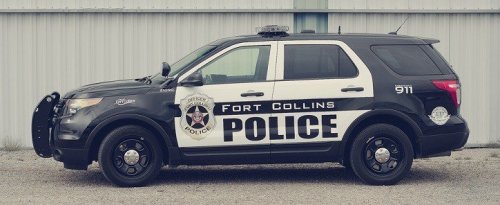 Maybe you should include some ingame pics
 -
-
-
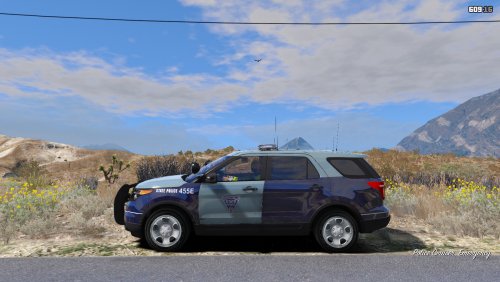 Okay, so I added the CHP car yesterday with this skin and ELS file but for some reason I have a steady burn light on the whole time even when I am not running code.. what can this be? I did not change anything in the ELS file except for changing the option to use all three light stages. Also extra information is that the steady burn started today, yesterday it was off
- 7 comments
- 2 reviews
-
Yes that's it, thank you
-
So I need help, since the latest update of the game I can't use the menu anymore to close the road or to use a speedlimit. To make it even more worse I also don't know what plugin/script this belongs to, hopefully you guys can help me. Thank you
-
-
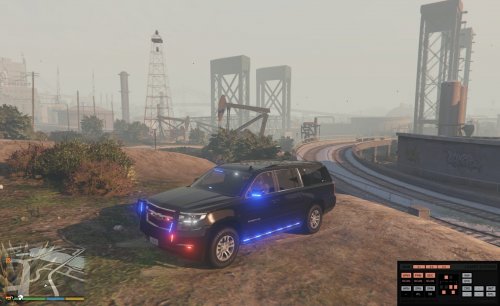 I love this car, but it should be great to get a other wraparound pushbar as a option as the Granger one just doesnt look that great on this car
- 87 comments
- 22 reviews
-
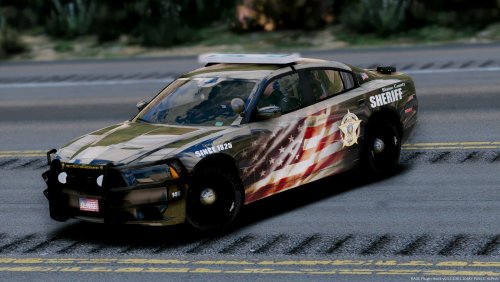 Does anyone still have the Tahoe model for these textures? The vehicle link in the Read Me does not excist anymore
- 11 comments
- 9 reviews
-
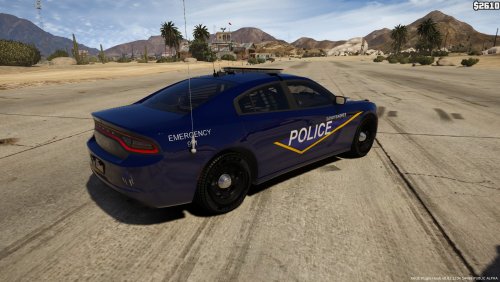 @theninja35 screenshots are part of the downloading progress, good screenshots mean people download it faster. I rate the whole page for that, I did download the texture pack and just used it for a hour on one of my vehicles, they look good
- 8 comments
- 3 reviews
-
-

- 1
-
-
-
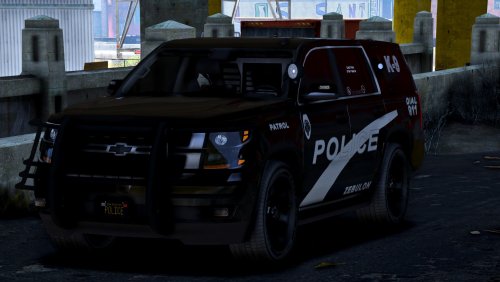 Another great car like always, but as far as this release goes here I am gonna give a 4/5 for the first time. Reason for this are the dark pics and videos, hopefully you can make more brighter vids and the pics in the future so we can see the full details of the car better so far I have always had the feeling you made the pics and vids way too dark even during day time. For the car itself 5/5! Keep it up :)
- 22 comments
- 7 reviews