
Skip to content
View in the app

A better way to browse. Learn more.

LCPDFR.com

A full-screen app on your home screen with push notifications, badges and more.

To install this app on iOS and iPadOS
  1. Tap the Share icon in Safari
  2. Scroll the menu and tap Add to Home Screen.
  3. Tap Add in the top-right corner.
To install this app on Android
  1. Tap the 3-dot menu (⋮) in the top-right corner of the browser.
  2. Tap Add to Home screen or Install app.
  3. Confirm by tapping Install.

succ truck

Members
  • Joined

  • Last visited

Everything posted by succ truck

  1. I've tried that already. Loaded LSPDFR by itself to see and got spammed with "LSPDFR has crashed" the second I did it.
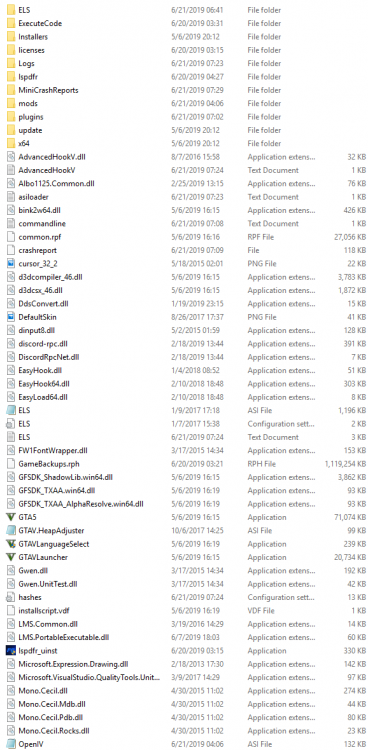
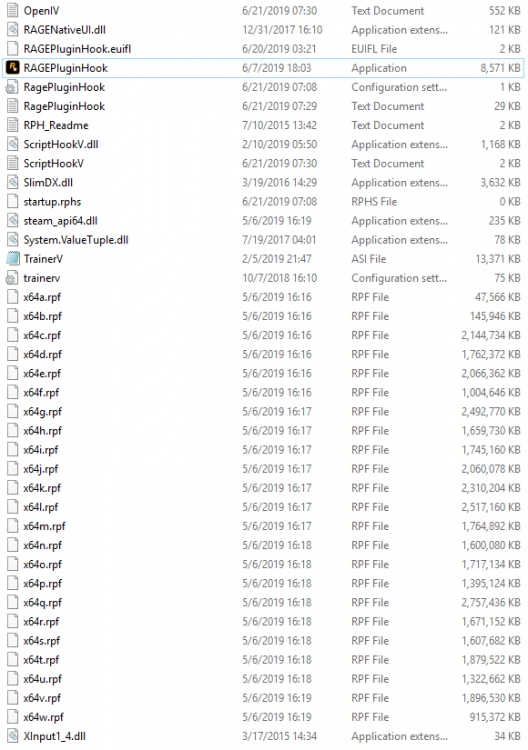
  2. I recently reinstalled LSPDFR 0.4 after a year of giving up on trying to get it to work again. I did this on a clean install of GTA V. I had other crash issues before this which I managed to fix but now I don't know what to do. I can load into my game without any plugins, but the second I load my plugins with the console my game crashes and the bottom left of my screen is spammed with "LSPDFR has crashed" and "EUP menu has crashed". RagePluginHook_20062019_073101.log
Account

Navigation

Search

Search

Configure browser push notifications

Chrome (Android)
  1. Tap the lock icon next to the address bar.
  2. Tap Permissions → Notifications.
  3. Adjust your preference.
Chrome (Desktop)
  1. Click the padlock icon in the address bar.
  2. Select Site settings.
  3. Find Notifications and adjust your preference.