


ICE88
Members
-
Joined
-
Last visited
Everything posted by ICE88
-
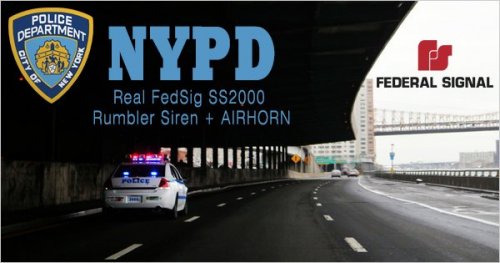 Any possibility that we could have a FDNY siren added to this pack? I love the sounds in this pack!
- 21 comments
- 12 reviews
-
-

- 1
-
-
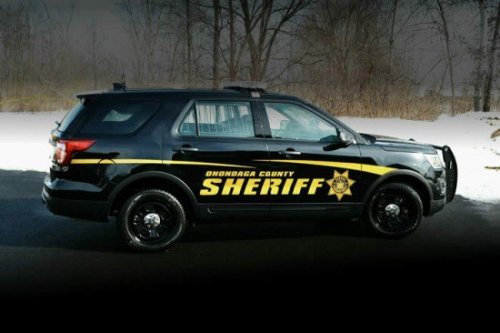 Any more Onondaga County car/ped skins?
 -
 Currently the CVPI & Charger work great but the Tahoe, Taurus, and Explorer are "blacked out." I am trying to find a way to do it without the trainer though X/
- 125 comments
- 51 reviews
-
I already tried that unfortunately... is that the only thing? that was the first thing I tried to do
- 125 comments
- 51 reviews
-
What specifically do we need to change in the .meta file in order to get rid of the black/tinting of the light-bars and windows? Thanks!
- 125 comments
- 51 reviews
