



SamtheFireman
Members
-
Joined
-
Last visited
Everything posted by SamtheFireman
-
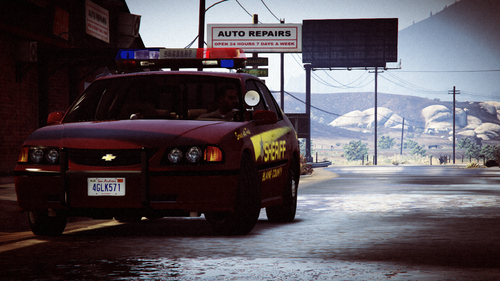 Awesome cars! One thing though, the light bar on the caprice needs to be brighter.
- 17 comments
- 1 review
-
Yes, actually. I deleted my mods folder and created a fresh, new one. Seemed to do the trick.
-
Did you install add-on car packs? If you installed add-on vehicles, make sure you download a gameconfig that gives you unlimited vehicles.
-
Nothing... Don't know what the problem is. It just crashes for no reason.
-
RagePluginHook.log
-
Yep, even reinstalled ScriptHookV and re-installed my graphics driver. Same thing keeps on happening. Again, it doesn't matter if LSPDFR is running or not.
-
So I have been having a strange problem with GTA 5 ever since the newest update. The game loads fine, I can spawn in cars, but all of the sudden, bang, out of nowhere, the I get the Rage Plugin Hook message saying that my game crashed. It doesn't matter if I have the LSPDFR plugin loaded or not, if I am in the county or downtown LS, it crashes. I don't have performance issues and I just updated my graphics driver. This is a strange problem that I have never had before. I included the crash log from RPH. If anyone can help me it would be much appreciated. RAGE Crash Log.txt
-
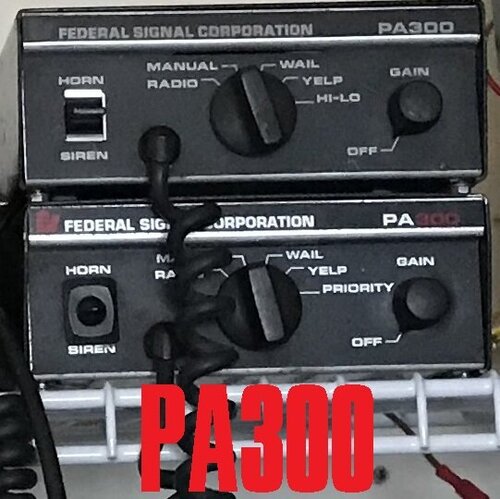 Any plans to record a Motorola Spectra? Would be nice to have a good one for GTA!
- 11 comments
- 3 reviews
-
-
-
-
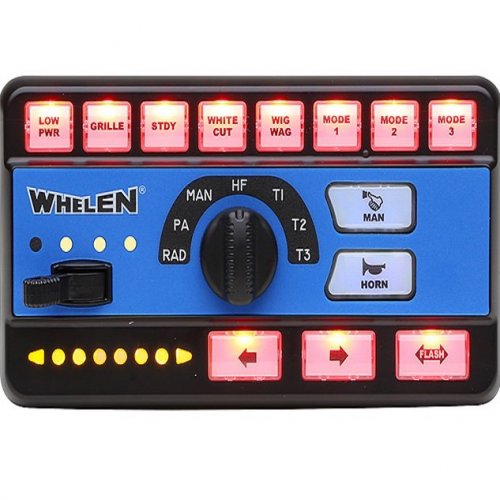 If you mean that all sirens sound the same, it is due to ELS. ELS only allows for one type of siren to be played on all vehicles with an ELS VCF.
- 26 comments
- 4 reviews
-
-
-
 Thank you! To answer your question, I believe it is possible to do that with Siren Mastery, which can be found on this site. As for being able to do that with ELS, it isn't possible at the moment.
- 7 comments
- 2 reviews
-
-
-
This is a mini pack of 3 sirens commonly heard in the United States. I tried my best to get these sirens to sound like the real thing in-game. The sirens I recorded only had 4 tones, Wail, Yelp, Phaser, and Air Horn. Sorry, no Hi-Lo! This is my first upload to LCPDFR. If there are any issues with the pack, please let me know, and I will try to get them fixed! Please read the included README.txt for install instructions and other information. Demo video below!: https://drive.google.com/file/d/15HH-ZMKz5YIkMSdtvylXeUCfzvRQ_r5O/view?usp=sharing Also, if enough people are interested, I have made custom "intersection" tones for the sirens due to the lack of a Hi-Lo. If enough people are interested, I will update the pack to include these.
- 7 comments
- 2 reviews
-
-

- 6
-
-
-
 How did you fix this? I am having problems with the white lights on all the cars except for FBI 2 and Sheriff
- 114 comments
- 37 reviews
-
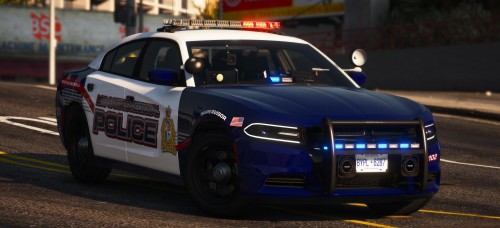
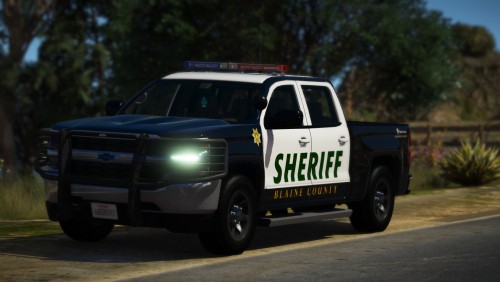
Pack looks great! I only have one issue... With the vector lightbar, the red and blues work just fine, it is the white lights in the vector that don't work right... I followed what Jeff said above, and like I said, the red and blues work fine. On the other hand, the white lights don't rotate, and when they do flash, they only flash backwards and they have a weird block-like look to them... I wonder if this is just an ELS issue? It is happening with all the cars in the pack... I included pictures to show what I am talking about...
- 114 comments
- 37 reviews

.thumb.png.9d23e7db06c6a0e5281022cba73b2a80.png)
.thumb.png.2e98f42eb9ea9fb1d0f89e073e44e3f2.png)


