



Armyvet1992
Members
-
Joined
-
Last visited
Everything posted by Armyvet1992
-
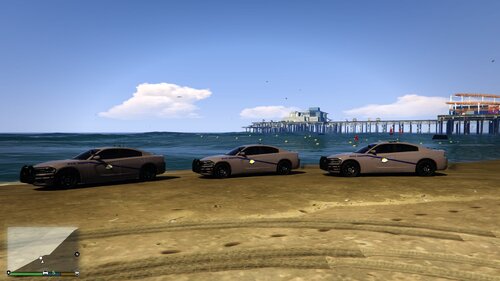 i created this texture for the SAHP 2018 charger pack i do not take credit for the vehicle model just the texture. Download the vehicle model file and replace the ytd file in openiv with the one i have here. you can change it to charger sign 1 2 or 3 thats up to u
 -
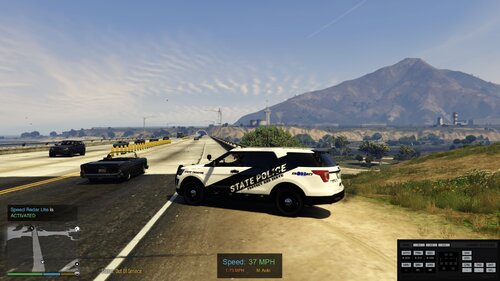 morehead kentucky
 -
because thats how it is in my hometown there stacked on top of one another if you want to edit it for your personal use you can just dont edit it then upload it thanks for your opinion tho
-
These are custom textures i made for ELS ghosts pack by frost88 just replace in the .ytd file save and go
-
So i just got a new laptop and was wondering if it would run lspdfr? Alienware 15 R3, windows 10, Intel(R) core i5-6300HQ CPU @ 2.30GHz, 8GB ram?

