
Tactical Simulations
Members
-
Joined
-
Last visited
Everything posted by Tactical Simulations
-
 Ill add that in the update! What do you mean "windshield malfuction script"? Like give me a understanding of what it would do
- 28 comments
- 1 review
-
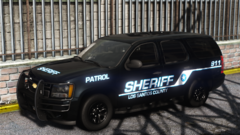
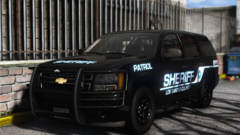
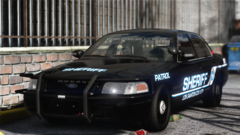
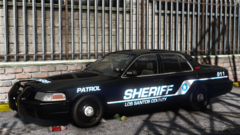
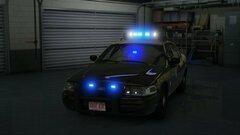
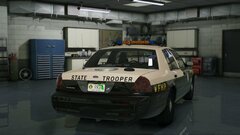
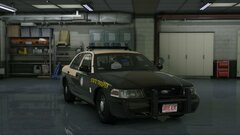
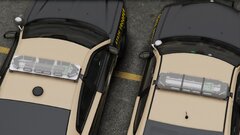
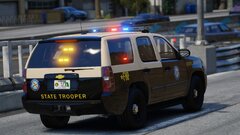
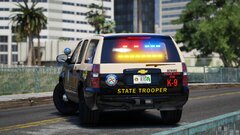
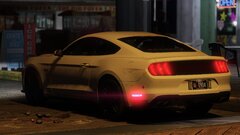
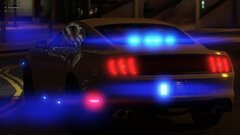
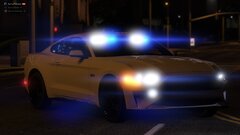
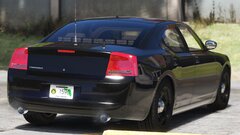
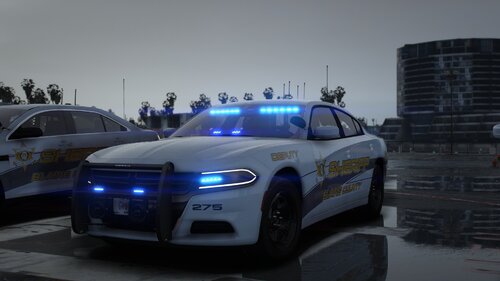 PATREON : https://www.patreon.com/TacticalSimulations/shop/blaine-county-sheriffs-office-livery-v1-836755?source=storefront DISCORD : https://discord.gg/BF3kTGaqkw This pack has 16 livery's! All of them are Fayette County Georgia based! All comes in 4k textures. Keep in mind this is the FREE VERSION IT ONLY COMES WITH TWO LIVERYS. If you would like the full pack you can purchase the bundle for 12 USD on my patreon or discord! CAR PACK USED:
 -
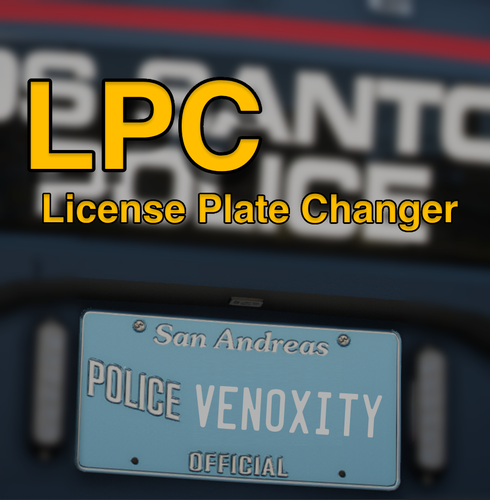 can you by chance add a section so specific car models will have a certain plate? for example Georgia police cars are set up like"GV0000J". Is there a way you can add a section where people can put the vehicle models and itll randomize based off the letter/number placement for that specific car? Or even like a set static number plate would be nice like where each model has an assigned license plate text
- 56 comments
- 8 reviews
-
 Yes you can change the xml however the ai headlights wont work correctly. They wont turn off and on at the correct times; hense why i made a script for the headlights
- 27 comments
- 4 reviews
-
Correct lol, put that there so people that don't know what they are doing so they dont mess up anything. This changes the amount of vehicles it can affect 2% its likely to affect 2-3 vehicles every 5 minutes if tick counter is set to 300 seconds Make sure you have ScriptHookVDotNet installed
- 28 comments
- 1 review
-
-

- 1
-
-
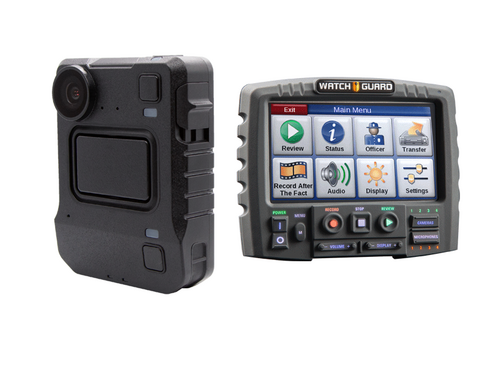 Discord: https://discord.gg/BF3kTGaqkw Patreon : https://www.patreon.com/c/TacticalSimulations This mod uses Axon Signal. You can find Axon Signal here Preview of Display + Sound ------------------------------------------------------------------------------------------------------------------------------------ # Disclaimer: Tactical Simulations is NOT responsible for any game damage caused by incorrectly installing this mod. Use at your own risk This mod changes the "Axon Signal" Plugin to Motorola & Watchguard sounds & display! Studio Recorded sounds! Thank you for installing Motorola & Watchguard Camera! ------------------------------------------------------------------------------------------------------------------------------------ Installation: ------------------------------------------------------------------------------------------------------------------------------------ Step 1: Drag & Drop "Plugins" into Grand Theft Auto V main directory ------------------------------------------------------------------------------------------------------------------------------------ Step 2: Click "replace files" ------------------------------------------------------------------------------------------------------------------------------------ Step 3: Done! ------------------------------------------------------------------------------------------------------------------------------------ If you have any issues or notice any bugs, please report them in the #support channel in our discord ------------------------------------------------------------------------------------------------------------------------------------ # Copyright Disclaimer This mod is an unofficial modification for Grand Theft Auto V, created for entertainment purposes only. The rights to Grand Theft Auto V, including any game-related assets, characters, and intellectual property, are owned by Rockstar Games, Take-Two Interactive, and any other associated entities. This project is not affiliated, endorsed, sponsored, or approved by Rockstar Games or Take-Two Interactive. All brand names, trademarks, logos, and copyrighted materials referenced or used by this script belong to their respective owners. This script is provided "as-is" for non-commercial use only. Any redistribution, copying, or modification of this script is allowed solely for personal use, provided that the script is not used to profit or violate the terms set forth by Rockstar Games or Take-Two Interactive. Unauthorized use of Grand Theft Auto V assets, or any other intellectual property associated with the game, may violate copyright laws and Rockstar Games’ Terms of Service.
 -
-
-
Your Welcome! Yes! Thank you! Yes you can change the xml however the ai headlights wont work correctly. They wont turn off and on at the correct times; hense why i made a script for the headlights
- 27 comments
- 4 reviews
-
-

- 1
-
-
Had someone test with NVR, they said that at certain times it doesn't like certain weather. We will look into to fixing that issue for people with graphic mods!
- 27 comments
- 4 reviews
-
Its only been tested on Default Graphics (no issues) and NVE (minor issues depending on location and time). What graphics mod are you running?
- 27 comments
- 4 reviews
-
Fixed the issues with the script, im adding a few extra things then i will release the update within the next few days
- 28 comments
- 1 review
-
-
- 2
-
-
-
That could be the problem is RDE. It might not be compatible. No one else who has tried the script has had the problem you're having..
- 28 comments
- 1 review
-
-
I looked into what you're talking about and it doesn't look like it's from this mod. It's either something to do with a mod you have or a vehicle you have downloaded. It really sounds like our mod is conflicting with another mod you have.
- 28 comments
- 1 review
-
Feel free to join our discord to see our upcoming releases or make custom request!
- 28 comments
- 1 review
-
Realistic Vehicle Light Malfuntions makes LSPDFR player's games more immersive with a small detail. In this script AI vehicles have a chance of spawning with 1 of the following, blown headlight bulb, blinker, or a tail light! You can fully customize the probability in the .ini file! By default it is set to "2". You can set it anywhere from 0-100. I Hope you guys enjoy! Discord: https://discord.gg/BF3kTGaqkw Patreon : https://www.patreon.com/c/TacticalSimulations This mod REQUIRES ScripthookV and ScriptHookVDotNet ------------------------------------------------------------------------------------------------------------------------------------ Installation: ------------------------------------------------------------------------------------------------------------------------------------ Step 1: Go to your GTA 5 Main Directory ------------------------------------------------------------------------------------------------------------------------------------ Step 2: Open your "scripts" folder. (If you do not have one then make a folder named "scripts" ------------------------------------------------------------------------------------------------------------------------------------ Step 3: Drag and drop "TSbrokenlights.dll" and "TSbrokenlights.ini" into your scripts folder ------------------------------------------------------------------------------------------------------------------------------------ Step 4: Done! ------------------------------------------------------------------------------------------------------------------------------------ If you have any issues or notice any bugs, please report them in the #support channel in our discord ------------------------------------------------------------------------------------------------------------------------------------ # Copyright Disclaimer This mod is an unofficial modification for Grand Theft Auto V, created for entertainment purposes only. The rights to Grand Theft Auto V, including any game-related assets, characters, and intellectual property, are owned by Rockstar Games, Take-Two Interactive, and any other associated entities. This project is not affiliated, endorsed, sponsored, or approved by Rockstar Games or Take-Two Interactive. All brand names, trademarks, logos, and copyrighted materials referenced or used by this script belong to their respective owners. This script is provided "as-is" for non-commercial use only. Any redistribution, copying, or modification of this script is allowed solely for personal use, provided that the script is not used to profit or violate the terms set forth by Rockstar Games or Take-Two Interactive. Unauthorized use of Grand Theft Auto V assets, or any other intellectual property associated with the game, may violate copyright laws and Rockstar Games’ Terms of Service.
- 28 comments
- 1 review
-
-
-
- 8
-
-
This is setup for DST! Thats why in title (NOV-MAR). I will make another one later for MAR-NOV! Thank you so much for the support!
- 27 comments
- 4 reviews
-
-
- 1
-
-
Correct Day & Night Times (November-March) makes the game more immersive by correct the times to realistic times! No more sunrise at 5AM and no more sunset at 9PM! The sun now rises at around 7:30AM and starts to set 6:45PM!I will soon make another version for March-November! In that version The sun will rise at 6:30AM and set at 8:50PM for more realistic spring/summer! The Script makes sure AI turn their headlights on and off at the correct time! Ai will also turn their headlights on 30 minutes before dark just like IRL! Discord: https://discord.gg/BF3kTGaqkw Patreon : https://www.patreon.com/c/TacticalSimulations This mod REQUIRES ScripthookV and ScriptHookVDotNet ------------------------------------------------------------------------------------------------------------------------------------ Installation: ------------------------------------------------------------------------------------------------------------------------------------ Step 1: Go to mods/update/update.rpf/common/data/levels/gta5 ------------------------------------------------------------------------------------------------------------------------------------ Step 2: Make a backup of "time.xml" ------------------------------------------------------------------------------------------------------------------------------------ Step 3: Drag and drop the "time.xml" in the .rar file, into openiv ------------------------------------------------------------------------------------------------------------------------------------ Step 4: Go to GTA 5 Main Directory and open your "scripts" folder. (If you do not have one then make a folder named "scripts) ------------------------------------------------------------------------------------------------------------------------------------ Step 5: Drag and drop "TSaiheadlights.dll" into your scripts folder ------------------------------------------------------------------------------------------------------------------------------------ Step 6: Done! ------------------------------------------------------------------------------------------------------------------------------------ If you have any issues or notice any bugs, please report them in the #support channel in our discord ------------------------------------------------------------------------------------------------------------------------------------ # Copyright Disclaimer This script is an unofficial modification for Grand Theft Auto V, created for entertainment purposes only. The rights to Grand Theft Auto V, including any game-related assets, characters, and intellectual property, are owned by Rockstar Games, Take-Two Interactive, and any other associated entities. This project is not affiliated, endorsed, sponsored, or approved by Rockstar Games or Take-Two Interactive. All brand names, trademarks, logos, and copyrighted materials referenced or used by this script belong to their respective owners. This script is provided "as-is" for non-commercial use only. Any redistribution, copying, or modification of this script is allowed solely for personal use, provided that the script is not used to profit or violate the terms set forth by Rockstar Games or Take-Two Interactive. Unauthorized use of Grand Theft Auto V assets, or any other intellectual property associated with the game, may violate copyright laws and Rockstar Games’ Terms of Service.
- 27 comments
- 4 reviews
-
-
-

- 13
-
-
-
 I remember a while back you made Georgia State Patrol Unit 722, is there anyway you can repost it or send a download link to it? I would love to have it in game again!
 -
-
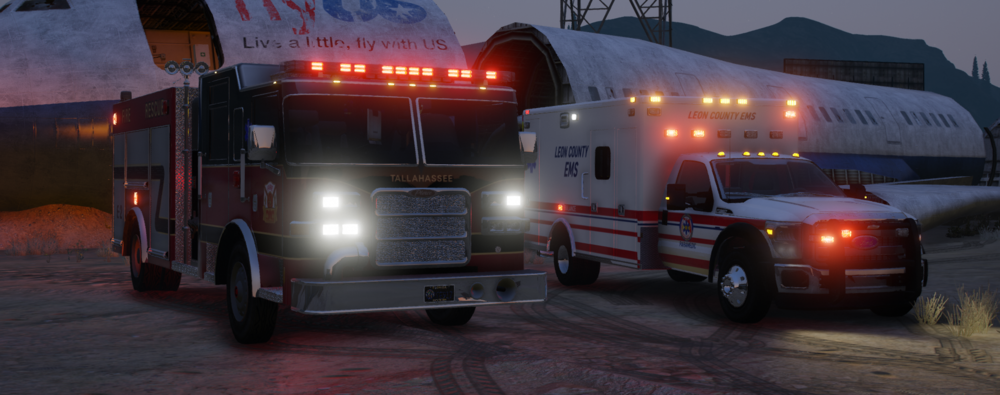
Still WIP but I plan to add a Tahoe for the FD and fix a few issues with the ambulance.
-
 Man youre putting out updates QUICK lol, love it. Keep up the great work!
- 1,024 comments
- 63 reviews
-
-
- 1
-
-
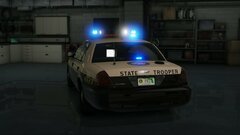 Looks awesome! Is there a time frame you hope to be finished by? Not trying to rush just curious
 -