


gotoabarn
Members
-
Joined
-
Last visited
Everything posted by gotoabarn
-
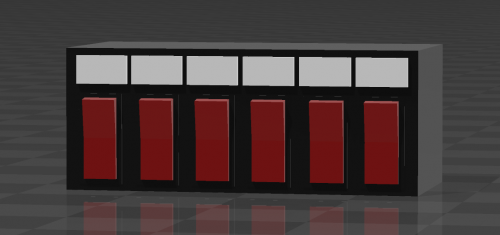 Just a generic toggle box I made. Not UV mapped since I don't know how to do that but I'm sure most of you guys do. Got inspired to make this having doing a ride along. The CVPI I rode in had one of these.
 -
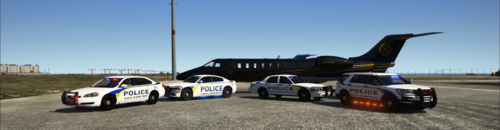 1. SPD doesn't use Dodge Chargers 2. The correct font you should use is Eurostile with italics 3. The color scheme is too bright The swoosh looks nice tho.
 -
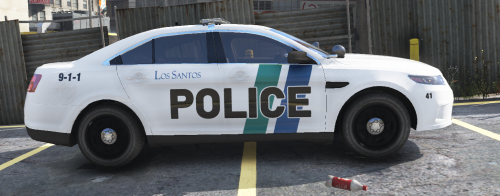 Skins for Thehurks 2016 Ford Police Interceptor Utility and OfficerUnderwoods 2011 Ford Crown Victoria and 2016 Ford Police Interceptor Sedan Will be adding more later on.
 -
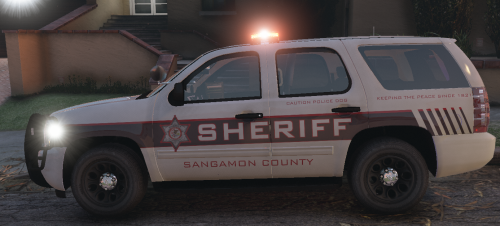 Skin for Thehurk's Ford Explorer
 -
Would anyone be willing to make skins for Chatham, Illinois?

