
Mistor78
Members
-
Joined
-
Last visited
Everything posted by Mistor78
-
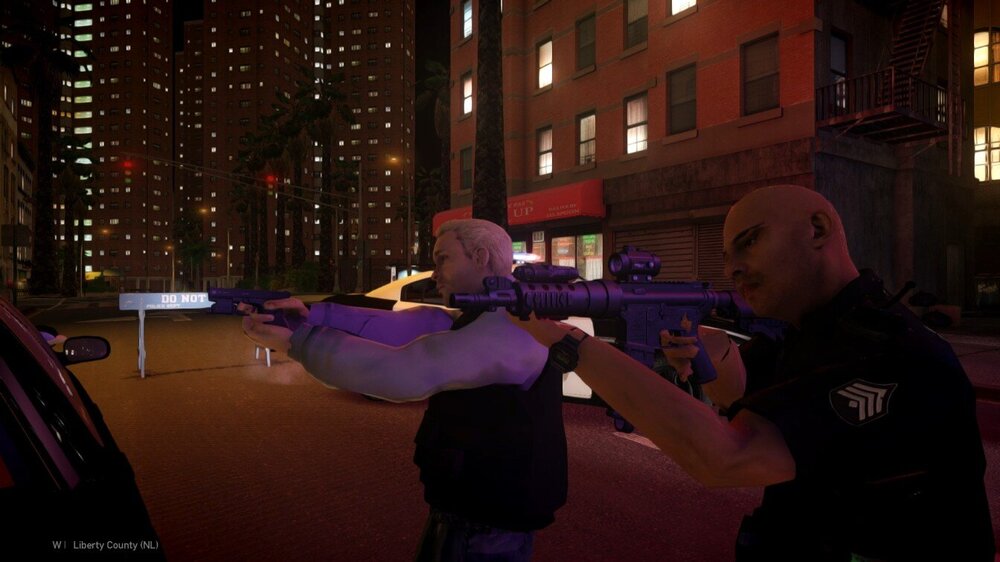
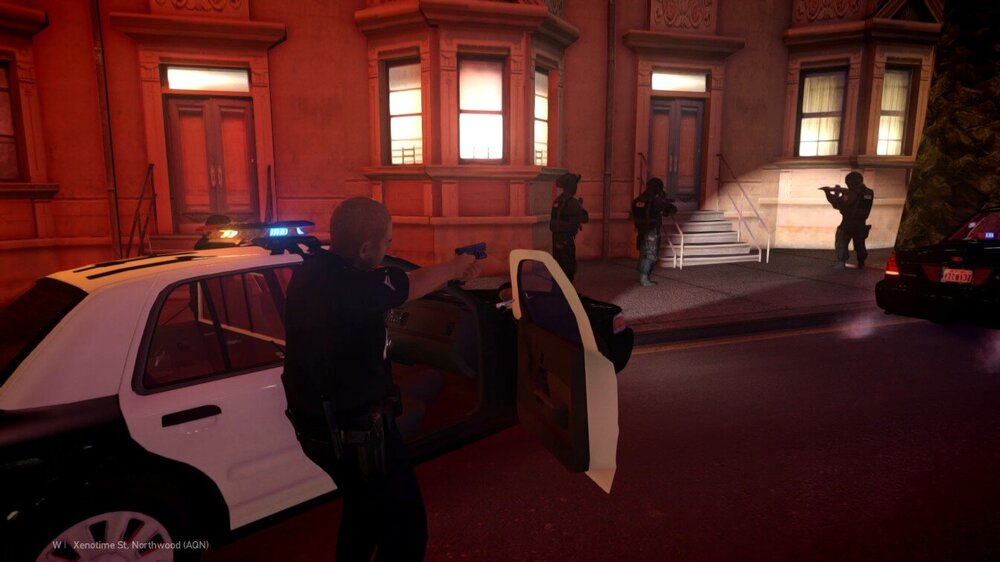
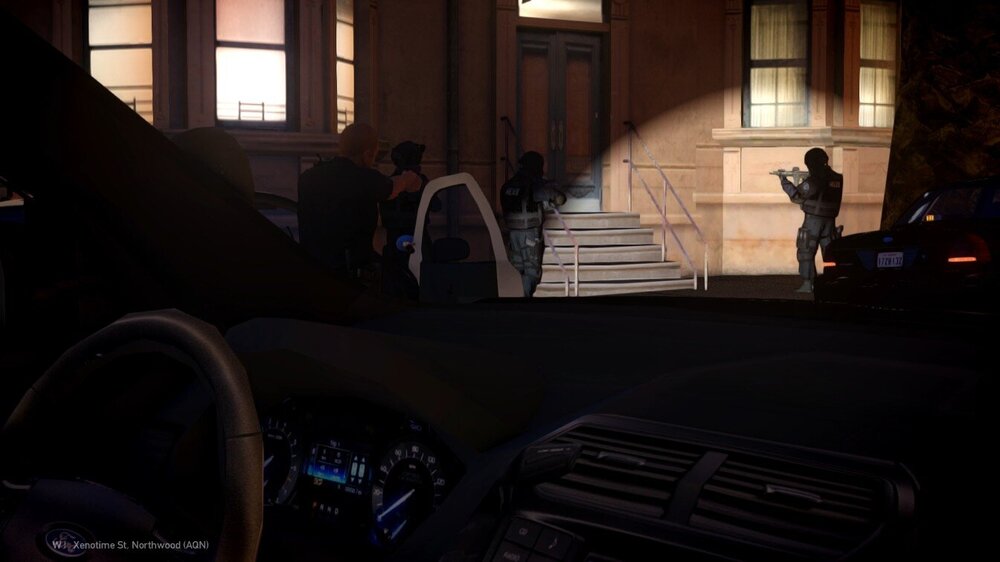
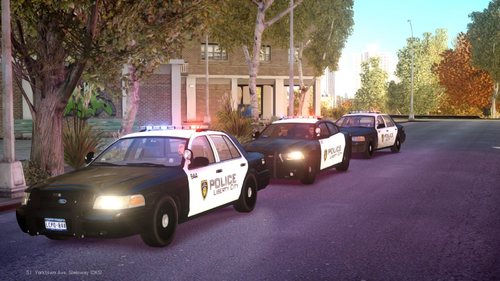
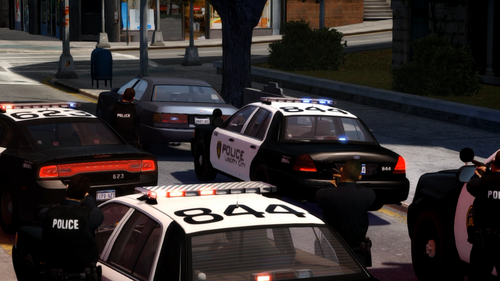 Ever wanted to perform a proper felony traffic stop in GTA IV with multiple police units backing you up? Well, here you go!FelonyTrafficStopIV is a lightweight script designed to make high-risk traffic stops in LCPDFR a little more interesting and unpredictable. Nothing too complicated - just a simple addition to bring some extra action and realism to your patrols around Liberty City. How does it work?Once you activate the script, three additional police vehicles will respond to your location with their sirens on. They'll approach and position themselves around your patrol car, creating a felony stop formation. Each vehicle comes with two officers, giving you a total of six additional officers. Once all units have arrived and parked, the officers will exit their vehicles, draw their weapons and aim toward the suspect. But here's where things get interesting: If there's a vehicle with a driver stopped in front of you, the script will make the suspect exit their vehicle after a short delay. By default, there are two possible outcomes: 50% chance - Surrender: The suspect exits the vehicle, raises their hands and complies with the officers. 50% chance - Armed Resistance: The suspect pulls out a randomly selected weapon and opens fire! Officers will react to the threat and engage the suspect. The outcome is random, so you never know exactly how your next traffic stop will end. You can also customize these probabilities in the INI file. FeaturesThree responding police vehicles with customizable models. Six police officers (two per vehicle). Automatic vehicle positioning around the player's patrol car. Police officers aiming at the suspect and reacting to armed threats. Random suspect behavior with surrender and armed resistance scenarios. Multiple possible weapons for armed suspects. Automatic traffic cleanup around the stop to help responding units. Ability to cancel the procedure at any moment. Officers return to their vehicles and drive away when dismissed. New units can be requested without waiting for previous units to disappear. Customizable activation key and plenty of additional options through the INI file. CustomizationThe mod comes with a configurable INI file where you can adjust various settings, including police vehicle models, arrival behavior, vehicle positioning, suspect reactions, weapon selection, traffic cleanup and more. The default activation key is F8, but you can change it to whatever works best for your setup. Most settings can be left at their defaults, but if you enjoy tweaking things, there's quite a bit to play around with! A few things to keep in mindThe script has been tested during gameplay and I haven't experienced any crashes caused by it during my tests. However, remember that this is still GTA IV, and we all know how its AI can behave sometimes. Police vehicles might occasionally get stuck in traffic, take an unusual route or have trouble positioning themselves correctly, especially on narrow streets, intersections or complicated roads. The script does its best to handle these situations, but perfect AI behavior isn't always possible in GTA IV. For the best experience, I recommend performing felony stops on reasonably open roads with enough room for the responding vehicles. Important: This mod is designed to work with traffic stops initiated through LCPDFR's original traffic stop system. Other methods have not been tested and may not work as intended. InstallationMake sure you have LCPDFR and ScriptHookDotNet for GTA IV installed. Simply place FelonyTrafficStopIV.net.dll and FelonyTrafficStopIV.ini into your GTA IV scripts folder. You can find additional installation and configuration information in the included README file. Final wordsThis is just a small script made to add something extra to the classic GTA IV police experience. Nothing huge or overly complicated - just a fun way to make traffic stops a little more intense. Hope you enjoy it, and have fun patrolling Liberty City! If you encounter any issues, feel free to leave a comment. Gameplay Showcase:
 -
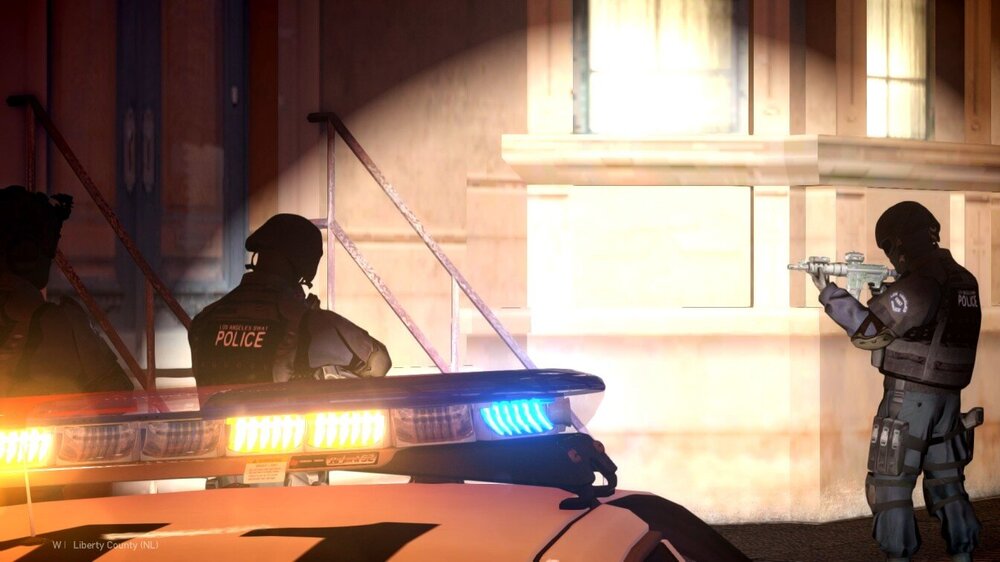
LAPD units responded to an armed suspect barricaded inside a residential building. Officers established a perimeter and initiated a tactical entry with SWAT support.
-
 At the moment there are no plans to add .ini file. The script doesn’t require holding key combination it’s just a single press, so it shouldn’t cause any issues while driving.
 -
Have you ever been annoyed by random ambulances driving around or abandoned police cars with their sirens blaring while you’re just calmly patrolling the city? Yeah… me too. It’s even worse if you’ve got loud sirens installed – your peaceful patrol suddenly turns into a headache. Well… not anymore. From now on, you can enjoy silence in your city. What this script does: Removes all AMBULANCE and FIRETRUK vehicles within 100 meters of the player. Removes POLICE and POLICE2 vehicles only when: You’re inside a vehicle. The police vehicle is completely empty – no driver, no passengers, no dead bodies. Works automatically – just press CTRL + A to activate it whenever you need. Technical details: This is version 1.0, tested on GTA IV 1.0.7.0. Any feedback is appreciated – I’m open to improving it in future updates. A little behind-the-scenes story: GTA IV’s engine is… well, let’s just say it’s fragile. My first attempts at removing any vehicle that had a ped inside (even dead) would instantly crash the game with a Fatal Error. So I had to get creative – the script now teleports unwanted ambulances, firetrucks, and empty police cars about 1 kilometer under the map, far enough that the game stops streaming them entirely. Weird? Yes. Effective? Also yes. 😄
-
 - Press the configured key (default: F1) to spawn a backup unit behind your vehicle. - Use F2 for a second unit, F3 to make them approach, and F4 to dismiss them.
 -
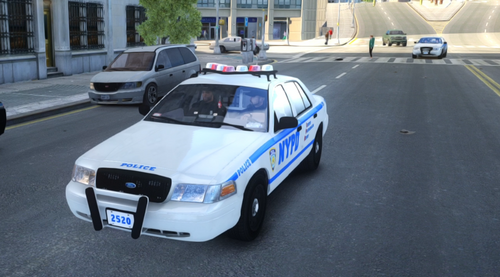
Have you ever played LCPDFR and thought: “Man, I wish I had backup during this traffic stop…” Well now you can! Introducing Traffic Stop Backup — a lightweight but powerful script that lets you spawn not one, but two patrol units right behind your vehicle. Give the command and officers will exit their cars and walk up to your traffic stop, covering you while you take control of the situation. Situation under control? No problem — dismiss the backup at any time! Is there a random NPC vehicle blocking the spawn point? The script takes care of that too — it clears the space and safely places your backup units without any messy collisions. Features: Spawn one or two backup units behind your vehicle Officers walk up to your door on command Dismiss units cleanly when you're done Smart spawn logic: clears any vehicle blocking the spawn point Fully customizable .ini file (vehicles, peds, keys, distances) A showcase video of the mod in action: https://www.youtube.com/watch?v=5iTbnlEjDQ8 Join my Discord server to stay updated and talk about future updates: discord.com/invite/AnJmaYkUfr
-
 👍
👍 -
First of all you need to downgrade the game to 1.0.7.0 version.
-
-
Make sure you are using correct game version: For 1.0.8.0 Game version you need: LCPDFR 1.1 Legacy Edition + Compatibility Patch For 1.0.7.0 Game version you need: LCPDFR 1.1 (Not Legacy) without Compatibility Patch 1.0.8.0 Game version does not support plugins + scripts. 1.0.7.0 Game version does support plugins and scripts.
-
Hi! The version you are playing, i.e. 1.0.8.0, does not support scripts such as ELS. To use ELS you need to downgrade. Here's a little reminder: For version 1.0.8.0 you need: LCPDFR 1.1 Legacy Edition + Compatibility Patch For version 1.0.7.0 you need: LCPDFR 1.1 (Not Legacy) without Compatibility Patch 1.0.8.0 Version does not support plugins and scripts. 1.0.7.0 Version supports plugins and scripts.
-
Hello! After downgrade what version of LCPDFR did you install? Remember that: For 1.0.8.0 Game version you need: LCPDFR 1.1 Legacy Edition + Compatibility Patch For 1.0.7.0 Game version you need: LCPDFR 1.1 (Not Legacy) without Compatibility Patch 1.0.8.0 Game version does not support plugins + scripts. 1.0.7.0 Game version does support plugins and scripts.
-
Hello! For 1.0.8.0 Game version you need: LCPDFR 1.1 Legacy Edition + Compatibility Patch For 1.0.7.0 Game version you need: LCPDFR 1.1 (Not Legacy) without Compatibility Patch 1.0.8.0 Game version does not support plugins + scripts. 1.0.7.0 Game version does support plugins and scripts.
-
 Perfect 👌
 -
For sure
-
For Scripthook console button is "`"
-
Yes! The best option is to give AI Non-ELS cars. And as I said you can add ELS vehicle just for you. Fun fact: After adding the line in lcpdfr.ini (AdditionalCopCarModels=<your car>), when you call NOOSE backup (Alt N) there is the chance to AI spawn in your addon car. But no worries about it, if you will not spam NOOSE backup game will not crash. 😄
-
I knew it works 😄
-
Hello! ELS for for slots: police police2 fbi noose polpatriot nstockade pstockade Is very unstable. If you really want to play with modded police cars on these slots try to use Non-ELS vehicles. If you want to play with ELS without crashes create Addon vehicles, like police3, police4, policeb, policew. I am using these slots for my ELS vehicles - for now its the best way. + ELS support more those police slots: EMERG1 EMERG2 EMERG3 EMERG4 EMERG5 EMERG6 EMERG7 (Remember to add new slot in _SLOTCONTROL in els folder) If you want to create Addon vehicle: In vehicles.img rename model to police3, police4 etc. (.wft, .wtd) Then go to the: Handling.dat - create new line for your vehicle Vehciles.ide - ^ Carcols.dat - ^ Cargrp.dat - add your vehicle in the # POPCYCLE_GROUP_COPS Then go to the LCPDFR.ini and add AdditionalCopCarModels=POLICE3; That's it, you have new police addon vehicle in game!
-
Hello! For 1.0.8.0 Game version you need: LCPDFR 1.1 Legacy Edition + Compatibility Patch For 1.0.7.0 Game version you need: LCPDFR 1.1 (Not Legacy) without Compatibility Patch 1.0.8.0 Game version does not support plugins + scripts. 1.0.7.0 Game version does support plugins and scripts.
-
Hello! What game version do you have? Remeber that: For 1.0.8.0 Game version you need: LCPDFR 1.1 Legacy Edition + Compatibility Patch For 1.0.7.0 Game version you need: LCPDFR 1.1 (Not Legacy) without Compatibility Patch 1.0.8.0 Game version does not support plugins + scripts. 1.0.7.0 Game version does support plugins and scripts.
-
Hello! For 1.0.8.0 Game version you need: LCPDFR 1.1 Legacy Edition + Compatibility Patch For 1.0.7.0 Game version you need: LCPDFR 1.1 (Not Legacy) without Compatibility Patch 1.0.8.0 Game version does not support plugins + scripts. 1.0.7.0 Game version does support plugins and scripts. Please use the latest LCPDFR version. The latest is: 1.1
-
That's why your game doesn't start. Please use Downgrader: https://www.lcpdfr.com/downloads/gta4mods/misc/38986-gta-iv-downgrader/ Downgrader will add necessary files, then you will be ready to play. (Skip GFWL thing if you dont want to play multiplayer)
-
Does your LaunchGTAIV have "SecuROM Launcher" in properties?
-
Hello! "Make sure you aren't using a crack - We don't support cracks or people using pirated software"