

YTS
Members
-
Joined
-
Last visited
-
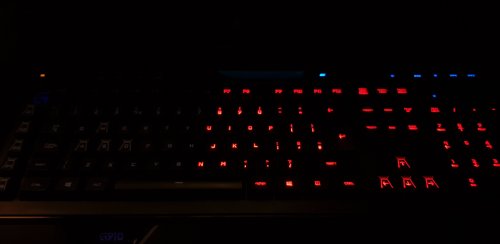 Hey, not sure if this is still being worked on or not, however, I am curious. I just got a G213 which is RGB but via zones not per key, is it locked down to only one color or is it possible to make at least the zones flash red+blue? I really like this idea, just the non-changing flash speed is a bit of a let down for me (due to my keyboard, not this mod obviously). But keep up the great work!.