


Deadf1sch
Members
-
Joined
-
Last visited
Everything posted by Deadf1sch
-
No, it says not to contact him for support :p, I just need stock handling lines now... Thanks @BOVRILwares, much appreciated bro, -Deadf1sch
-
It was the Flashpoint Undercover SUV, I am quite sure it wasn't the file becuase I did take it out and replace it with no luck. I took the POLPAT handling line out completely and my game runs, however I am now unable to use an SUV... -Deadf1sch
-
-
A bunch of random in game screen shots, hope you enjoy!
-
-
-
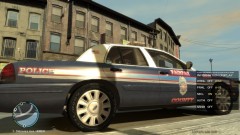
From the album: Randoms
-
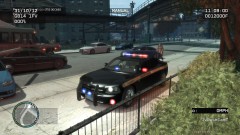
From the album: Randoms
-
Hey everyone, I am new to the PC world of gaming and absolutely love the LCPDFR mod, it provides an infinite amount of fun. However I have run into a issue as of late. I downloaded a new Police SUV, and usually they come with a handling line already, however this one didn't. So I (stupidly) decided to mod the Handling line myself, the read me said to just copy and paste. So I did just that but now the lines spacing is different from the rest, and now I cannot load the game. It goes through the characters on the loading screen and then shuts down and goes back to my desktop. I have had the game for a few months now, and have many modded cars with no issues, it seems as though I messed up the game by editing the handling line? Is that possible? That's the only thing I can think of. I was hoping that with all the knowledge of this game on this site, someone may be able to help!! Cheers, Deadf1sch


