




YUGEKUNAMii
Members
-
Joined
-
Last visited
Everything posted by YUGEKUNAMii
-
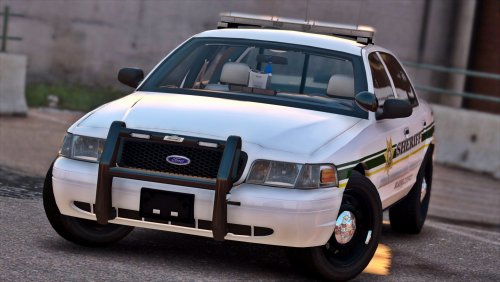 Love this pack, the only issue I seem to have is that playing with "NaturalVision Remastered" the sheriff car becomes distorted (photo attached) are you aware of this "bug" or is there a work around for this? As you can see I even tried to interchange the Charger with the CVPI and it did not change anything. Any help would be appreciated. 5/5 mod
- 29 comments
- 22 reviews

