


T39S
Members
-
Joined
-
Last visited
-
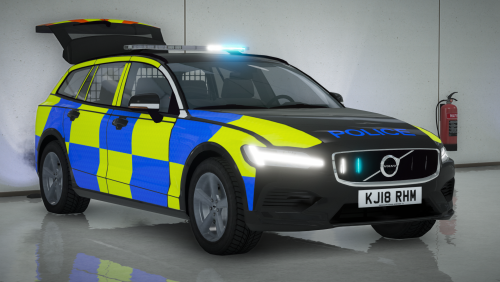 Hi again, What line is it to change the colour? and is there a specific number for white or do you just type 'white'. Also, if I were to use a native trainer to change the colour, would AI driving the same vehicle have their cars white also? Thanks
- 9 comments
- 2 reviews
-
Hi, Great car!. But quick question, how do I make the body white!. I have changed the skin inside open iv a few times and no matter if i change the livery, it's always in black! Help please Thanks
- 9 comments
- 2 reviews
-
Hi, I am having issues with the sheriff files. I am putting cars I would like in the sheriff.ytd/yft etc. slots in open IV, and they appear to be in working order in the model viewer. However when I go into the game and spawn the sheriff car, it loads the model, but the paint work/skin is corrupted and changes from purple to white and then black and yellow and the lights are white!?. I do not know how to fix this, can anyone help!? Thanks
