


t.e.d.s
Members
-
Joined
-
Last visited
-
-
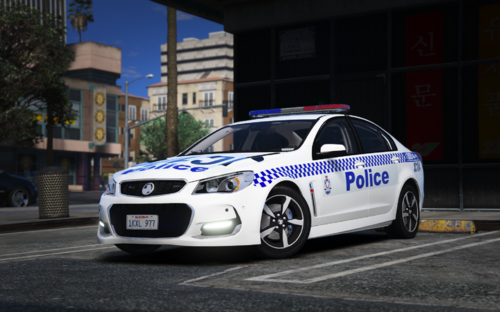 these are amazing! thanks so much for all your hard work 🙂
 -
-
-
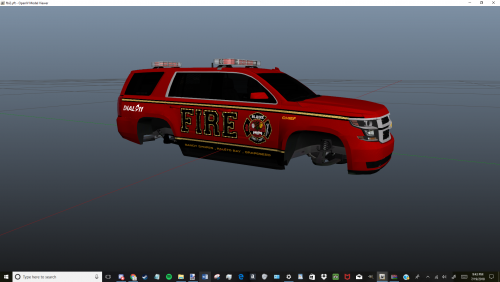 The fire chief is by far my favourite and great detail. However, I've been running all 3 skins as I cant decide which one! Nice work 🙂
- 1 comment
- 2 reviews
-
-

- 1
-
-
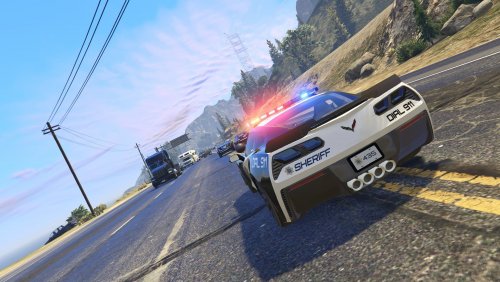 absolutely love the work you've put into this! The corvette... what a dream and all the liveries look fantastic on every vehicle 🙂
- 50 comments
- 15 reviews
-
-
- 1
-
-
-
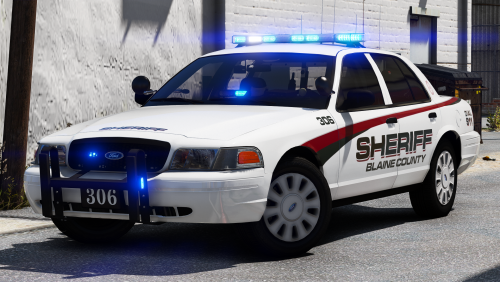 Awesome work and love every pack you've made and all the detail you put into each model! May i ask, I've installed the charger as the slicktop but how do I change it to unmarked? I want it to be the same colour as your screenshot in blue/green. ty :)
- 43 comments
- 16 reviews
