


BIGBOSS2K15
Members
-
Joined
-
Last visited
-
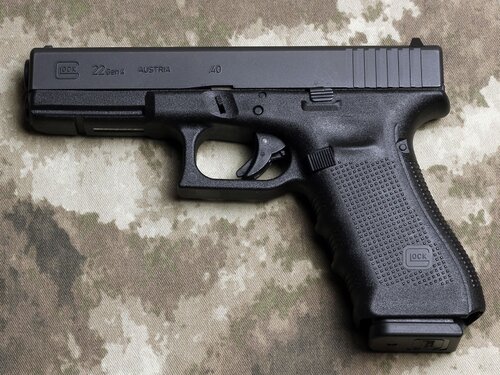 yalls issue is that these files are .mp3 and not .wav - convert them yourselves and it will work, same reason why it doesnt give you the prompt to replace the files - 2 different file types 🙂
- 14 comments
- 2 reviews
-
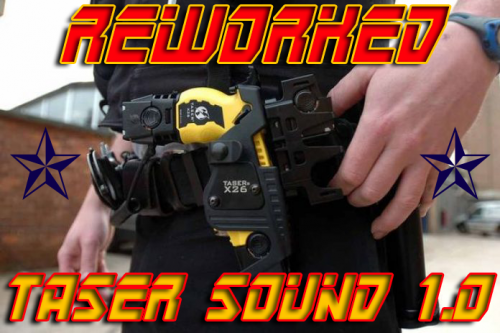 I need help, I tried getting it to work and I know my whole folder is muted, I would love to know the capacity from the new update, I have 19,037 KB in my weapons.awc folder, and it still wont work, I tried other sounds but it keeps getting muted, so I would love to know how much I shouldn't exceed on it.
- 20 comments
- 7 reviews
-
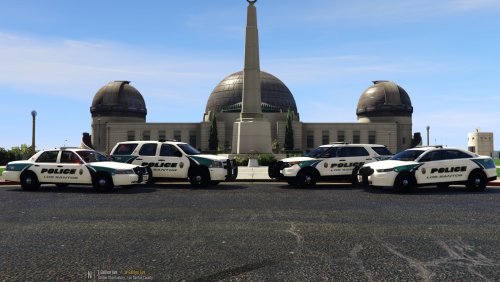 What car Pack was used in your Pictures? Can you send the link?
