




Chris T.
Members
-
Joined
-
Last visited
Everything posted by Chris T.
-
I actually ended up skinning for him so....not really.
-
-
I would happy to, if you are able to send me a car pack or cars individually. Please make sure the pack has templates. I am still relatively new to skinning for gta 5, but I will still give it a shot.
-
Thanks for the feedback, will take this into consideration. If the post doesn't get any other better replies, it will be a 100%.
-
Hello LSPDFR Community, I would like to know what agencies/departments would you like to see. Please keep in mind I am a relatively new "skinner." I am personally from California so I was thinking: Note: - Skins will be Lore-Friendly (Ex. will say "Los Santos" instead of "Hemet") - Skins will only be in packs if I can find enough information and have enough time to dev skins for multiple cars Hemet Police Department Oakdale Police Department Santa Clara County Sheriff's Office Have a good rest of your day! P.S. Also check out my LSPDFR Tributes 😄
-
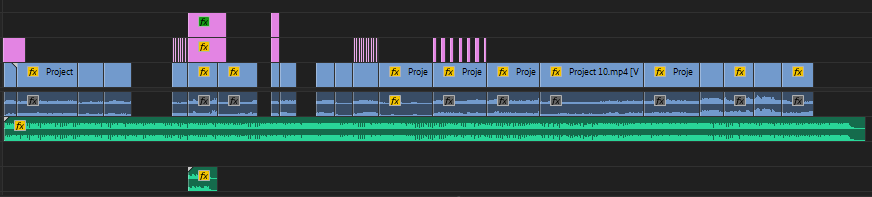
Quick update! LSPDFR Tribute #3 will be released tomorrow (Sunday 4/14/2019) I need about 5 more clips till completion. Hope everyone will enjoy.
-
I put together clips and put a song over it. Please vote on the poll for the next song. (Should be released before the end of this week) Make sure to check out LSPDFR Tribute #1:
-
Hello everyone, just want to say I am not a professional and barely know how to edit videos. I edited this video to my best ability. If you have suggestions of other songs, feel free to notify me of them. I was thinking either "Human" by Rag'n'Bone Man, or "Hall of Fame" by The Script. (Vote on poll) Wishing everyone a great rest of your day. Hope you enjoy! https://www.youtube.com/watch?v=628YQuXzSyg&feature=youtu.be


