


CursedSincexBirth
Members
-
Joined
-
Last visited
Everything posted by CursedSincexBirth
-
-
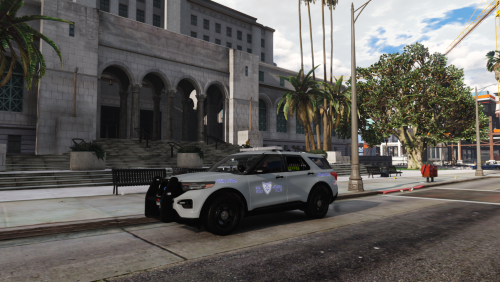 Trying out the other 2 here in a min but great work and thanks for sharing! I will definitely keep this in for a while.
- 8 comments
- 4 reviews
-
-
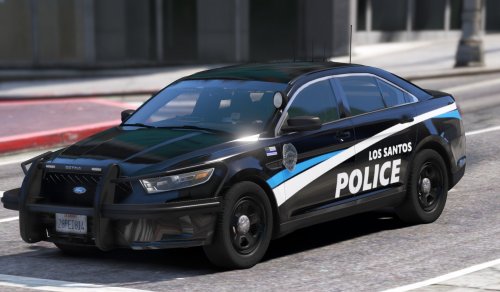 These are perfection and you my friend are greatness!
 -
-
-
-
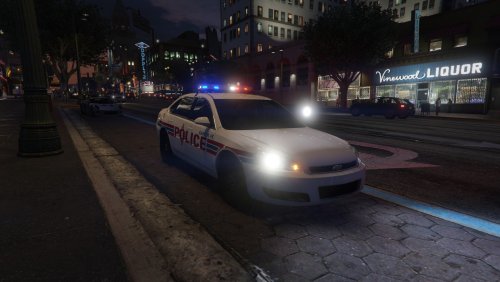 I will fix in next update. Forgot about that lol.
 -
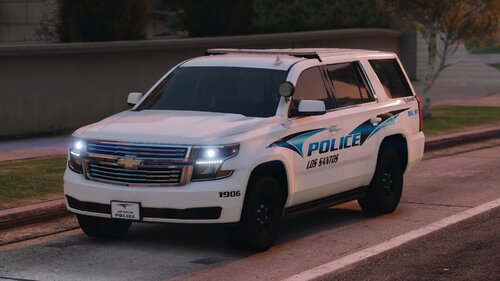
Might create a small pack but for now here is one skin. Looking for somebody to make me some models for a legit pack. If interested pm me, I will pay of course. Impala used (RED)
-
-
LSPDFR was working then crashed and keeps crashing. my crash log says Failed to decrypt files:lspdfr/stats.dat. I've checked and the file is there so I'm lost. If anybody knows how to fix please let me know. thanks! RagePluginHook_14102021_231719.log
-
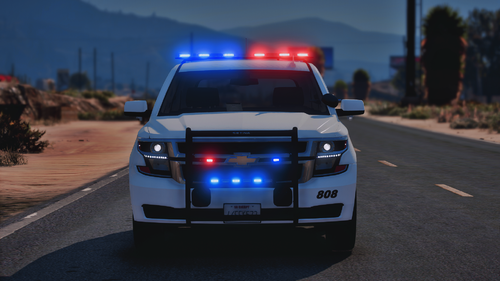
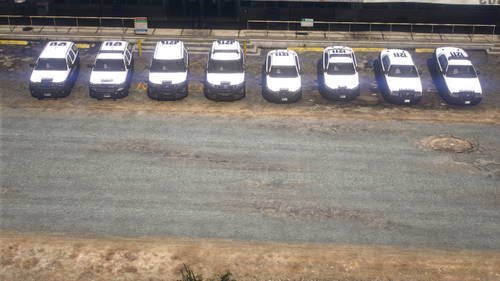 There is some bugs within the pack. So far I've used all of the slick tops other than the Crown Vic. After trying them and seeing your vehicle set ups I thought they'd be perfect for a reskin of New Mexico State Police. These Skins used are lore friendly versions made by Sinnisa. If you can fix the bugs on the Slick top Taurus, Explorer, and Tahoe you'd be able to release a pretty sweet lore friendly NMSP pack with those vehicles. Here's a pic of the Tahoe to show you how they'd look. Just some food for thought though. I appreciate the pack and hope to see more of your work as you improve this skill. Bugs I've Seen in case you are unaware: 1. Taurus disappears at a certain distance. 2. Tahoe has floating light circle over roof when police lights are on at night and you are a medium distance away from your vehicle. 3. Explorer plastic around the vehicle looks a bit strange but could be my graphics mod. May also have same floating light circle issue as the Tahoe.
- 16 comments
- 1 review
-
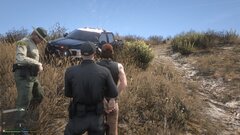
From the album: Albucrazy/NM State Police
-
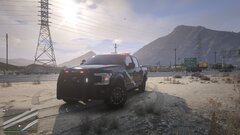
From the album: Albucrazy/NM State Police
-
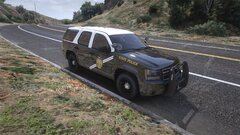
From the album: Albucrazy/NM State Police
-
 Try turning up your graphics if possible, that's if you don't have them up already. My old pc which had a RX 550 had that issue (LowSettings) but now with my new pc (VeryHighSettings) the same vehicles that did that no longer do not even with graphic mods. I could be wrong but its worth a shot.
- 18 comments
- 4 reviews
-
-
1. Vehicles have LOD's which is a major plus because I hate when great packs are ruined by not having them. 2. Skins are fire! 3. Comes with custom lighting patterns that change. 4. Thank you. You did a great job!
- 18 comments
- 4 reviews
-
-

- 1
-
-
 Been using this pack for years on and off so I apologize for the late review but its still solid till this day and I do recommend trying at least once is your LSPDFR experience.
- 114 comments
- 37 reviews
-
-

- 1
-
-
-
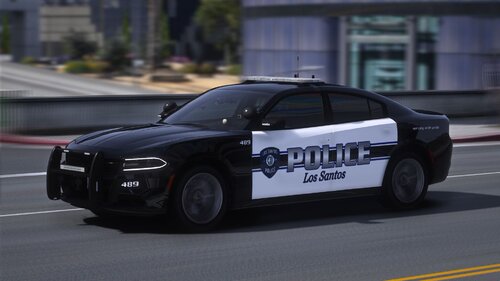 Great pack, I like it a lot!. You did a good job but I've noticed LOD issues on the vehicles, If you could get those fixed that would be dope and I would definitely download again:)
- 83 comments
- 5 reviews
-
-
-
- 2
-
-
-
.thumb.png.4ab504d37fbd8b768097f8ccbc502e95.png) Without a doubt the best pack to ever hit LSPDFR! You did an amazing job and I appreciate you sharing these with us. Hope to see more from you!
Without a doubt the best pack to ever hit LSPDFR! You did an amazing job and I appreciate you sharing these with us. Hope to see more from you!- 77 comments
- 12 reviews
-
-
- 1
-
-
.thumb.jpg.0349c60fdbc8a9b9a401f94f41059bb8.jpg) Great pack! I've used only a hand full of vehicles so far and they're very high quality and look awesome. There is few minor issues I've noticed that I don't mind at all but I will say just in case you're not aware of them. Some vehicles are in the wrong folder names. I cant remember which ones exactly but there was a few. CVPI (Rotator Version) - Environmental lighting is only flashing towards the rear & Decal on back bumper isn't centered. 14 Charger - Rear red light looks orange and doesn't match light bar.
Great pack! I've used only a hand full of vehicles so far and they're very high quality and look awesome. There is few minor issues I've noticed that I don't mind at all but I will say just in case you're not aware of them. Some vehicles are in the wrong folder names. I cant remember which ones exactly but there was a few. CVPI (Rotator Version) - Environmental lighting is only flashing towards the rear & Decal on back bumper isn't centered. 14 Charger - Rear red light looks orange and doesn't match light bar. -
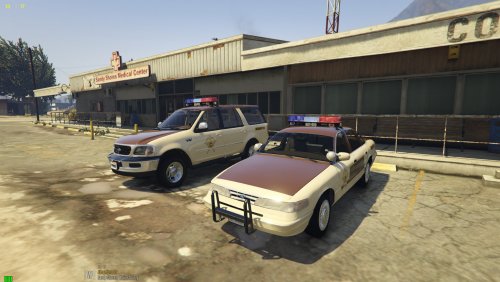 Being a huge fan of retro vehicles I absolutely love these! but sheriff2 and police3 light bars are not working correctly. Please fix so I can keep in!:)
- 92 comments
- 4 reviews

.thumb.png.2ab768efcbe65de23a7d11999ca83cb8.png)

.thumb.png.4ab504d37fbd8b768097f8ccbc502e95.png)
.thumb.jpg.0349c60fdbc8a9b9a401f94f41059bb8.jpg)
