CursedSincexBirth
-
Joined
-
Last visited
Everything posted by CursedSincexBirth
-
From the album: My Skin Packs
-
From the album: My Skin Packs
-
From the album: My Skin Packs
-
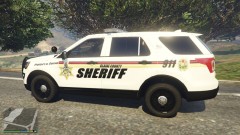
From the album: My Skin Packs
-
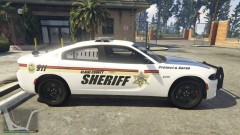
From the album: My Skin Packs
-
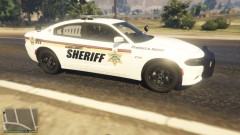
From the album: My Skin Packs
-
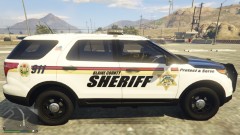
From the album: My Skin Packs
-
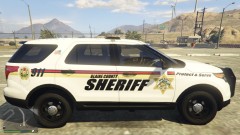
From the album: My Skin Packs
-
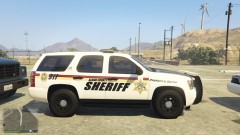
From the album: My Skin Packs
-
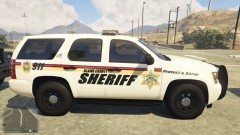
From the album: My Skin Packs
-
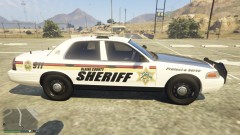
From the album: My Skin Packs
-
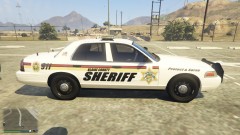
From the album: My Skin Packs
-
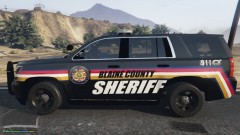
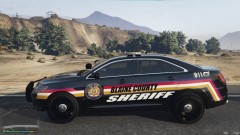
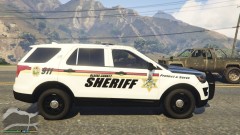
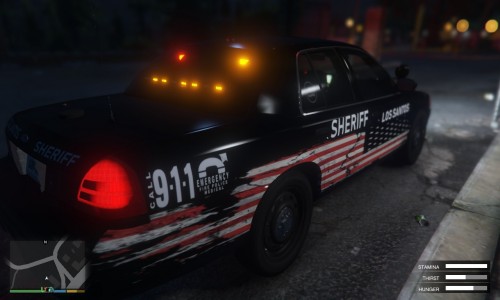 Some skins I had made for TickleMyElmo's Pack but then realized they look and go a lot better with toys New York State Police Mega Pack.
 -
-
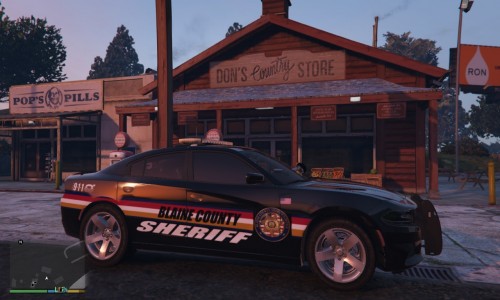 Switched models on this Pack also. will start the rest of the vehicle pack soon.
 -
-
-
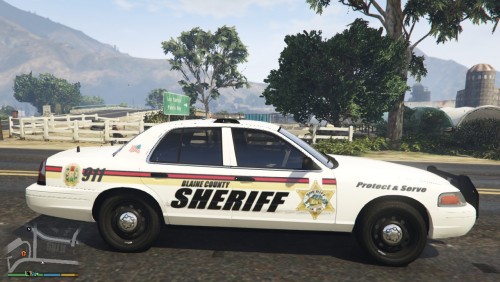 Got bored so I decided to try and make some skins worthy enough to share with everybody. Hope you guys like them!. These are my first skins so they may not be perfection but I will keep updating to give you guys the best quality I can put out. The Vic has 3 variants of the skin and all other vehicles have 2.
- 7 comments
- 1 review
-
-

- 1
-
-
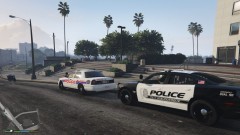
From the album: Albucrazy/NM State Police
-
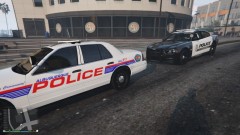
From the album: Albucrazy/NM State Police
-
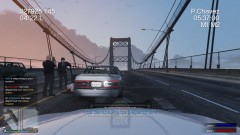
From the album: Albucrazy/NM State Police
-
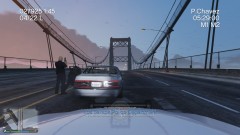
From the album: Albucrazy/NM State Police
-
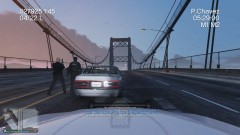
From the album: Albucrazy/NM State Police
-
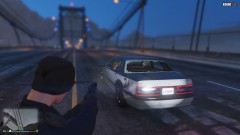
From the album: Albucrazy/NM State Police
Suspect ended up taking a couple of bullets during the pursuit. Officers had no choice but to stop her with force after she opened fire on them and passing vehicles. -
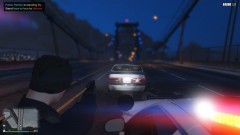
From the album: Albucrazy/NM State Police
36 I think she got hit in the pursuit.