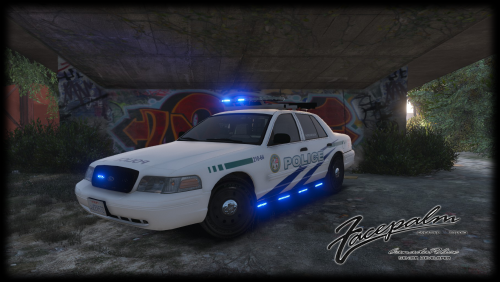
Mathis2003
Members
-
Joined
-
Last visited
-
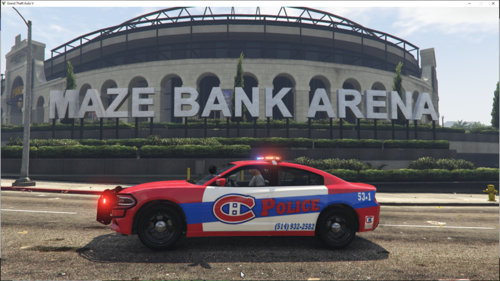 tu mérite de te faire lancer des roche
 -
-
-
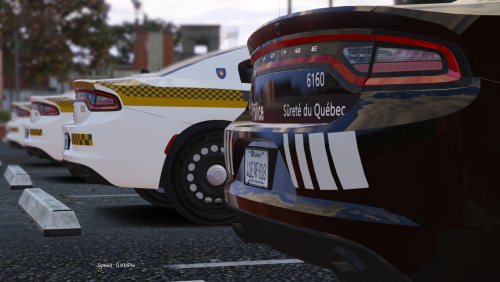 tu ne peut pas passer les fichier yft, ytd ect ? et petite idée! mettre les flèche sur le ford explorer sa serai super !
- 31 comments
- 2 reviews
-
-
-
-
-
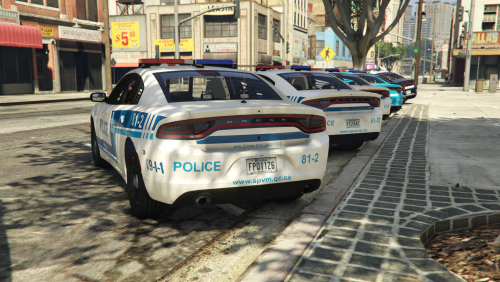 Salut, et merci pour ces magnifiques skin, mais j’aurau une petite question pour toi lorsque je les mets dedans mon jeu tout est beau mais quand je veux les mettre dedans fiveM les gyrophares sont “bugger” ps. J’adore t’es video continue comme sa!!!
- 24 comments
- 1 review