


Hoxlar
Members
-
Joined
-
Last visited
-
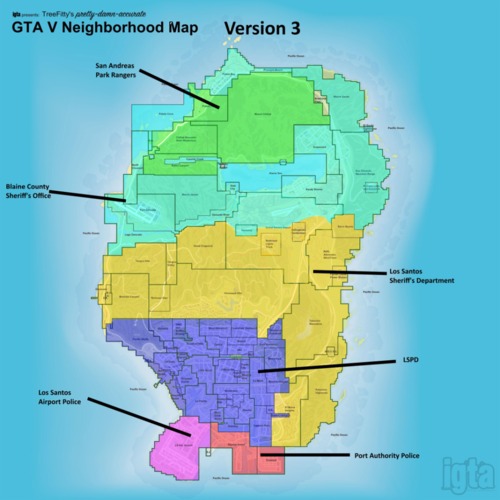 For anyone looking on how to find the new map location to install this since the new update: mods-update-update.rpf-x64-data-cdimages-scaleform_generic.rpf What you'll need to do to access the content inside the OIV file is to just export it to a folder and open it with either winrar or 7-zip ect. You'll find a folder called "content" and when you open it you will see 7 more folder's. Inside 6 of those folder's is part of the minimap you will need to replace in the path I referenced above. One of the folder's will contain a mapzoomdata.meta replace the one in mods-common.rpf-data-ui with it. If you do not have the common.rpf file inside your mods folder just copy it over from the main directory. I hope this help's someone who was looking for an answer like I was!
- 62 comments
- 1 review
