


TorturedChunk
Members
-
Joined
-
Last visited
Everything posted by TorturedChunk
-
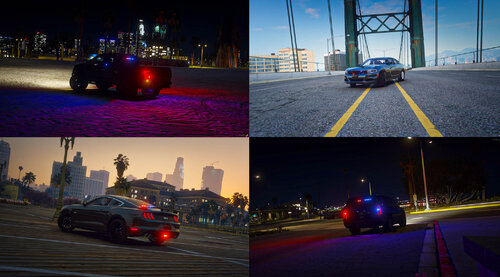 I was able to get these to load in LML after correcting the handling.meta. The file has multiple errors around lines 250. Using an XML Validator and proper handling.meta format, you can easily correct the issues.
 -
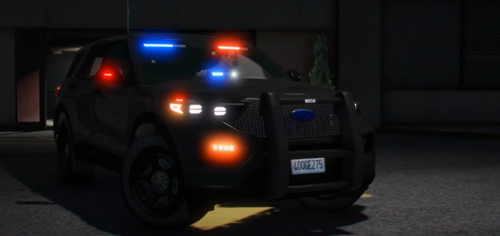 Fair point on the handling.meta but you included the file, why not point to it? The resource.lua is still incorrect for the pathing (data) to the meta files. I mean, if you release a car, why not ensure it has a default siren and horn? To each their own I suppose.
 -
Issues with this vehicle: file path does not match resource.lua (files in "data" folder but resource isnt pointing there) resource.lua is missing the handling_meta data file (data_file 'HANDLING_FILE' 'handling.meta') but the file exists Lights are ok but no sound for Siren or horn. Nice looking model though. Hope to see these corrected as well as some updates for others to enjoy it.

