Skip to content
View in the app

A better way to browse. Learn more.

LCPDFR.com

A full-screen app on your home screen with push notifications, badges and more.

To install this app on iOS and iPadOS
  1. Tap the Share icon in Safari
  2. Scroll the menu and tap Add to Home Screen.
  3. Tap Add in the top-right corner.
To install this app on Android
  1. Tap the 3-dot menu (⋮) in the top-right corner of the browser.
  2. Tap Add to Home screen or Install app.
  3. Confirm by tapping Install.

Officer Lappy

Members
  • Joined

  • Last visited

About Me

Honestly there isn't much to put here but I guess I can find something to put down.

I was a former DOJRP member, I was in BCSO and SAHP for a couple of months, but now I am a current member of OCRP. I build computers and really enjoy doing it. I also enjoy shooting; I got a degree in the science of firearms technology. I'm in the process of becoming a law enforcement officer. Also not to weird anyone out but I'm a furry and I don't really care what you think about it. 

"The future doesn't belong to the fainthearted; it belongs to the brave." - Ronald Reagan


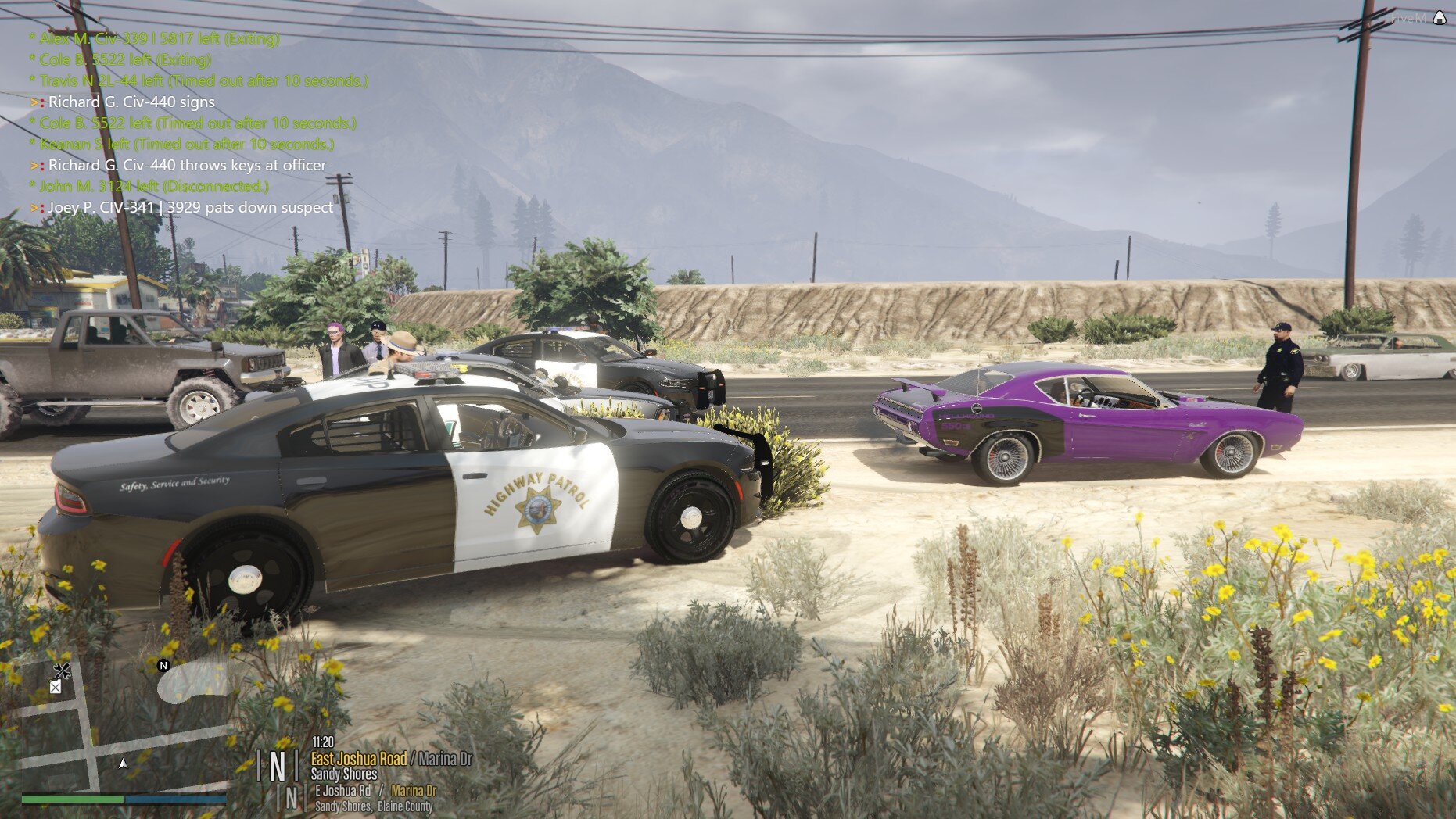
20180712173709_1.jpg

20180710201023_1.jpg

20180710205251_1.jpg

20180710193333_1.jpg

Account

Navigation

Search

Search

Configure browser push notifications

Chrome (Android)
  1. Tap the lock icon next to the address bar.
  2. Tap Permissions → Notifications.
  3. Adjust your preference.
Chrome (Desktop)
  1. Click the padlock icon in the address bar.
  2. Select Site settings.
  3. Find Notifications and adjust your preference.