


kane9282
Members
-
Joined
-
Last visited
Everything posted by kane9282
-
@MrSmooth708 if you were asking why, it did that on its own when I had multiple windows up. But I did look in forums and see that it was also a solution for others.
-
@MrSmooth708 ya I did, and worked perfect.
-
@johnspecht0625 I stand corrected, it wasn't any of the other plugins, it was the resolution of the game. You have to match up the resolution for the certain things to come up.
-
@johnspecht0625 not really sure I took everything out, but computer+, and put everything in one at a time and checked it every time i put a plug in back in.
-
@johnspecht0625 THAT GOT IT!!! Thanks a ton for your help and patience.
-
@johnspecht0625 gotcha, ill try that
-
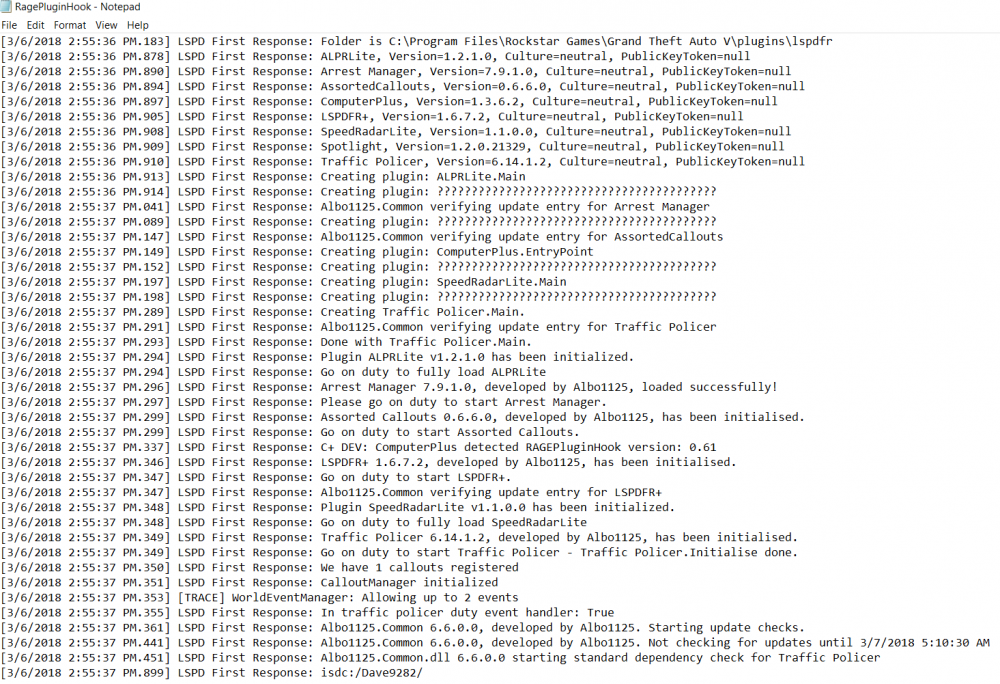
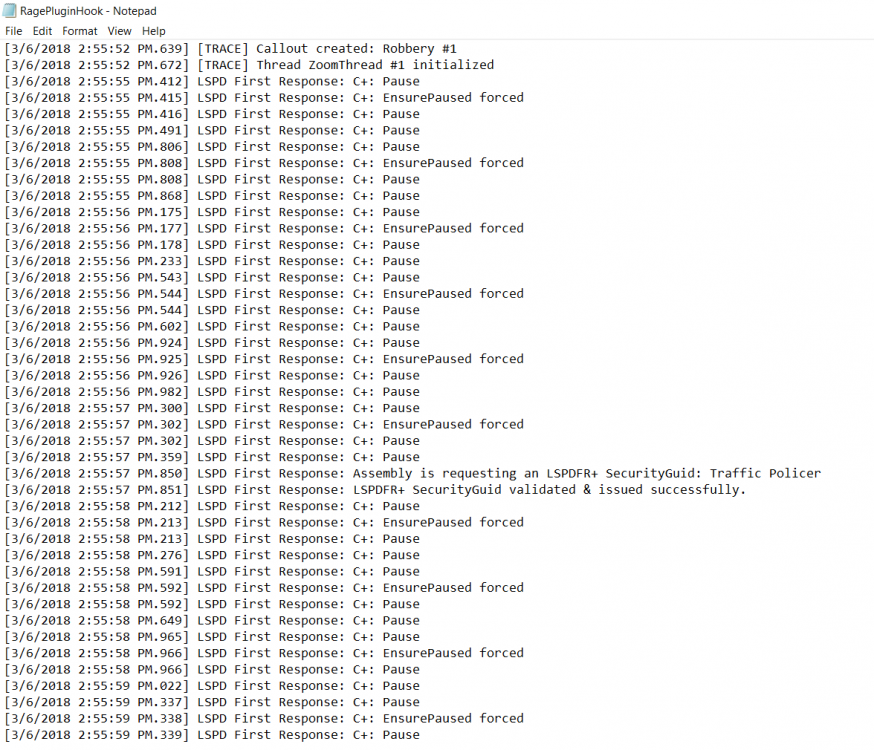
I have been trying for weeks to get computer+ to work with no success. I have uninstalled it, reinstalled it, tried all three most recent versions as well. Every time I install and activate it in game, all that happens is a one second pause, and nothing. I have also changed the key bindings so Computer+ is the only thing using the E key. Please help.....
-
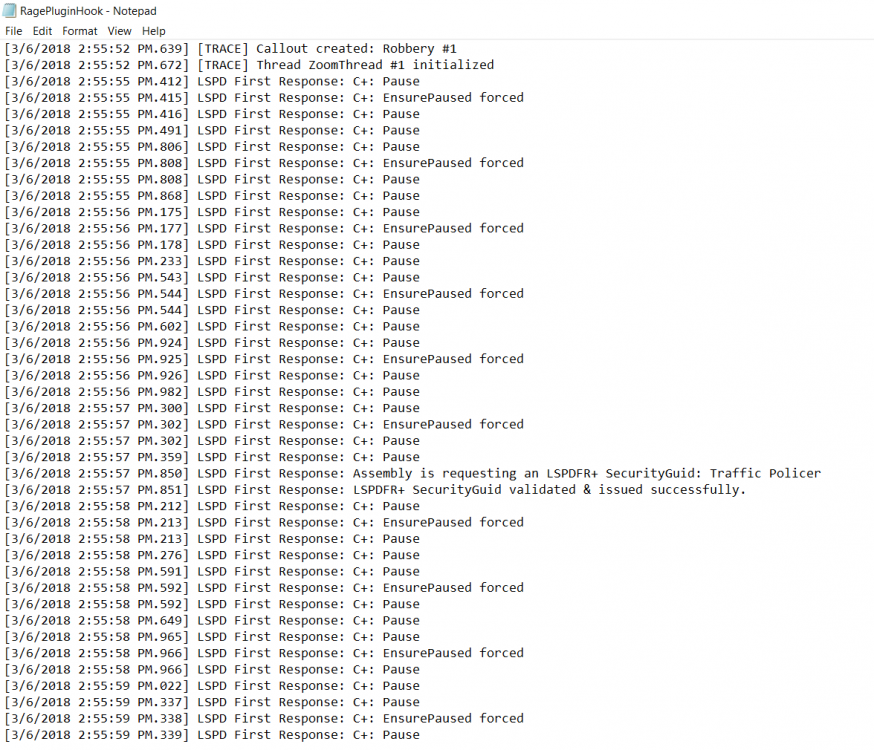
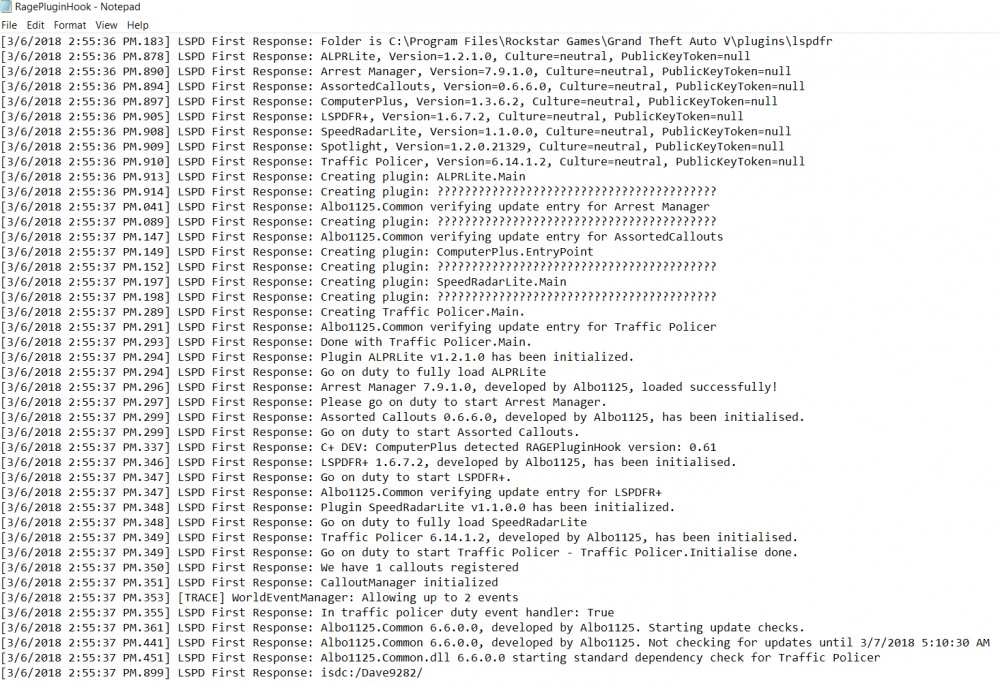
@johnspecht0625 I tried trouble shooting with no luck, check this out though
-
@johnspecht0625 how would i go look at that?
-
@johnspecht0625 that didn't work either
-
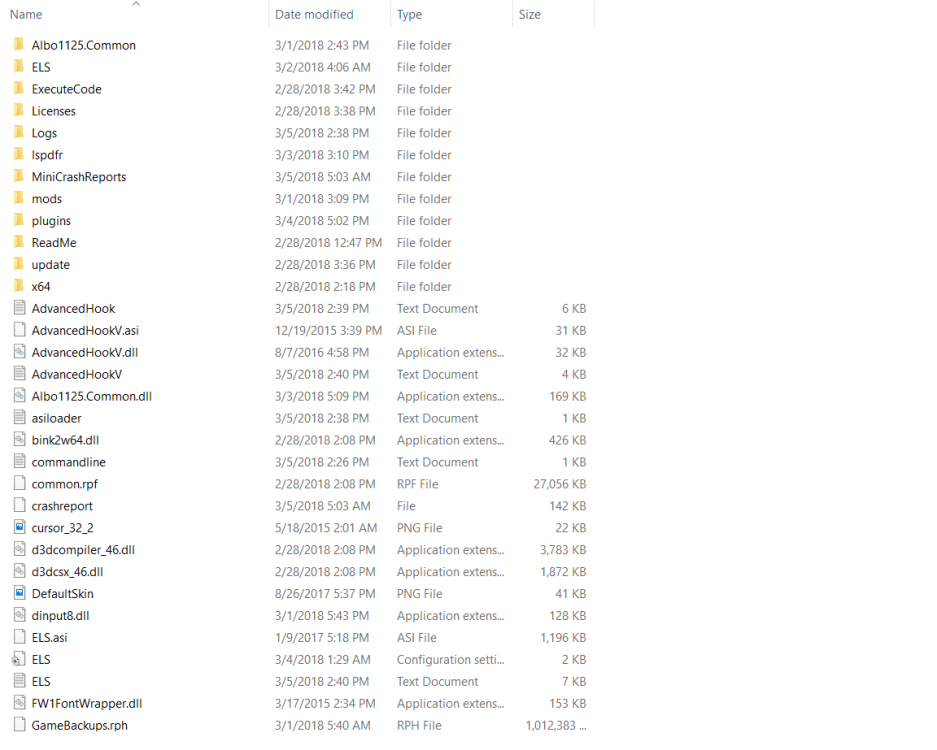
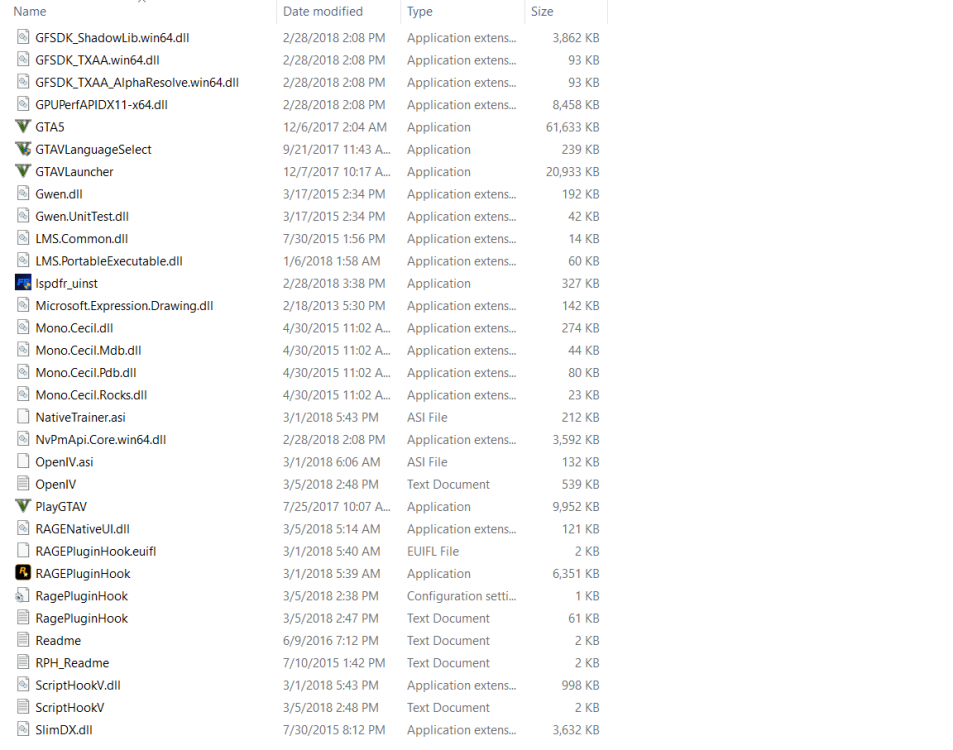
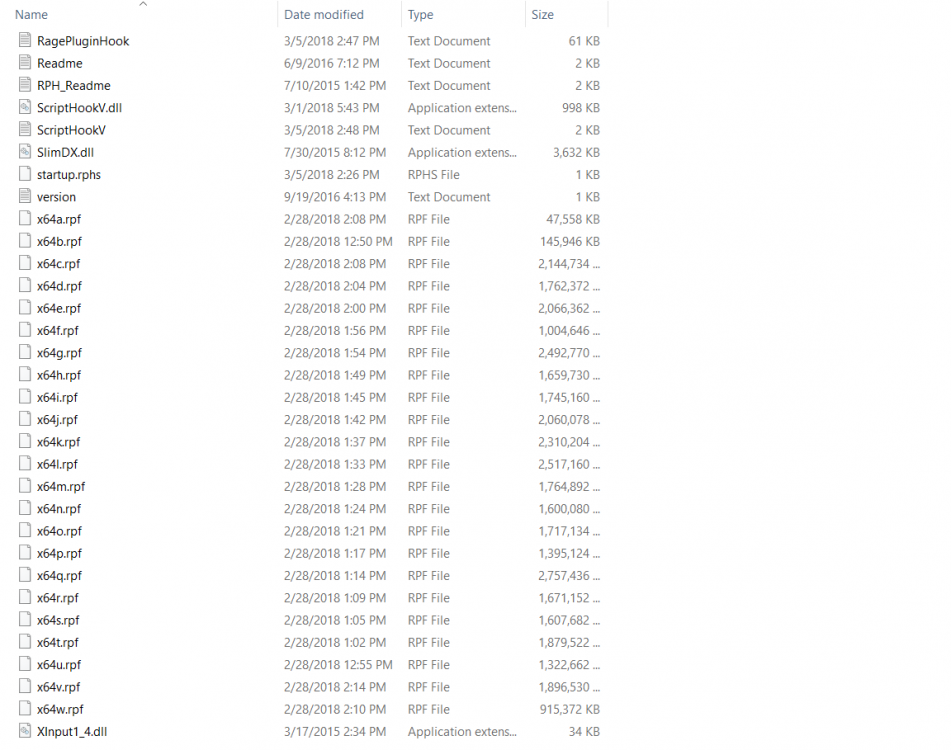
@johnspecht0625 im assuming you mean this
-
@johnspecht0625 i do have LSPDFR+ installed
-
@johnspecht0625 ya its in that folder, i triple checked @Loxxyyy no i don't have them, would that help?
-
I have been trying for weeks to get computer+ to work with no success. I have uninstalled it, reinstalled it, tried all three most recent versions as well. Every time I install and activate it in game, all that happens is a one second pause, and nothing. I have also changed the key bindings so Computer+ is the only thing using the E key. Please help.....



