


JacoFluff
Members
-
Joined
-
Last visited
Everything posted by JacoFluff
-
Is there a way to update LSPD:FR and/or EUP Menu Character Creation to show Added Hairstyles and clothing items? Only way I can Use the Custom Hairstyles and Clothing is by using Simple Trainer to update/change.
-
I’ve gotten this to happen as well. Slightly annoying, Couldn’t allow me to tab out or force close the game
-
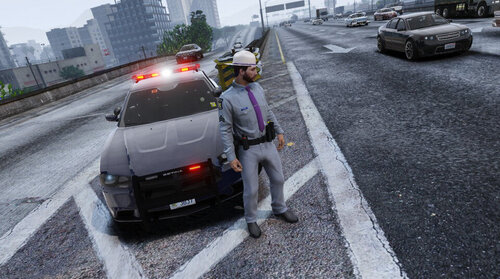 NYSP’s ties have a flat end to them, not a point. As you can see in this picture
- 44 comments
- 3 reviews
-
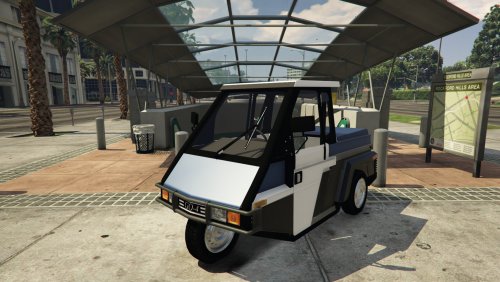 Would you be able to change the file type to .obj from .z3d?
 -
 Where is the mod for the peds? If so please reply a link if possible?
 -
-
-
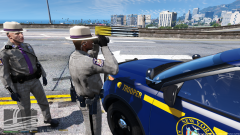
.thumb.png.c3f6d41eb9509122490ca92f0590b0a1.png) The blue color has a light tint of purple in it, I know a lot about NYSP because I work with a NYSP barracks.
The blue color has a light tint of purple in it, I know a lot about NYSP because I work with a NYSP barracks.- 14 comments
- 1 review




.thumb.png.c3f6d41eb9509122490ca92f0590b0a1.png)