
DarthVanDuke
Members
-
Joined
-
Last visited
Everything posted by DarthVanDuke
-
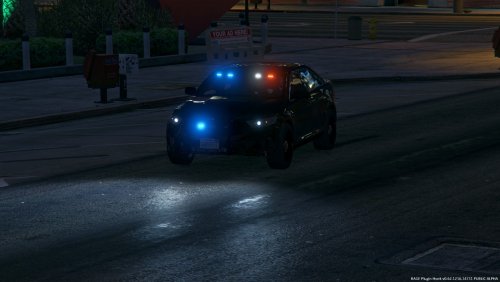 This pack is absolutely wonderful, as a resident of Vancouver, I can safely say these cars are spot on, on all but one feature. Wig Wags for the main headlights. Great job on these cars. Unfortunately I am having a problem with the FPIS in your latest update. Thank you for your hard work.
- 80 comments
- 28 reviews