

JMark
Members
-
Joined
-
Last visited
Everything posted by JMark
-
-
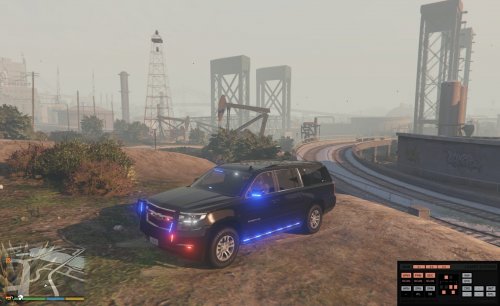 It literally takes less than 5 minutes to do with Zmodeler. There are tons of vids on youtube or if you want I can help you.
- 87 comments
- 22 reviews
-
Looks great. Awesome job. Can you make the windows breakable in the next version?
- 87 comments
- 22 reviews
-
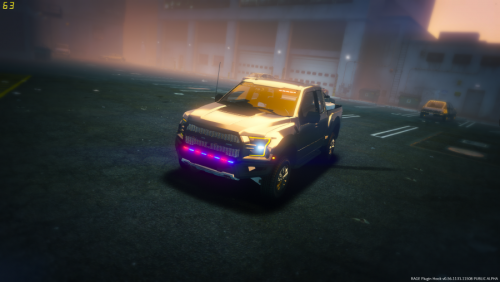 Beautiful model! Great detail and light patterns. However, is anyone having issues with Extra 8 not being used? It controls the rear lights. I think it may be an issue with the XML. Any help would be greatly appreciated.
- 12 comments
- 9 reviews