


wayneauker
Members
-
Joined
-
Last visited
-
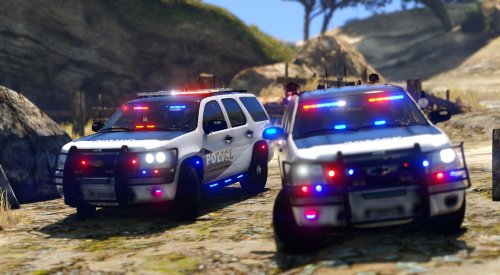 Update: I reinstalled ELS v1.05 and I can at least get the lights to turn on and they do correct sequences, but they don't flash. They're just a color. EDIT: Also I forgot to mention, it lights up the area behind the vehicle as it should, but not the sides or front. Here's a screenshot: https://www.dropbox.com/s/mswh813ravn664e/Whytho.png?dl=0
- 67 comments
- 36 reviews
-
For the life of me I can't get my ELS to work... I can spawn the vehicle but the lights won't work no matter what I do.
- 67 comments
- 36 reviews
