


Spacey
Members
-
Joined
-
Last visited
Everything posted by Spacey
-
Yeah, it's stupid, i get around 60FPS everywhere, but when i load LSPDFR it drops just a little bit, barely noticeable, but some time later it just goes down to 40-30, specially in the city, removing Albo's plugins have increased my FPS but damn.
-
I've noticed that by uninstalling LSPDFR+ and Arrest Manager my FPS increased, however i think it all went to hell when i installed Better EMS, how to uninstall it?
-
Updating, in some parts of town my FPS decreases to 30FPS, weirdly enough it's like it's locked like that, however everywhere else it's 60 (off-duty). When i look at a police station, the same thing
-
If that's one reason, theoretically if someone found a way to disable that, the performance would increase greatly?
-
Updating It seems that after removing Assorted Callouts the performance increased a bit However after i added Airport Callouts it dropped again, to around 40 fps
-
Hey guys, i'm checking out the new version of LSPDFR after about one year and i'm loving it but the performance issue is quite annoying I usually run GTA V at 60FPS on my current settings but that lowers to 50-40-30 when i'm on LSPDFR, specially when i'm looking at a police station I'm using these mods: NaturalVision Remastered Arrest Manager Assorted Callouts Crazy Callouts LSPDFR+ Search Warrant Traffic Policer
-
Or, for a better end, what can i lower on my settings to increase my fps a bit? eyeballing i'd say i'm on 40/30 right now
-
okay i got it turns out...i was indeed on the wrong file yesterday i used the mods folder to install Realistic Storms since then Rage was using that folder only, so no matter what i did outside of it, it wouldn't work, now the brightness is okay, but the FPS isn't really desirable so how can i uninstall the ENB? do i need to delete the mods folder?
-
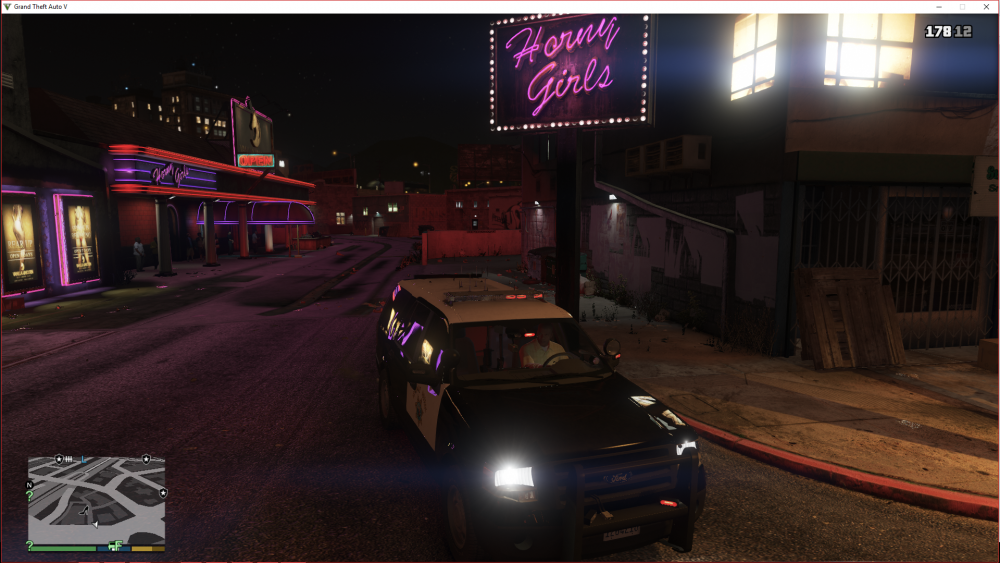
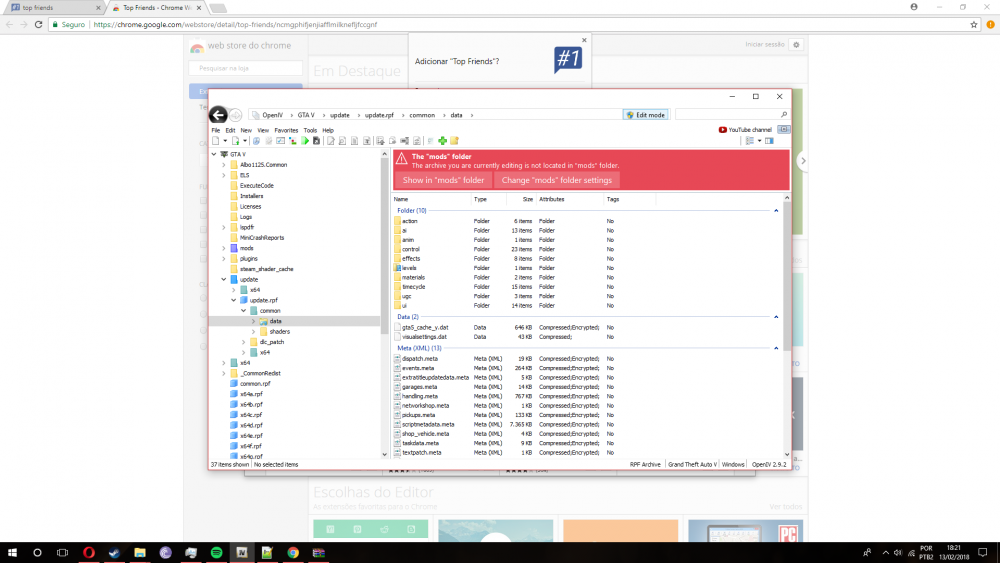
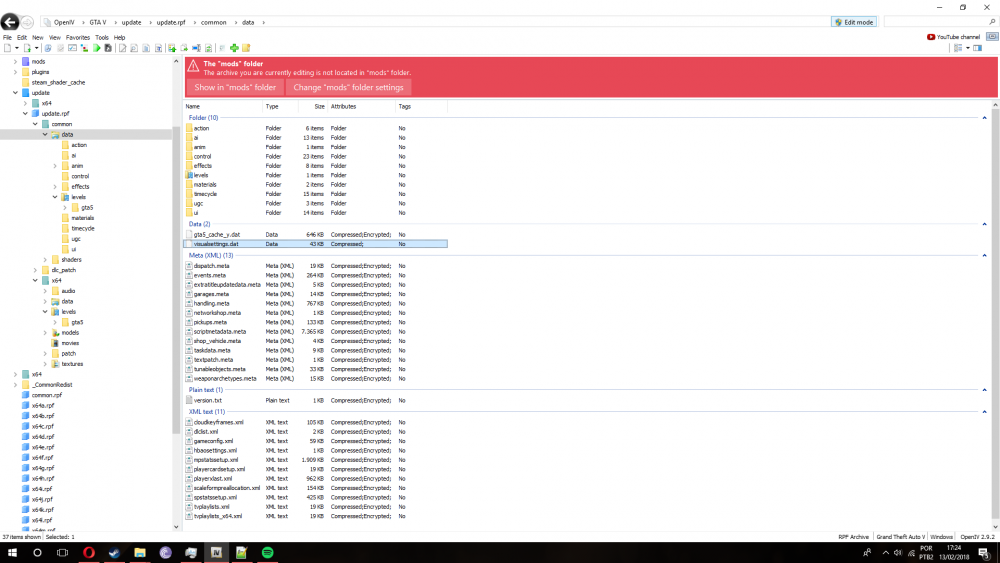
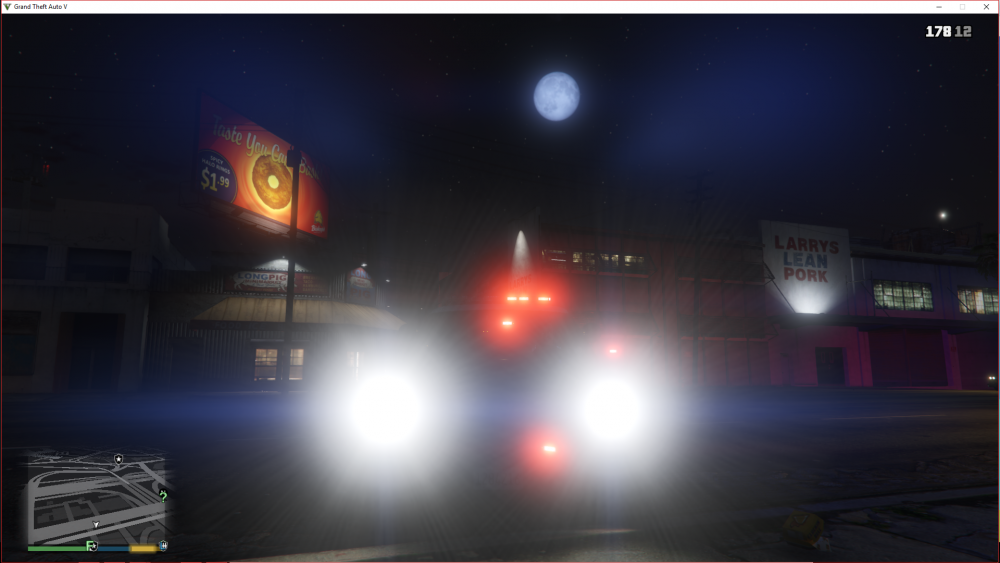
Do i have to do that? wouldn't that replace everything i've done already? Btw this is how the game is looking now, lights are very dim, emission set to 1700 VisualV has a visualsettings.data, i am replacing mine by its am i on the right folder? just to confirm
-
Update 2: Now the opposite, lights are dim no matter what i do PFX and SQ are back on Max Problem is i didn't really use the mods folder when i installed RadianceV (i didn't really know how to use it and i guess now it's too late)
-
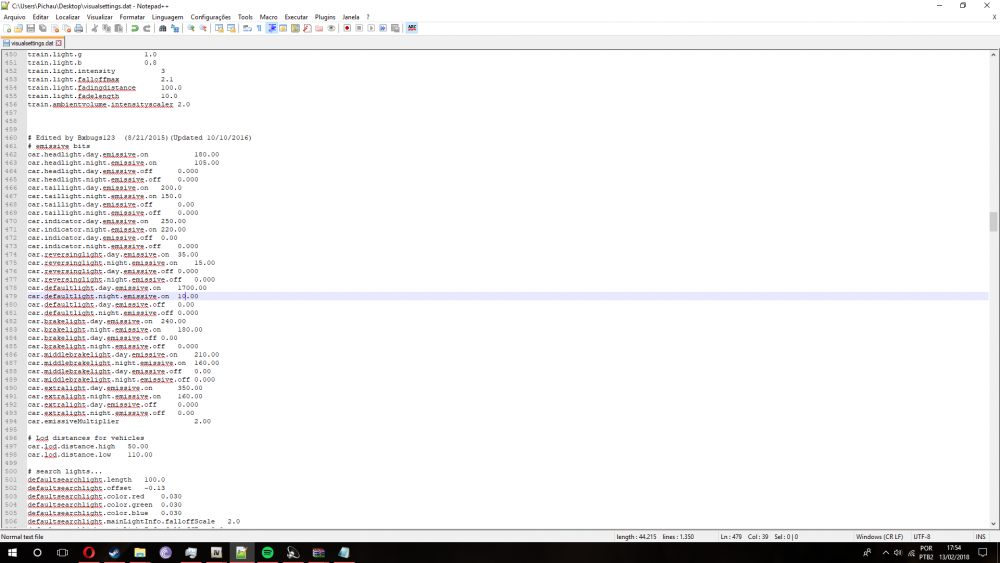
Yup, i'm installing it now but i think i'll suffer from a major FPS drop, are there any other alternatives? This is my visualsettings.dat right now, it's on 10 and still bright as hell I did these steps: Opened OpenIV, extracted visualsettings.dat to desktop, editted it with Notepad++, saved it deleted the visualsettings.dat on the OpenIV, and replaced it by the edited one, opened the game and...nothing Could you by any chance please upload your visualsettings.dat so i can be 100% sure this is not an error on my part? Update: Installed VisualV, lights are very dim, i will update my visualsettings.dat to fix it and yes, FPS drop, and when i go to LSPDFR i know i'll have a even bigger FPS Drop, any tips on optimization?
-
There are a lot of VisualV out there, which one should i download? the one i have doesn't have the OIV
-
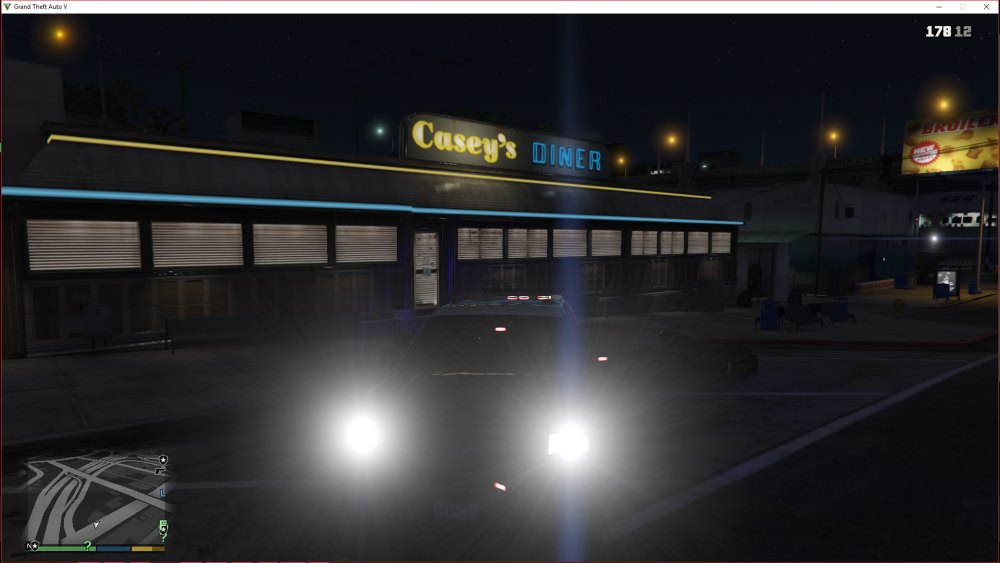
The ENB? i had downloaded it but i'm a bit confused on the installation, i mean, it's a ENB so it will hit my FPS a lot, i don't know how to install just the needed files for the brightness PostFX and ShaderQuality set on normal
-
Are there any other mods that does the same as RadianceV? i was considering bright lights but i stopped when it said it was not realistic. "Have you ever thought what it's like to be wanderers in the 4th dimension? To be exiles?"
-
Yup, most recent screenshots Everything maxed out, well except for density and such, my specs aren't so beefy but i made sure to check the PostFX and ShaderQualtiy when i installed RadianceV. they're on very high i've set the emission to 10, i'm gonna try it out This is where i am, on the OpenIV
-
What do you mean exactly? i thought i already posted a print of the files above, is it the wrong one?
-
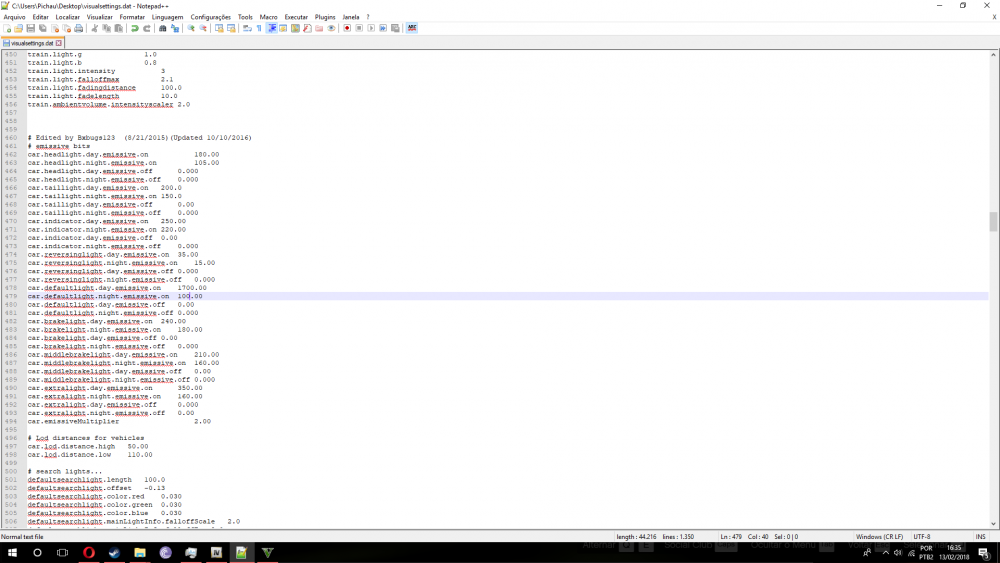
Yes and to make sure i have extracted the visualsettings.dat that i've just put on the OpenIV, and yes, it's on 100
-
I've put it on 100, but it's the same, am i doing something wrong?
-
Night is already on 1100, should i put it on 1500 or should i decrease it?
-
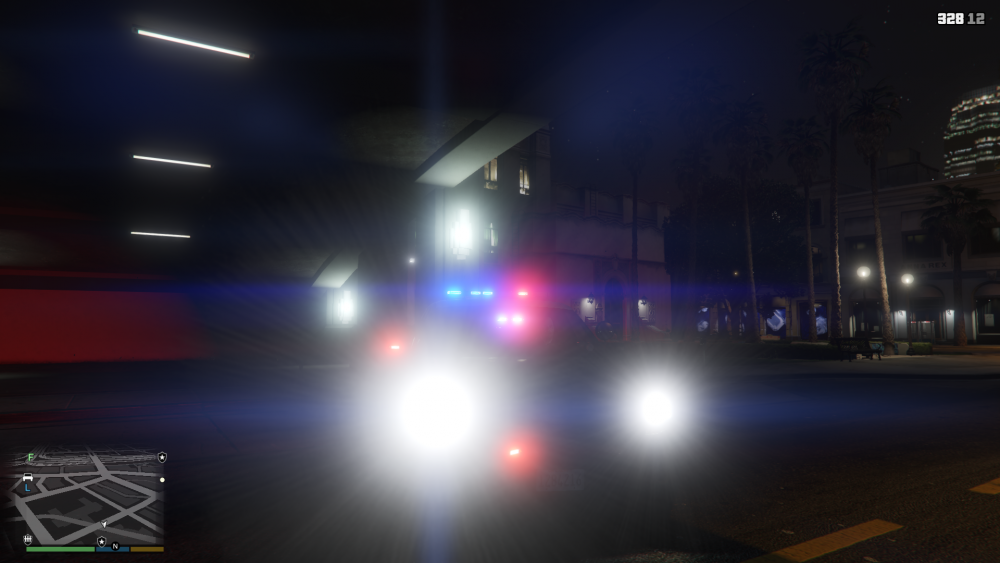
So this is a problem i've been having since i installed RadianceV i went through some posts but found nothing useful. Description: Basically, when i installed it, it looks like all the lights were replaced by the sun itself during daylight it's kinda normal, acceptable but during rains or nighttime, i can barely see anything first i thought it was a problem with my car pack, CHP, until i found a taxi on the street and it's sign was so bright that i couldn't see anything else, i'm using the latest RadianceV on Bright settings. Does anyone know what can i do to fix this? it's really annoying, i even stopped usign CHP because of this.
-
I've just installed the mod I press E but nothing works It doesn't show up It lags for a milisecond, but nothing happen, all I hear is the horn




