
MacKenzieJohnston123
Members
-
Joined
-
Last visited
Everything posted by MacKenzieJohnston123
-
Thanks. I forgot I did a clean install of GTA V and LSPD:FR a while back so I added all my mods back and forgot to replace the .dat files with OpenIV. ELS looks amazing and I'm enjoying it very much!
-
The issue has been fixed. I had to replace the visualsettings.dat. Thanks for the help.
-
I'll give that a try. Here's the links to the packs I installed.
-
They are on, but it's just the texture of the lights being on. They're from the LSSD and LSPD pack.
-
They're both maxed out.
-
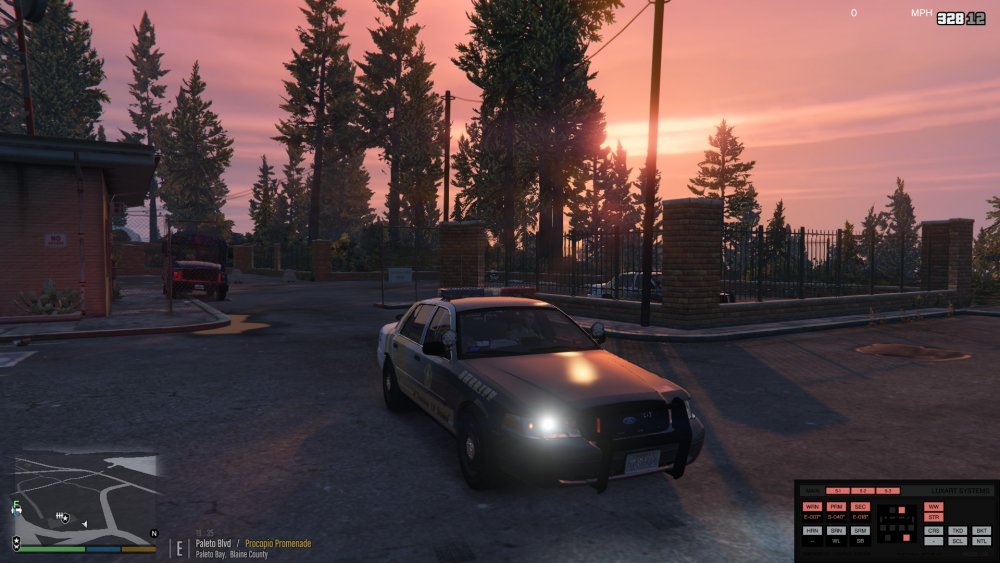
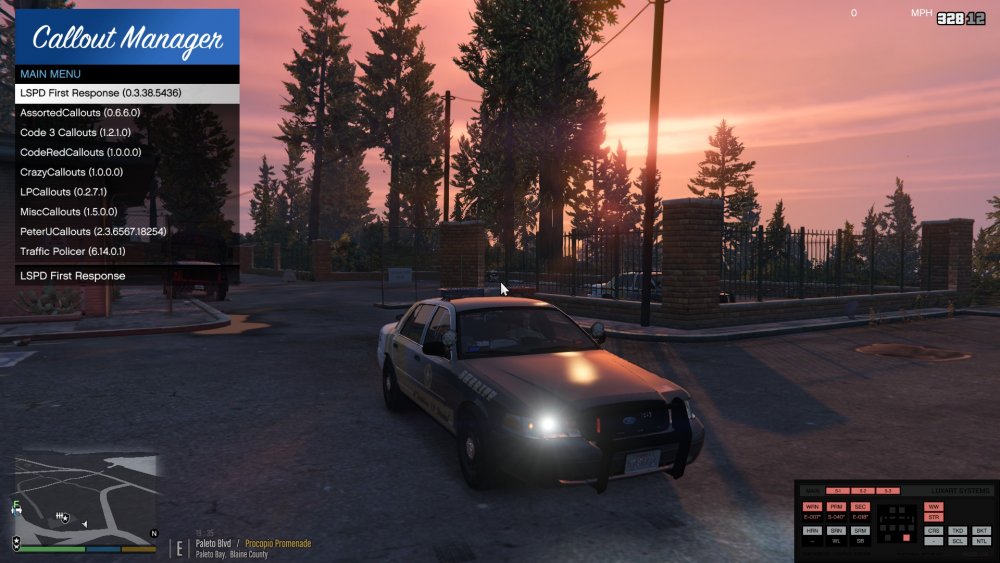
All the lights on the car except the headlights and brakelights look flat with now glow. I have Radiance V installed and had no trouble with Non-ELS vehicles. Am I missing something to make these look like they're supposed to. All ELS vehicles I have downloaded look like this in the screenshots. The lights are on. You can see just the colour shows up and no glow or light effects.