Skip to content
View in the app

A better way to browse. Learn more.

LCPDFR.com

A full-screen app on your home screen with push notifications, badges and more.

To install this app on iOS and iPadOS
  1. Tap the Share icon in Safari
  2. Scroll the menu and tap Add to Home Screen.
  3. Tap Add in the top-right corner.
To install this app on Android
  1. Tap the 3-dot menu (⋮) in the top-right corner of the browser.
  2. Tap Add to Home screen or Install app.
  3. Confirm by tapping Install.

Harrison907

Members
  • Joined

  • Last visited

Everything posted by Harrison907

  1. Right now we use the tan shirt and OD green pants similar to the LA County Sheriff's. Our badge sticks out from the chest by a few inches and it's super tacky :(
  2. The greatest anyones ever seen. Looking through what's offered there mostly State Police skins. My community doesn't use EUP or ELS at the moment.
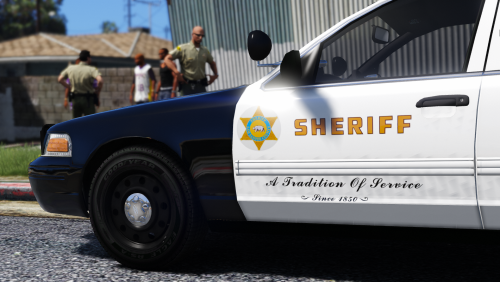
  3. Howdy, I'm looking for an artist who's interested in creating Vehicle textures and uniforms for my DPT. Regards, Mike Harrison
  4. These just might be the ones I've been looking for my DPT.

Account

Navigation

Search

Search

Configure browser push notifications

Chrome (Android)
  1. Tap the lock icon next to the address bar.
  2. Tap Permissions → Notifications.
  3. Adjust your preference.
Chrome (Desktop)
  1. Click the padlock icon in the address bar.
  2. Select Site settings.
  3. Find Notifications and adjust your preference.