


grim77
-
Joined
-
Last visited
Everything posted by grim77
-
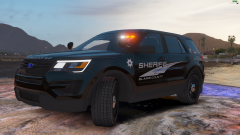
From the album: Sheriff
© Copyright © 2018 Grim Gaming Photos
-
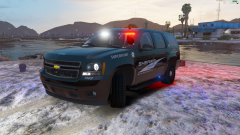
From the album: Sheriff
© Copyright © 2018 Grim Gaming Photos
-
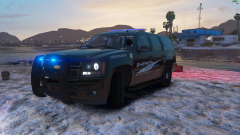
From the album: Sheriff
© Copyright © 2018 Grim Gaming Photos
-
From the album: Sheriff
© Copyright © 2018 Grim Gaming Photos
-
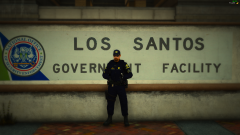
From the album: Sheriff
© Copyright © 2018 Grim Gaming Photos
-
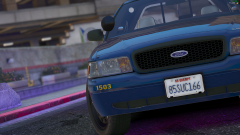
From the album: Sheriff
© Copyright © 2018 Grim Gaming Photos
-
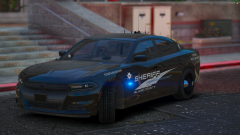
From the album: Sheriff
© Copyright © 2018 Grim Gaming Photos
-
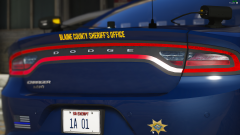
From the album: Sheriff
© Copyright © 2018 Grim Gaming Photos
-
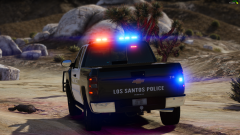
From the album: Sheriff
© Copyright © 2018 Grim Gaming Photos
-
.png.b0e21868ce627945202a7eb101b70a42.png)
From the album: Sheriff
© Copyright © 2018 Grim Gaming Photos
-
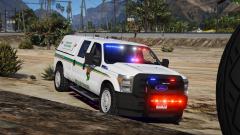
From the album: Sheriff
© Copyright © 2018 Grim Gaming Photos
-
Are there any good ideas of cars that I should base my next TEXTURE PACK off of? Please leave me ideas 🙂 If I do your idea, I will DM u when I'm done if u want me to send it to you!
-
-
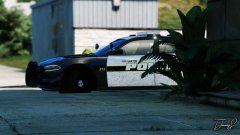 whats the "POLICE" font on the side and the "213"?
 -
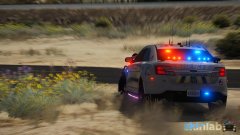
-
-
Wow, what car is this?
-
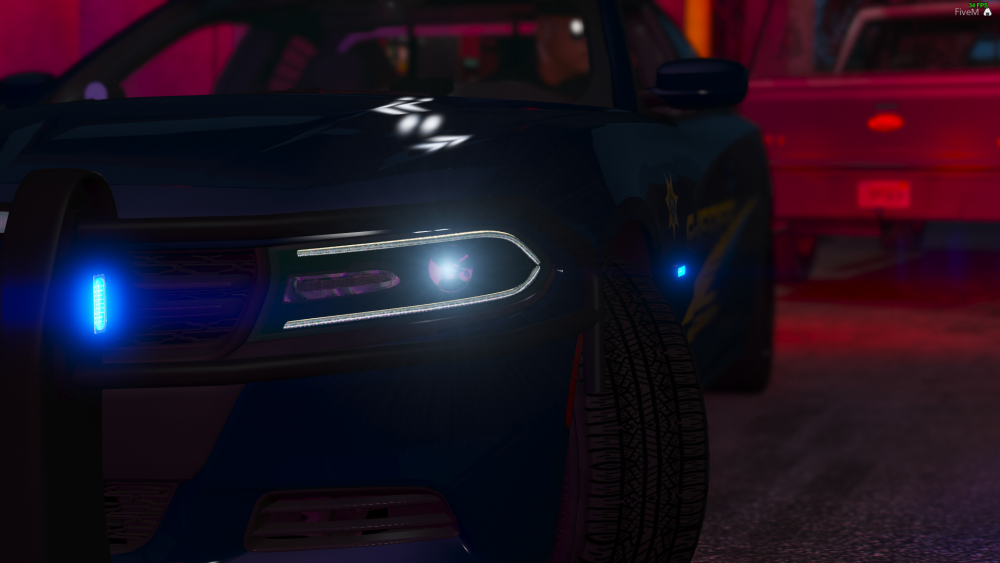
Hello! I am here if anyone needs any screenshots. Please feel free to COMMENT on this post OR you can feel free and DM me! Thanks, And good luck! PICTURES TAKEN BY ME, AND MAY BE SUBJECT TO COPYRIGHT!
-
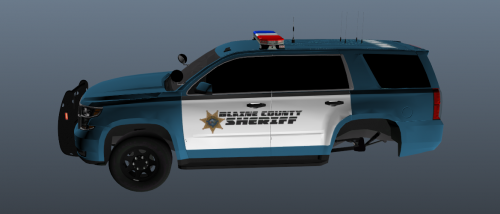 Been busy IRL to work and update these to the correct main color. Sorry ❤️
 -
Thanks for letting me know. I'll fix that and update hopefully today or tomorrow. I copied directly fron a car. I'm gonna change this when I'm next available. Thanks for letting me know!
-
Hopefully y'all like it.
-
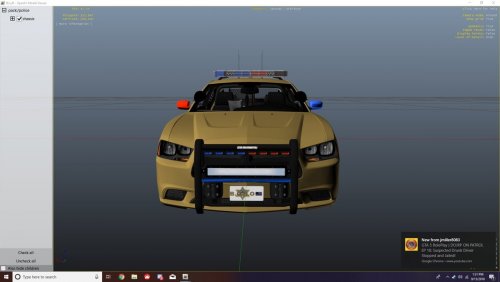
Blaine County Sheriff's Office Mini-Pack! (Based off of Broward County Sheriff Department.) INFORMATION: STATUS: Uneditable/Locked Credits: Me, Badge Version: v1.0.0 Special Features: It is my first Mini-Pack that I'll be updating and I hope you enjoy 😉 (v1) TUTORIAL ON HOW TO INSTALL: Click Me! NOTE: Please read the License.txt and README.txt that come with the download located in the `Docs` section. Thanks! NOTICE: This is one of my first texture(s). Please take it easy on the bad reviews 😉. Thanks for any feedback and if I should edit/add/change something please be sure to let me know in the comments, and review it for other members under REVIEW section!
-
 Haha, I was just playing around. Thanks for the feedback!
 -
Thanks for using my first skin that works!!! I will explain how you guys can download and the terms and agreements below! \/ \/ --------------------------------------------------- REQUIREMENTS 1. OpenIV 2. Mods Folder 3. Non-pirate version of GTAV 4. WinRAR/7-zip or something.. --------------------------------------------------- NO HELP FOR ANYONE WITH A PIRATE GAME VERSION OF GRAND THEFT AUTO V! PLEASE READ THE FaQ BELOW! --------------------------------------------------- Frequently Asked Questions: Can you make me x? NO, UNLESS SAID OTHERWISE Part 2/3 later? MAYBE, REQUEST IN THE COMMENTS! --------------------------------------------------- NEEDED FILES TO DOWNLOAD AND MATCH CAR: 1. ELS: https://drive.google.com/file/d/1H8D3_LA5kZmQvC7-G5A7PQUDJAKQRs37/view?usp=sharing 2. YFT: https://drive.google.com/file/d/1PKZl3qm1mFtbRlKDI5FPQ5336TTVxzvN/view?usp=sharing 3. YTD: https://drive.google.com/file/d/1MOz4gNi6qZr50nLJR7rSqdGYCLRT0sJI/view?usp=sharing 4. _HI.YFT: https://drive.google.com/file/d/1o0SrX0QxSbfoFh8YzR1NS7tAMGOBJaJ-/view?usp=sharing (I did not make car, credits to owner!) --------------------------------------------------- HOW TO INSTALL 1. Open OpenIV 2. Navigate to you `mods` folder. (without ``) 3. Go to the following location: OpenIV > GTA V > mods > update > x64 > dlcpacks > EXPLAIN1 > dlc.rpf > x64 > levels > gta5 > vehicles.rpf 4. Open the CARNAME1.ytd folder. (Make sure you have 'edit mode' on.) 5. Uncheck Original Size at the top left. 6. Navigate to a file that is similar to the following: CARNAME2_sign_NUMBER 7. Click 'Import' at the top left. 8. Navigate to wherever you saved my file. Open it. 9. Make sure the box is checked. And the dropdown is on 'Automatically'! --------------------------------------------------- Terms of Use for FiveM: Credit me! Terms of Use for Videos: Credit me! (unless specified otherwise by me only.) Terms of Use: I (Grim Reaper) IS NOT RESPONSIBLE FOR ANY GAME FAILURES, CRASHES, BUGS, ETC. ALTHOUGH... IF YOUR GAME CRASHES FEEL FREE TO COMMENT ON THIS POST AND I WILL TRY TO HELP YOU. THANKS FOR DOWNLOADING MY CAR TEXTURE FOR '14 Dodge Charger BCSO Skin AND START HAVING FUN!!
-
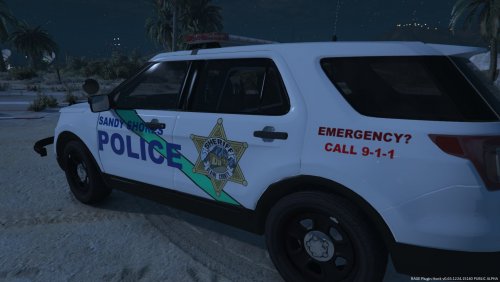 Thanks for using my first skin that works!!! I will explain how you guys can download and the terms and agreements below! \/ \/ --------------------------------------------------- REQUIREMENTS 1. OpenIV 2. Mods Folder 3. Non-pirate version of GTAV 4. WinRAR/7-zip or something.. --------------------------------------------------- HOW TO INSTALL 1. Open OpenIV 2. Navigate to you `mods` folder. (without ``) 3. Go to the following location: OpenIV > GTA V > mods > update > x64 > dlcpacks > EXPLAIN1 > dlc.rpf > x64 > levels > gta5 > vehicles.rpf 4. Open the CARNAME1.ytd folder. (Make sure you have 'edit mode' on.) 5. Uncheck Original Size at the top left. 6. Navigate to a file that is similar to the following: CARNAME2_sign_NUMBER 7. Click 'Import' at the top left. 8. Navigate to wherever you saved my file. Open it. 9. Make sure the box is checked. And the dropdown is on 'Automatically'! --------------------------------------------------- :!!!!!!!!!!!!!!!!!!!!!!!!DISCLAIMER!!!!!!!!!!!!!!!!!!!!!!!!: I (Grim Reaper) IS NOT RESPONSIBLE FOR ANY GAME FAILURES, CRASHES, BUGS, ETC. ALTHOUGH... IF YOUR GAME CRASHES FEEL FREE TO COMMENT ON THIS POST AND I WILL TRY TO HELP YOU. THANKS FOR DOWNLOADING MY CAR TEXTURE FOR SANDYSHORES POLICE DEPARTMENT(SSPD) AND START HAVING FUN!! (CAR DOESN'T COME WITH TEXTURE DOWNLOADED!) --------------------------------------------------- Footer Notes: EXPLAIN1 = Choose the patchday your car is currently in. CARNAME1 = The car name. For example: 'sheriff.ytd' (without ``) CARNAME2 = The car name.. if it was a Dodge Charger it would be something like 'charger' or 'chrg'. NUMBER = It should be 1, 2, 3, 4, 5, etc. Go check me out on gta mods with this same files if you have troubles downloading here.: https://www.gta5-mods.com/paintjobs/sandy-shores-police-bcso


.png.b0e21868ce627945202a7eb101b70a42.png)


