


tylerk2374
Members
-
Joined
-
Last visited
Everything posted by tylerk2374
-
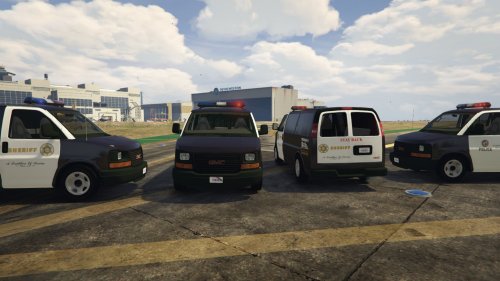
.thumb.png.04a1687a445e54a18a959b7926b87d7b.png) This is by far my favorite pack. I have replaced it a few times to try new things, but I always come crawling back to it. I love the light set up, spotlights actually point forward and work (I mainly patrol at night). The lights even look great on other units in the distance. Great job! I hope to see an LSPD pack released by you someday. Keep up the great work!
This is by far my favorite pack. I have replaced it a few times to try new things, but I always come crawling back to it. I love the light set up, spotlights actually point forward and work (I mainly patrol at night). The lights even look great on other units in the distance. Great job! I hope to see an LSPD pack released by you someday. Keep up the great work!- 217 comments
- 38 reviews
-
 billiarboy, I am assuming you are using arrest manager. If so you need to go into the XML and tell it what livery to use where. Albo put pretty clear instructions inside of the XML file on how to do it. Path: Plugins>LSPDFR>Arrest Manager. In here will be the Transport World Districts, Transport Regions XML files. I believe you will need to edit both of them to reflect this change.
- 26 comments
- 8 reviews
.thumb.png.04a1687a445e54a18a959b7926b87d7b.png)
