
OfficerChriss
Members
-
Joined
-
Last visited
Files posted by OfficerChriss
-
Hello everyone,
The usual .xml files contain casual, sometimes unnecessary violations that can also be seen with grammar errors. Well, I've carefully edited CompuLite violation documents to provide realistic and enhanced patrolling. I've customized Citations.xml and Charges.xml files from Bejoijo plugin CompuLite for you to enjoy. Please submit additional charges or citations that I've forgot to add in the comment section or edit the xml file yourself as you'd like.
You must have installed Bejoijo's plugin CompuLite in order for this to be installed.
Inspiration from a Google document "San Andreas Penal Code" found here
Installation: Just move the Plugins folder into your GTAV directory and replace already existing files (Citations.xml and Charges.xml)
Available Infractions (as of Update 1.1.2.)
Available Arrestable Offences (as of Update 1.1.2.)
Previous version history
- 3,017 Downloads
- 11 Comments
Updated -
~ Original Vehicle: ~
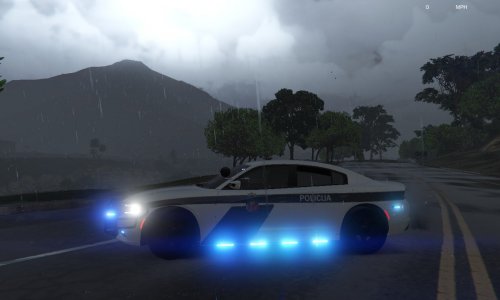
I, Chris, am not responsible for any damage to your game. The original file is owned by Gump, i only made Latvian State Police Vehicle liveries and made blue lighting.
All credits go to their rightful owners.
Stay safe.
- 93 Downloads
- 3 Comments
Submitted