Gamebreaker18
Members
-
Joined
-
Last visited
Everything posted by Gamebreaker18
-
-
 You're welcome bud!
 -
Oh man, it's been such a long time since I worked on that texture, I believe the font was apart of the "impact" font family.
-
Maybe, I haven't played GTA in a long time. I'll probably do an MHP ford explorer next if I ever get back into the swing of things. 😄
-
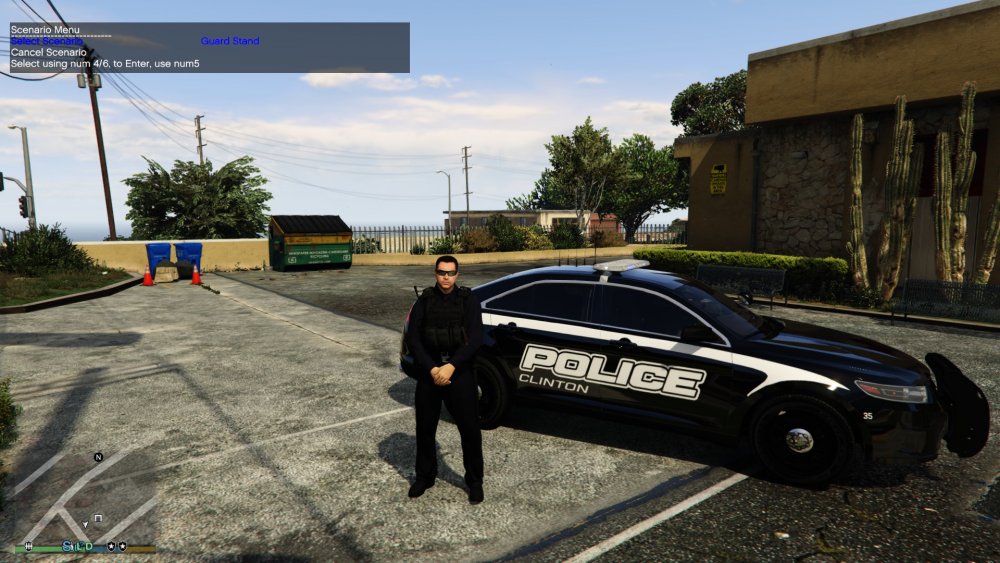
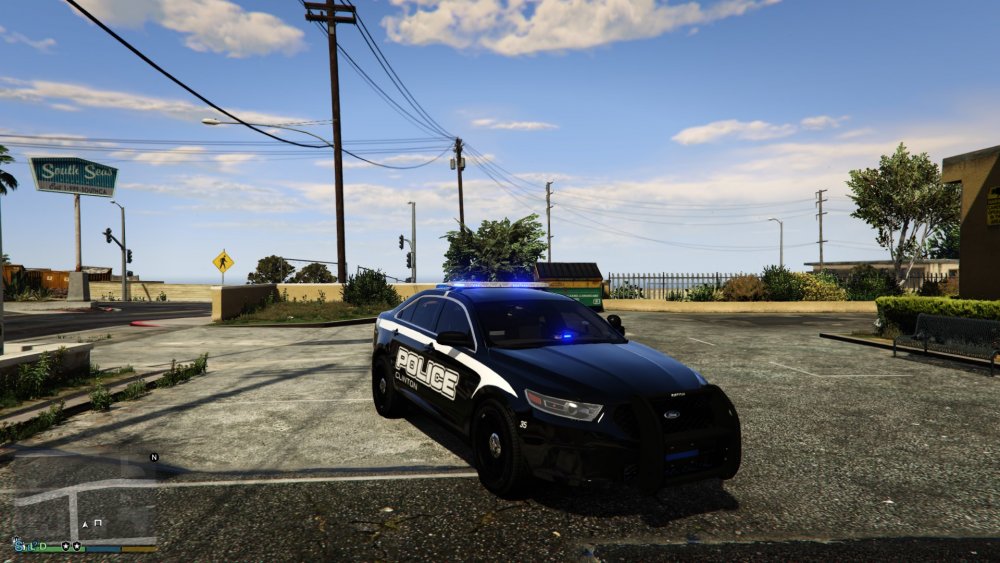
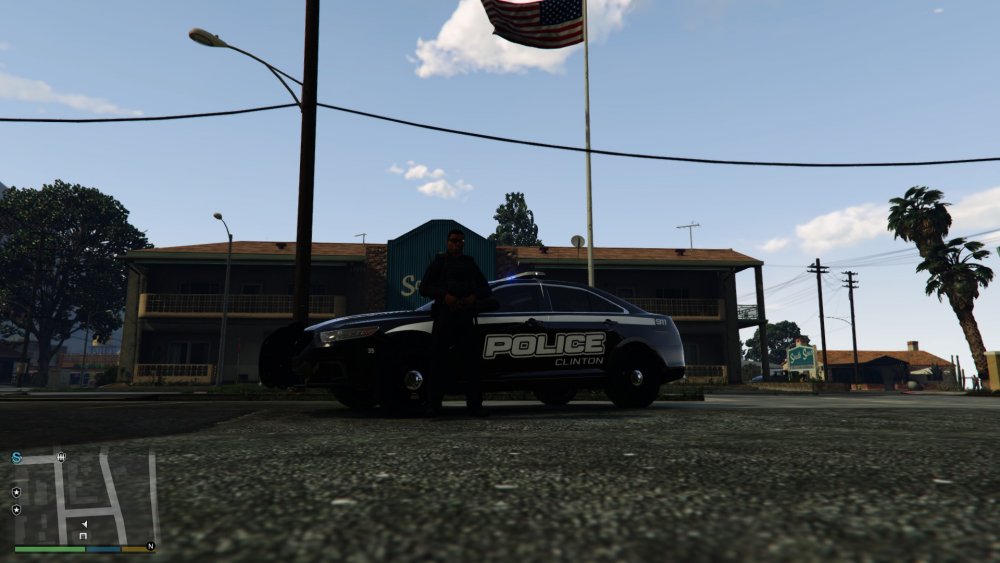
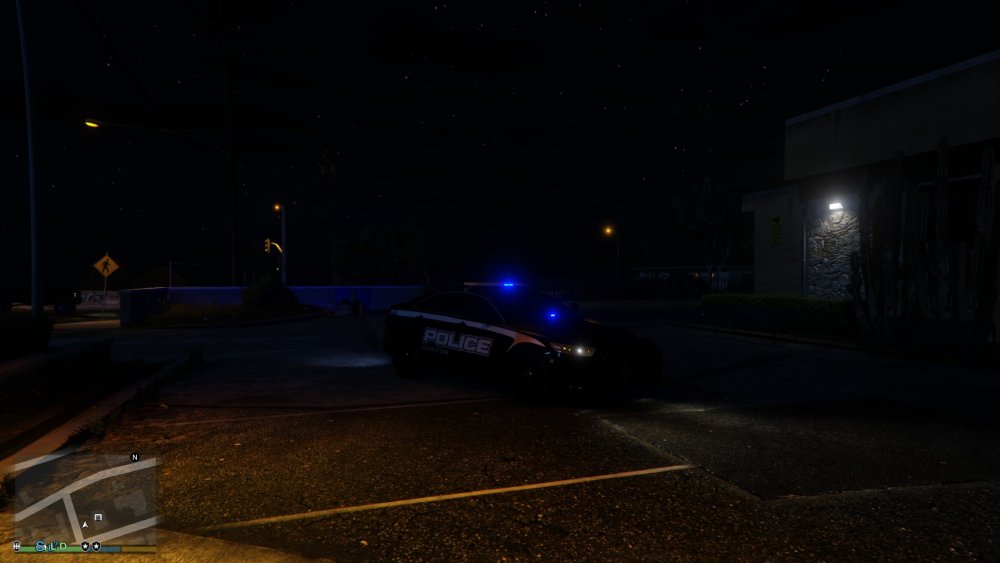
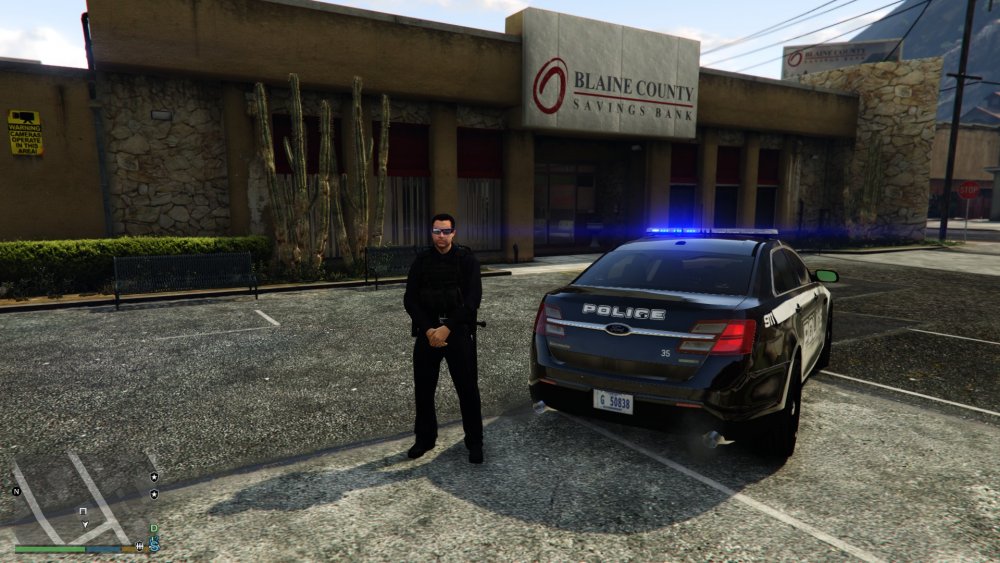
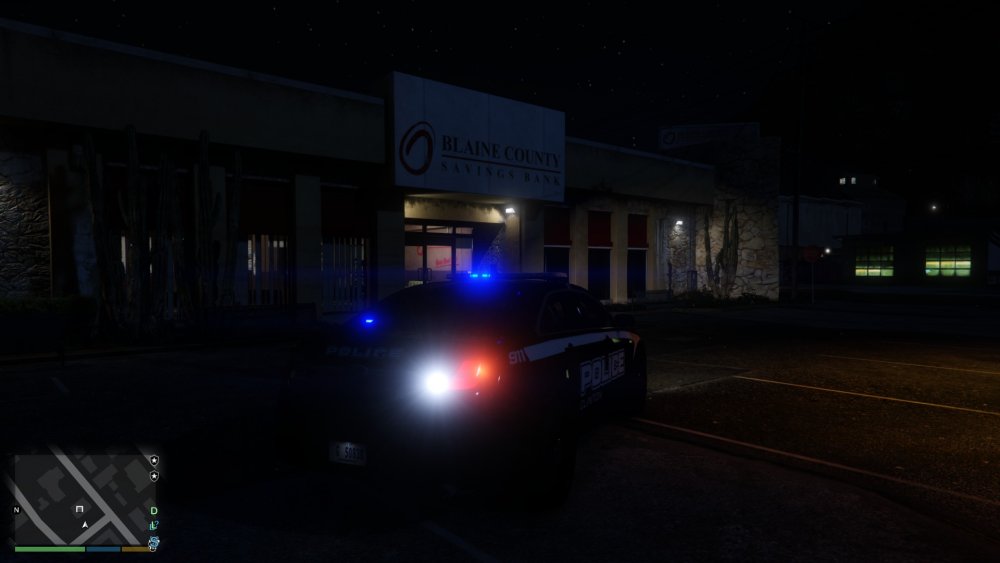
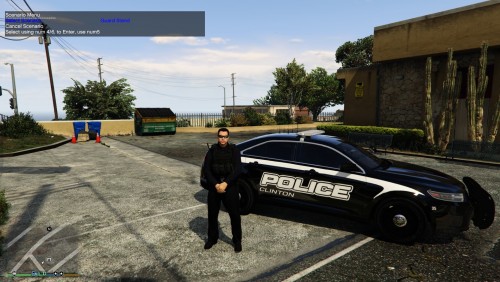
Clinton Police Department textures for the Taurus apart of the https://www.lcpdfr.com/files/file/16583-els-bcso-vehicle-pack/ vehicle pack. His pack should have an option for all blues, so that should be all you need. The font is updated from the preview to match the real font used by the department.
-
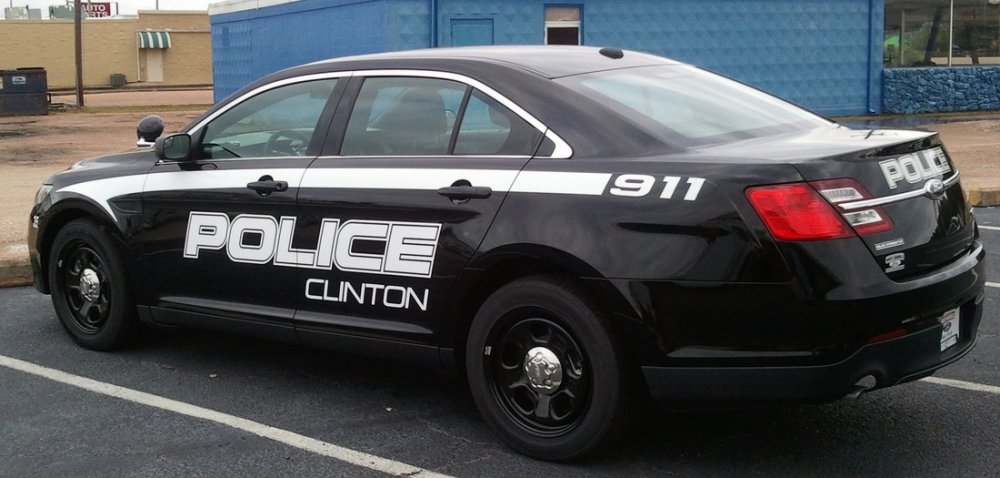
I agree, I've fixed the other issues with the texture, but the main issue that lingers is the font. I honestly can not find it anywhere, which is keeping me from releasing it, as I want to do a proper replica.
-
Hi everyone, I'm new to the forums, definitely not new to the site and I wanted to share with everyone a work in progress texture I'm working on for the Taurus in BradM's wonderful [ELS] BCSO Vehicle Pack 2.0.0. I've been working on this texture for a few hours now, but decided to release a few teaser shots of it, before I head to bed. I plan on making as many police textures as I can for varies departments across the state of Mississippi. So if you want a texture done that's in Mississippi just PM or ask on the forums. So since I live in Clinton, I decided to do Clinton, since I hope of someday joining their ranks. Anyway, I know the texture isn't perfect, and I'm trying to fix somethings in Photoshop. I also know the font isn't correct, but I couldn't find an affordable font for the lettering. Update: File