


William G.
Members
-
Joined
-
Last visited
Everything posted by William G.
-
 Hey, sorry, I'm not trying to sound like a dick but in the BlueGhost Unmarked Pack I think you've messed up, or I somehow missed a file but for the 2014 Dodge Charger and 2018 F150 Lariat the Front Left Visor light is Red but every other light is blue. Its on both the Charger and F150. Other than that it looks great
- 269 comments
- 17 reviews
-
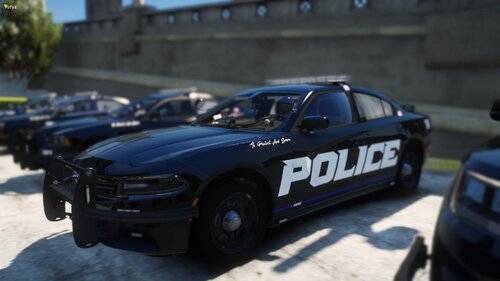 First off, I really love the ELS Setup of those cars, What pack are you using to Showcase these liveries? Thanks
 -
 I would like it a lot more if you made it a dlc.rpf that you can just drop into the dlcpacks
 -
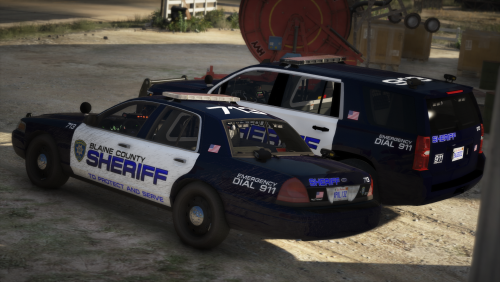 The biggest thing I love about this pack is that when you enter Stage 3 in the ELS, the Amber Directional turns off instead of doing it manually
- 39 comments
- 3 reviews
-
-

- 1
-
-
 Where is the line for the dlclist.xml? I downloaded it for the DLC but the ReadMe only has info for the replacement. VCF files are there. the DLC.rpf is there but no information on what to name the Folder for the DLC and what to put in the dlclist. I would just replace it but I already like what I have, Thats why I want to install it as a DLC
- 114 comments
- 9 reviews
-
 is there a audio Clip I can hear?
 -
-
 Agency.xml I believe. There are installation directions in the README for that I believe
- 215 comments
- 38 reviews
-
All you should have done was placed the folder with the dlc.rpf in mods/update/x64/dlcpacks. Then you should have placed the ITEM Line given in the Readme in the dlclist.xml located in mods/update/update.rpf/common/data, Then the VCF files which is all the XML files placed in Grand Theft Auto 5/ELS/pack_default. Everything should be done in OpenIV except for the VCF which is all done in the GTAV Main Directory. If everything stated above was done right then I'm not 100% on what the issue could be
- 215 comments
- 38 reviews
-
-
- 1
-
-
 I was Able to cheat the system lol. I couldn't decide if I wanted a Slicktop or Lightbar so I made the Slicktop in the Park Ranger slot and the Lightbar in Lifeguard and it works perfectly as I don't want to replace my POLICE slots either
- 427 comments
- 75 reviews
-
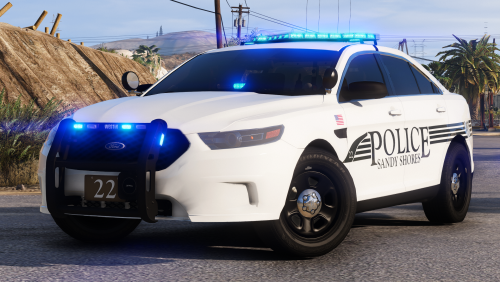 I know I'm late to the party, but great pack. But how do I make the Slicktop FPIS and FPIU unmarked? There isn't an option in the trainer to change liveries and take it off which is how I thought it was done, Thanks in Advance
- 25 comments
- 7 reviews
-
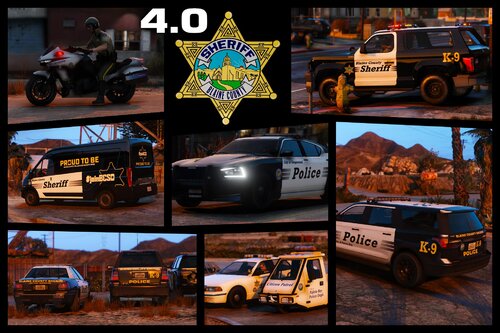 Is it possible to make Vanilla cars with ELS?
 -
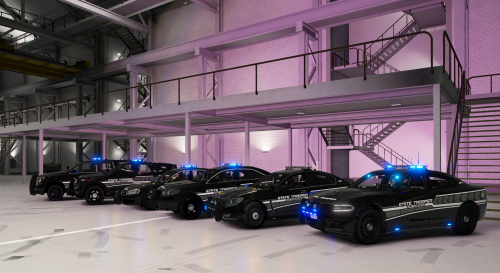 Am I missing Something? I installed this pack with OIV Package Installer and when I get in game they show up in my Menu but dont spawn. The game just sits there and never loads the car, what am I missing? TIA
- 102 comments
- 5 reviews
-
Did you try searching for them with a Trainer? If you have something like a Menyoo, You can either search by name or should be right at the Top of Vehicle Spawn / Emergency
- 215 comments
- 38 reviews
-
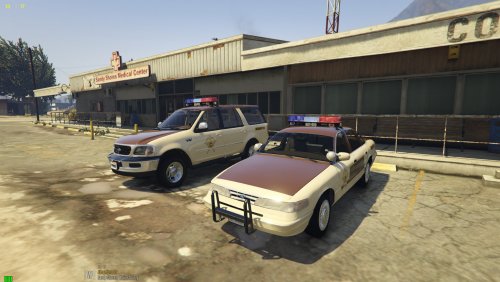 Will it mess with the vehicles and ELS I already have installed if I replace all the ELS files with whats with the pack?? I would like to know before I install it
- 93 comments
- 4 reviews
-
So I need a new vehicles.meta to put in, how does one get a new one?
-
-
So my game has been working fine and all of a sudden, none of my ELS works. When I go to Stage 3 lighting, only the Taillights flash. I've already tried reinstalling ELS, Uninstalling ASI stuff in OpenIV, Restarting my PC over 10 times, and redoing all the VCF files for all the cars I have installed. Its doing this to all Addon Cars and Replace. Only Vanilla cars have working Lights.
-
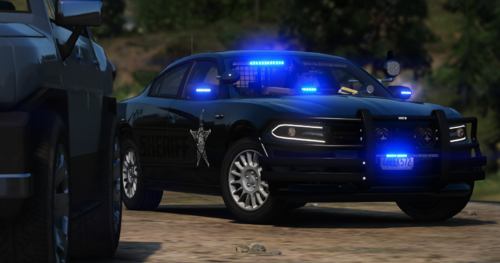 How do I get the Badge and stuff off the side so it can just be a full Unmarked?
 -
Well, It works and my game loads now but now I have to install all the cars again and Weapon sounds and sirens and stuff or is there something in OpenIV I need to do for it to all work again? Or do I just need to reinstall everything ?
-
Hey, so I've been away from LSPDFR for about a month or so now and I'm trying to get back Into it. I've updated LSPDFR itself, Rage, and Scripthook V and the game goes to launch and it loads like normal but when It gets to the part where it loads all the plugins like LSPDFR, Body Cam, Parking Lights, Sticky Wheels, Ect. (Those are just ones I have installed) It says its loaded all the plugins but never loads in game. It just sits there on that screen with the words going back and forth. Its also a lot more choppy on that screen than it used to be. They used to flow smoothly. And I'm not sure if this has anything to do with regular GTAV but when I go to launch the game normally through steam, It loads and when I click "Story Mode" It loads for a few seconds and then randomly crashes without warning or a reason why. I just reinstalled the game last night cause while I wasn't playing it, I uninstalled It so the game itself should be updated. Thanks in advance!


