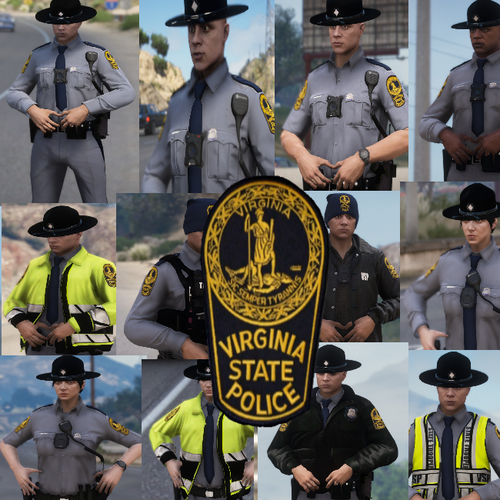
BearBait
Members
-
Joined
-
Last visited
-
-
-
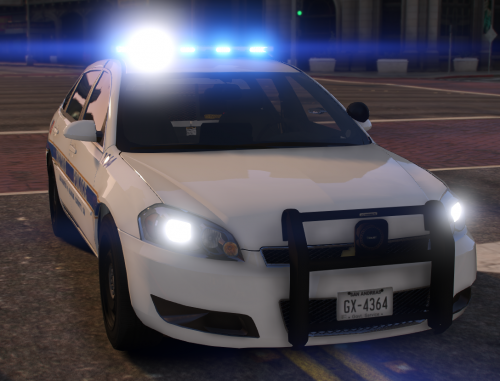 I love the pack just wish there was an option to remove the push bar on the unmarked impala for a more undercover look.
- 28 comments
- 10 reviews
-
-
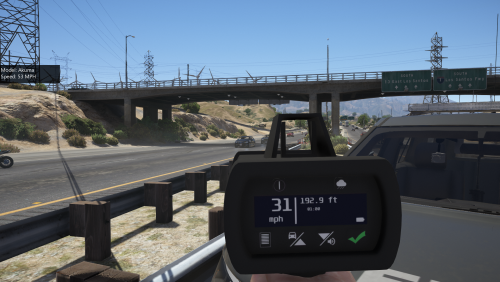 I've been waiting for a Lidar gun for so long, so glad we finally have one! Only way I think this could be better is if it were animated. Someone make it happen
- 79 comments
- 17 reviews
-
-

- 1
-
-
-
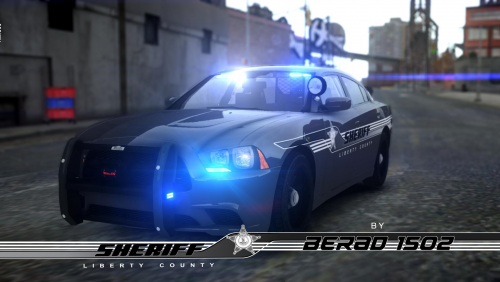 Is there anyway these could be ported over to GTA 5? CVPI as police 1, Dodge Charger as police 2, and maybe a Ford Explorer as police 3?
- 6 comments
- 2 reviews
-
-
- 1
-
.thumb.png.af5671322261de413c8b3df30b696902.png)