Pacific Pig
Members
-
Joined
-
Last visited
Everything posted by Pacific Pig
-
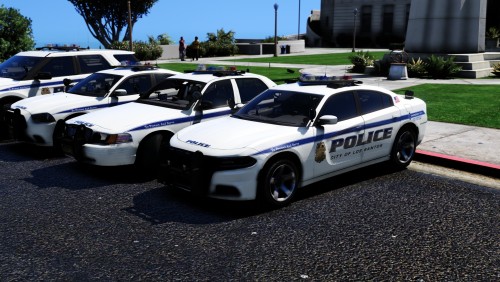
From the album: Pacific Pig Photography
-
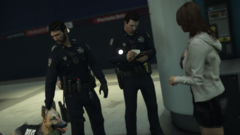
From the album: Pacific Pig Photography
-
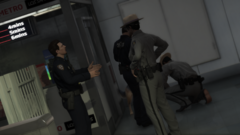
 Added the template to the download. Should be there as soon as the update is live.
- 22 comments
- 2 reviews
-
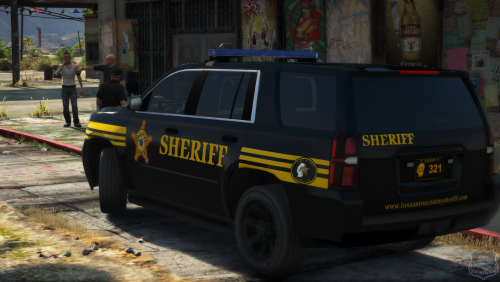 They will still fit on other packs, just the vehicles why were intended for are gone. Tho if you put it on another car pack unless it has a reflective option you will not be able to put the reflective option on, just the base skin.
- 12 comments
- 6 reviews
-
-
Like @Xander6478 said I totally agree with this, people always seem to take criticism as an attack. I myself made a model once just to try it asked for help and got it, I made something that was ehh and not the greatest so I didn't release it because I knew it need work and didn't wanna just throw it out there. Honestly I hope people don't freak out about this topic and we can get some actual good discussion out of it.
-
-
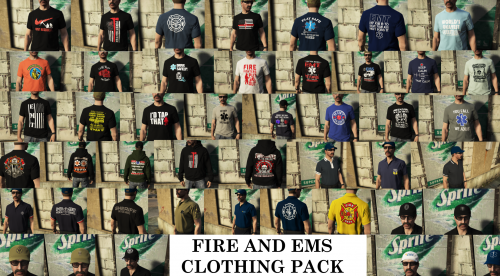 WARNING! IF YOU WANT TO KEEP THE SHIRT TUCKED IN FOR MAGS AND A HOLSTER FROM EUP 8 THEN DO NOT INSTALL THE .YDD FILE IN THE GUNRUNNING FOLDER! Made this pack to show some love to the other emergency services then police. This includes T-Shirts, Hoodies, Polo's and Hats from Fire, EMS, and Tactical Medics. Enjoy! Wanna join a group of creators, fellow LSPDfr fans, and Law Enforcement Enthusiasts? Go to my profile or click the link below and join the Thin Blue Designs Discord! We are a group of creators who help each other with decals, Paint.net support, and any other problems you may need help with so join our discord today to get more info and start becoming a member today! Click here to join the Thin Blue Designs Discord Today!
- 4 comments
- 1 review
-
-

- 3
-
-
-
-
-
-
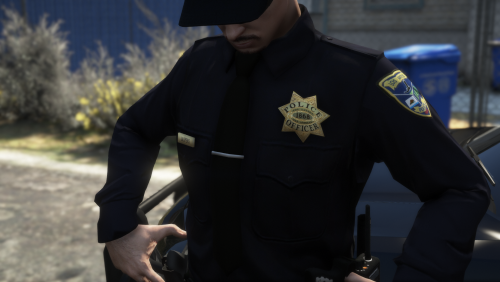 Matching Vehicle Textures Wanna join a group of creators, fellow LSPDfr fans, and Law Enforcement Enthusiasts? Go to my profile or click the link below and join the Thin Blue Designs Discord! We are a group of creators who help each other with decals, Paint.net support, and any other problems you may need help with so join our discord today to get more info and start becoming a member today! Click here to join the Thin Blue Designs Discord Today!
- 9 comments
- 2 reviews
-
-
- 1
-
-
 Might wanna Change the title to say Granger instead of Suburban, It's a little misleading.
 -
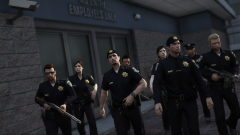
From the album: Pacific Pig Photography
-
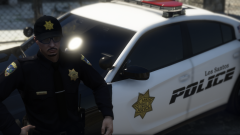
From the album: Pacific Pig Photography
-
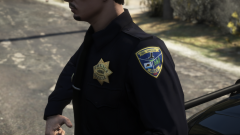
From the album: Pacific Pig Photography
-
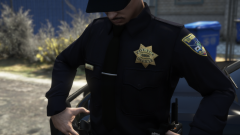
From the album: Pacific Pig Photography
-
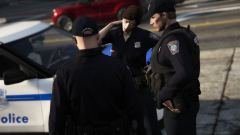
From the album: Pacific Pig Photography
-
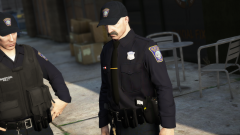
From the album: Pacific Pig Photography
-
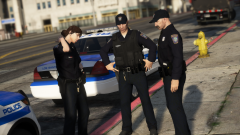
From the album: Pacific Pig Photography
-
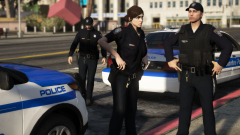
From the album: Pacific Pig Photography
-
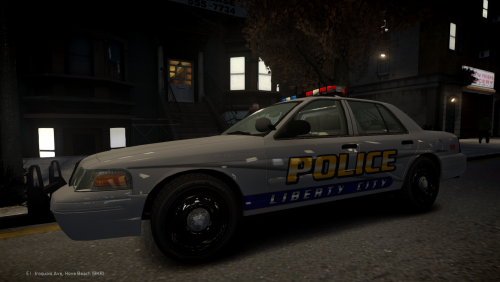
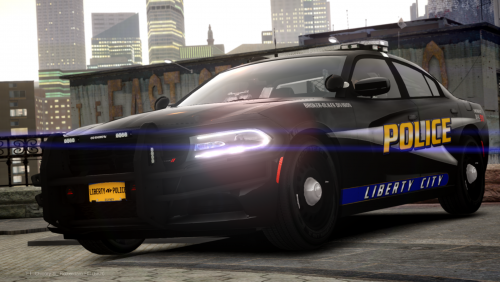 This pack contains skins for Liberty City Police Department. These used to be used for TBD-RP (Thin Blue Designs Role-Play) but recently we again have revamped the whole police department's vehicles with all new custom skins. So I figured maybe some people who still play LCPDFR might get some use out of them. The pack includes skins for many vehicles the screenshots are only a small few of the actual textures included in this pack. There are skins for many divisions from all over the map. Enjoy! Screenshot Credit to - @Not AJ vvvv Vehicles Used vvvv (But not limited to) Wanna join a group of creators, fellow LSPDfr fans, and Law Enforcement Enthusiasts? Go to my profile or click the link below and join the Thin Blue Designs Discord! We are a group of creators who help each other with decals, Paint.net support, and any other problems you may need help with so join our discord today to get more info and start becoming a member today! Click here to join the Thin Blue Designs Discord Today!
 -
From the album: Pacific Pig Photography
-
From the album: Pacific Pig Photography