



MrMook
Members
-
Joined
-
Last visited
Everything posted by MrMook
-
go into windows security and go to where it says "threats". find ragehook and tell windows its ok
-
so i thought i was so smart. instead of waiting for the scripthook update i was gonna revert my game version back to 1737.0 and have everything working fine... NOPE. the fucking launcher just turns off. loads for a second then nothing. no error message or anything just off. why do they do this to us?
-
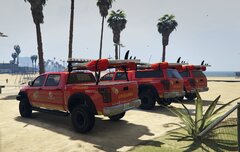
From the album: MrMook's Lore Friendly Adventures
-
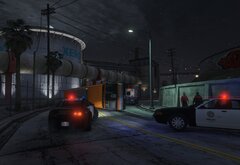
From the album: MrMook's Lore Friendly Adventures
LST bus took a corner to fast and flipped. luckily no passengers were on board -
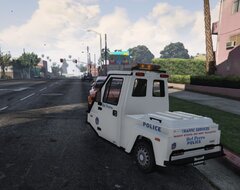
From the album: MrMook's Lore Friendly Adventures
rear of the Pigeon Del Perro skin -
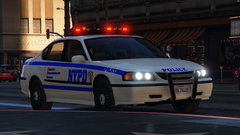 IV map is called Liberty Rewind. google search it, it should come up. can't be put up on any of the big modding sites since Take Two would sue who ever put it up like they did with OpenIV
 -
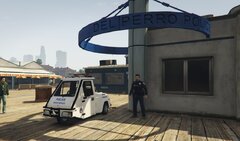
From the album: MrMook's Lore Friendly Adventures
Del Perro Police skin for Nagasaki Pigeon. based on The Santa Monica Police Go-4 Interceptor. Texture taken from the Del Perro Police Pack by IlayArye and the model is by Monkeypolice188 skins can be downloaded here: https://www.gta5-mods.com/paintjobs/lore-friendly-skins-for-nagasaki-pigeon -
-
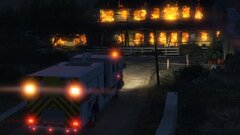 you spawn the truck during the mission or did you somehow spawn the burning o'neil house? if so how?
 -
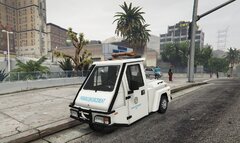 https://www.gta5-mods.com/vehicles/nagasaki-pigeon-patrol-add-on-liveries-template-sound. i can upload the skin if you want but its made from parts of a pack by Introvet so that'd kinda be illegal...
 -
From the album: MrMook's Lore Friendly Adventures
closer look at my Pigeon skin. textures belong to Introvert and the model is by Monkeypolice188 -
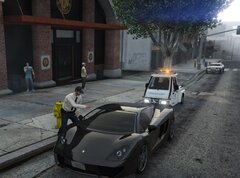
From the album: MrMook's Lore Friendly Adventures
Monkeypolice188's Nagasaki Pigeon loreified by me using skins from Introverts Parking Enforcement pack Pigeon based on a Go-4 Interceptor -
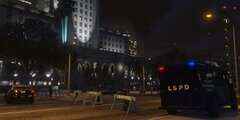
From the album: MrMook's Lore Friendly Adventures
-
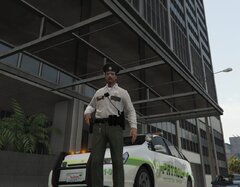
From the album: MrMook's Lore Friendly Adventures
-
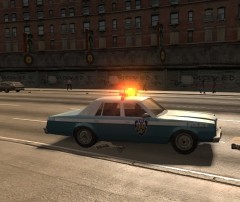 found it but unfortunately the cars didn't change. cops have blue shirts but police cars have stars on their doors. i just boot up realistic nypd mod and my police car and taxi mod together. thanks for the help!
 -
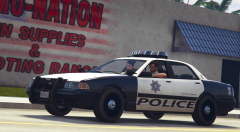 what animation makes him stick his arm out the window?
 -
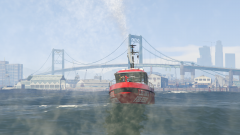 thats AMAZIN! based off the tug boat or is it smaller?
 -
will the water cannons be able to be used or is that impossible?
-
how does one start the game up in compatibility mode? i tried right clicking the icon as stated in another post on steam but i can't seem to find the option.
-
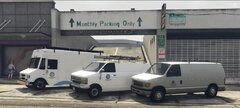
From the album: MrMook's Lore Friendly Adventures
steed by the F3nton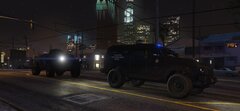
From the album: MrMook's Lore Friendly Adventures
due to intense gang violence in the city of Davis and the neighborhood of Strawberry the LSSD and LSPD felt it necessary to call in NOOSE who brought out an armored APC. explosions a plenty ensued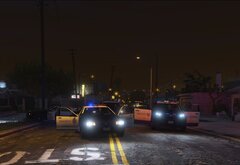
From the album: MrMook's Lore Friendly Adventures
multiple LSSD units including Staniers and Scouts following a gang shootout in the city of Davis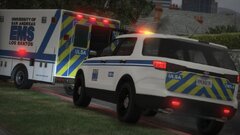 count me interested in that ambo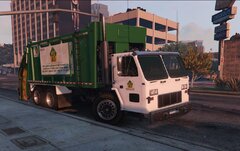
From the album: MrMook's Lore Friendly Adventures




