



MrMook
Members
-
Joined
-
Last visited
Everything posted by MrMook
-
From the album: MrMook's Lore Friendly Adventures
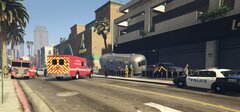
pickup truck drove onto the sidewalk running into patrons at a restaurant. suspect was arrested and no one was killed -
From the album: MrMook's Lore Friendly Adventures
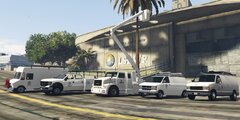
the whole fleet -
From the album: MrMook's Lore Friendly Adventures
-
From the album: MrMook's Lore Friendly Adventures
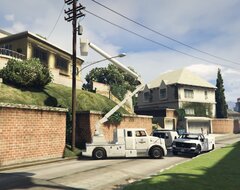
utillitruck crane can be lifted by <animConvRoofDictName>va_utillitruck</animConvRoofDictName> <animConvRoofName>crane</animConvRoofName> to vehicles.meta -
https://www.gta5-mods.com/vehicles/add-on-police-vehicle-wheel-variety-pack
-
been looking to replace the police roadcruiser as it never made sense that the NYSP were using 80s cars in 2003. i remember there was a snow covered crown vic mod a while back but i don't like to use real cars. could someone make a snow covered version on the vapid stanier in the style of the north yankton state police roadcruiser? like this below. thanks
-
From the album: MrMook's Lore Friendly Adventures
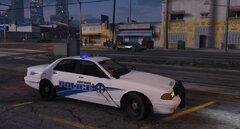
from battling cowboys in 1899 to looters in 2005 the SDPD is the primary police force of the city no one can pronounce correctly -
 use a trainer to make it a saved vehicle.
 -
From the album: MrMook's Lore Friendly Adventures
-
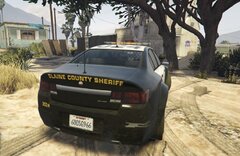
From the album: MrMook's Lore Friendly Adventures
always hated the fugitive. its like dropping an Australian car in America. i've long since replaced it with the Vapid Torrence. I'd always liked how RDE replaced the Cheval badges with Declasse ones but since that stopped working i turned to the BCSO pack by Bozza. i replaced the Cheval Badges and i choose to call it the premier as thats the name of the Caprice from old gen. sucks that the Cobalt equivalent now is called the premier. -
felt this texture is a bit outdated so i want to replace it with a trump based Lyle Cleethorpes one. anyone know where its located in the files? thanks
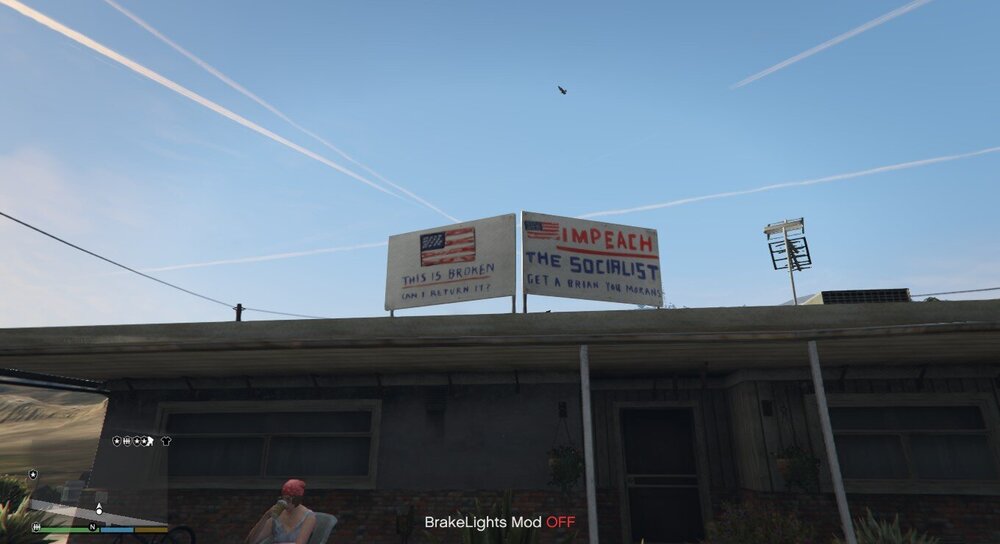
-
late reply but stop the ped has both of those. i was reluctant to use stp at first as it changes a lot of the animations but its very good and useful. can be downloaded here https://bejoijo256.wixsite.com/bejoijo/post/stop-the-ped
-
can be found with "LSPDFR comes alive"
-
delete all in RDE before you replace?
-
I've just got RDE working again and i'm now wanting to replace some of the cars that it came with. the lspd staniers and other cars i wish to replace with argent variants. i can't find police, police2 and police3 in the RDE's vehicles.meta. when i did my best to replace the car by renaming the car in the dlcpack to police.yft and deleting police.yft in RDE the rde car will show up all glitched out and the new car only shows up in the distance. other tutorials are very unhelpful and there really is no tutorial on this anyway. can someone walk me through the process?
-
lately after the newest update my game has just been crashing left and right. i've deleted my mods folder and updated the OpenIV asi but still upon getting into a police chase the game will crash in only an hour of gameplay. i have downloaded the new IVpack which has worked flawlessly in the past on my install but i've seen people complaining about crashes in that comment section but my game seemed unstable even before then.
-
even after the newest OpenIV patch the game still will not boot up. not sure whats wrong.
-
OpenIV ASI is broken at the moment. should be an update soon.
-
ok that definitely seems this is my issue! uninstalled the two and installed again only to see it was asking me to update again and again. thanks! its a shame that it straight up bricks your game though! thats never happened before and i've been through about 4 patches so far.
-
my gta 5 root. in case there are any issues.
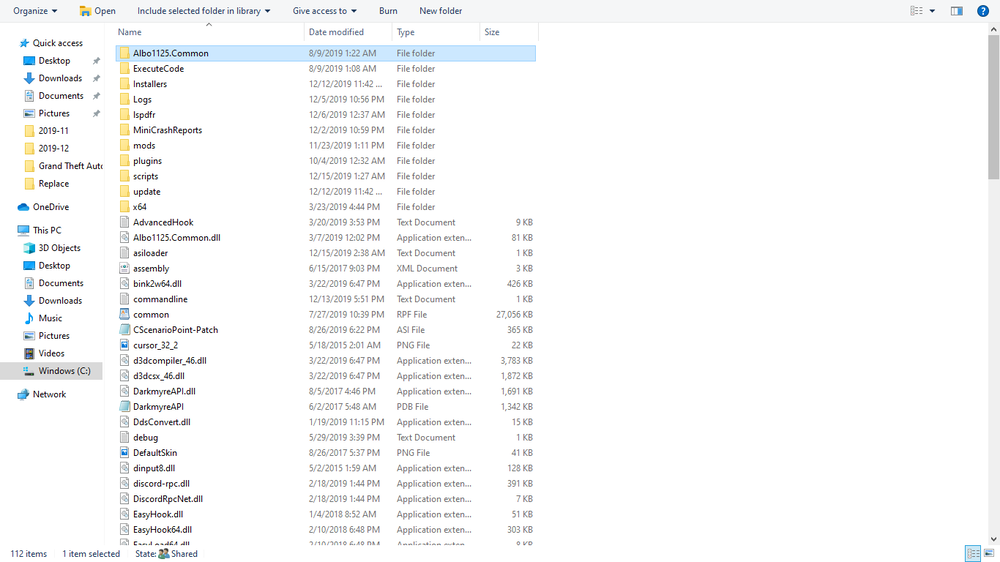
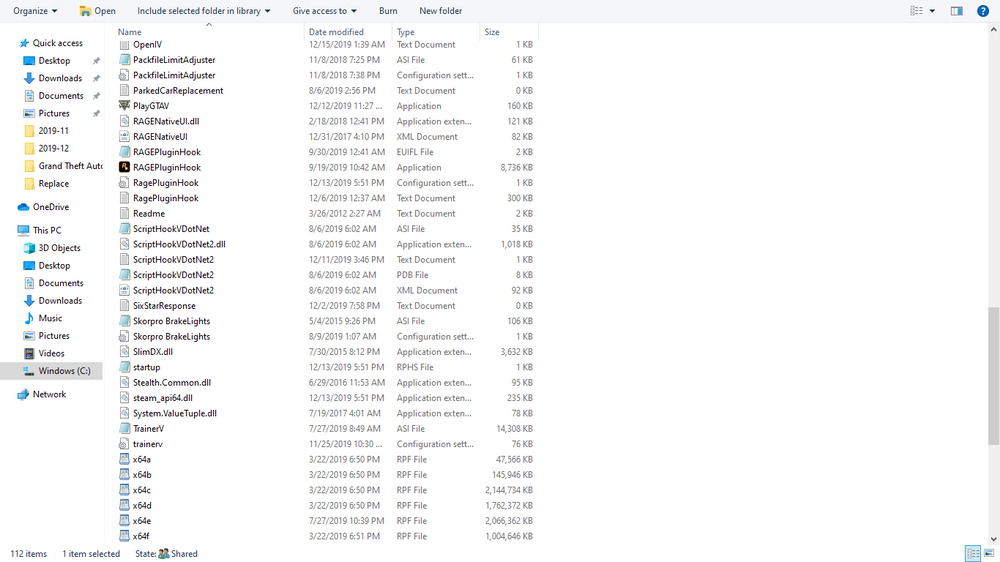
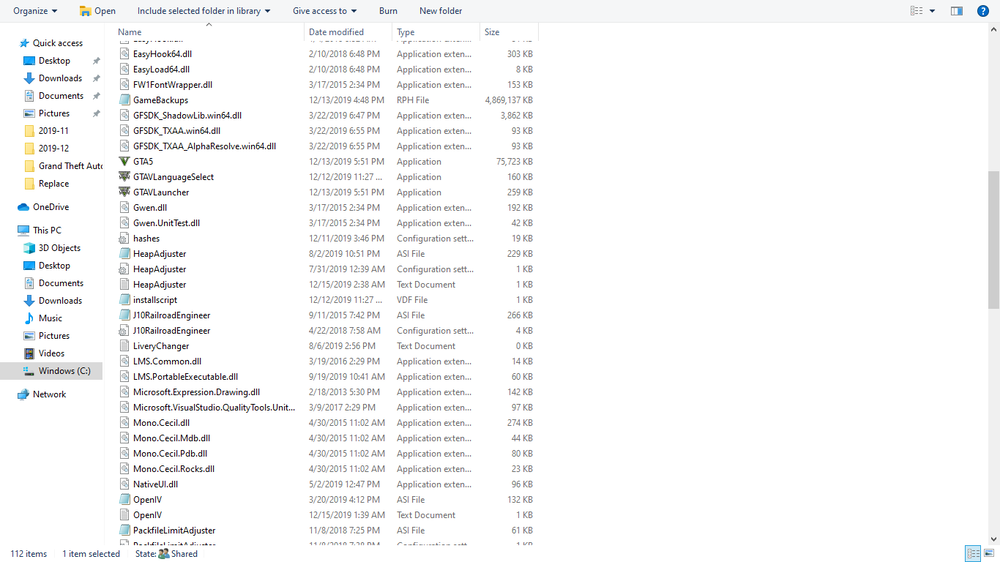
-
update: upon moving scripthook out of RDR2 and it worked but not without a weird beeping sound before r* launcher booted it up. i'll see what getting rid of openiv.asi does. can you link me to a thread about this issue?
-
so openivs update.rpf is bricking my game? than why are all my other r* games getting bricked?
-
i've noticed this on all of my R* games (RDR2, GTA 5, GTA 4) and i've been specifically trying to get gta v working. the newest update has bricked all my games and i really don't feel like redoing everything as i've worked so hard to get the game where i wanted it. of course the launcher won't simply let me play an old version though i remember it letting me do so last update. deleting scripthook hasn't solved my issue. i click the game in steam, luncher boots up, steam says "running" then the word "running" goes away and nothing happens. same thing even happend to gta 4! i had to verify its files even though it worked flawlessly before. yes i have updated my update.rpf. i did try and go back to a previous game version right after the update and maybe that screwed something up in regards to gta 5.
-
if those cars just have CHP skins you can find an SAHP logo on either another car or on google images and export the skin into a program like paint 3D and use its sticker function to replace the CHP logo with an SAHP logo
-
seems to no longer work. any idea on how i could get this working now? i have the newest advanced hook
- 38 comments
- 8 reviews





