


Newmillz
Members
-
Joined
-
Last visited
Everything posted by Newmillz
-
I think its the closest you're gonna get.
-
Braveheart has made a mod that contains that. '?do=embed' frameborder='0' data-embedContent>>
-
I did
-
Just ask polecat, or find a friend.
-
Can I see a picture of your hierarchy, that could help more.
-
It does not make a difference I use older lightbars and they work fine with els v8. I think you may have a different problem.
-
This is where i will show images of my wips/rels from LCC.
-
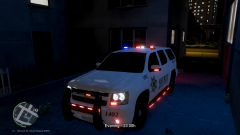 Chevrolet Tahoe LCSO
-
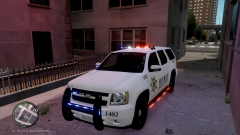 Chevrolet Tahoe LCSO
-
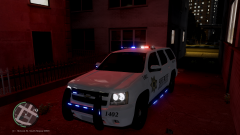 Chevrolet Tahoe LCSO
-
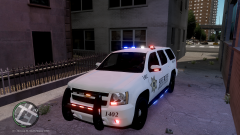 Chevrolet Tahoe LCSO
-
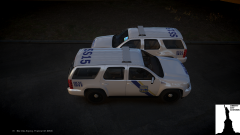 Philadelphia Police Department Tahoe
-
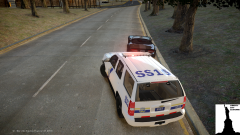 Philadelphia Police Department Tahoe
-
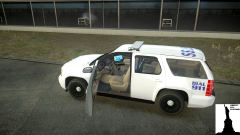 Philadelphia Police Department Tahoe
-
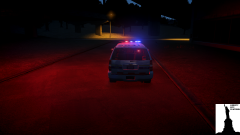 Philadelphia Police Department Tahoe
-
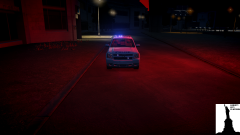 Philadelphia Police Department Tahoe
-
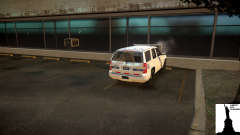 Philadelphia Police Department Tahoe
-
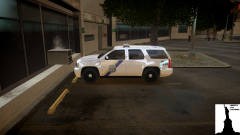 Philadelphia Police Department Tahoe
-
-
From the album: LIBERTY CITY CUSTOMS WIP/REL
-
From the album: LIBERTY CITY CUSTOMS WIP/REL
-
From the album: LIBERTY CITY CUSTOMS WIP/REL
-
From the album: LIBERTY CITY CUSTOMS WIP/REL
-
Dodge sells it in a police package so therefore its a police vehicle whether you say so or not.
- 19 comments
- 1 review
-
-

- 1
-
-
-
-
He didn't make the model Foward did, He only made a texture.
-
Dodge does not make interceptors or the interceptor skin Ford does. Dodge has its own skin,
-
Happens to me sometimes just try reexporting
-
-
Par 32's '?do=embed' frameborder='0' data-embedContent>>
-
-
Remove the sunroof and scratch make a part that fits it and is seamless with the roof. Or just texture the sunroof to be the roofs color. (Don't do the second option)
-
The only difference is the quality,Logos.
-
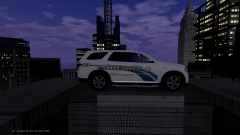 It will be released in a few hours, It currently has blue lighting.
 -
-
From the album: Newmillz


