BitsnBattles
Members
-
Joined
-
Last visited
Everything posted by BitsnBattles
-
 Great pack played it a lot before, but a recent update is apparently making the game crash in the loading screen.
- 78 comments
- 12 reviews
-
Resolved it by reinstalling GTA V and installing LSPDFR manually
-
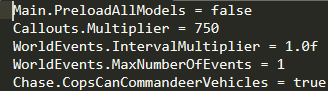
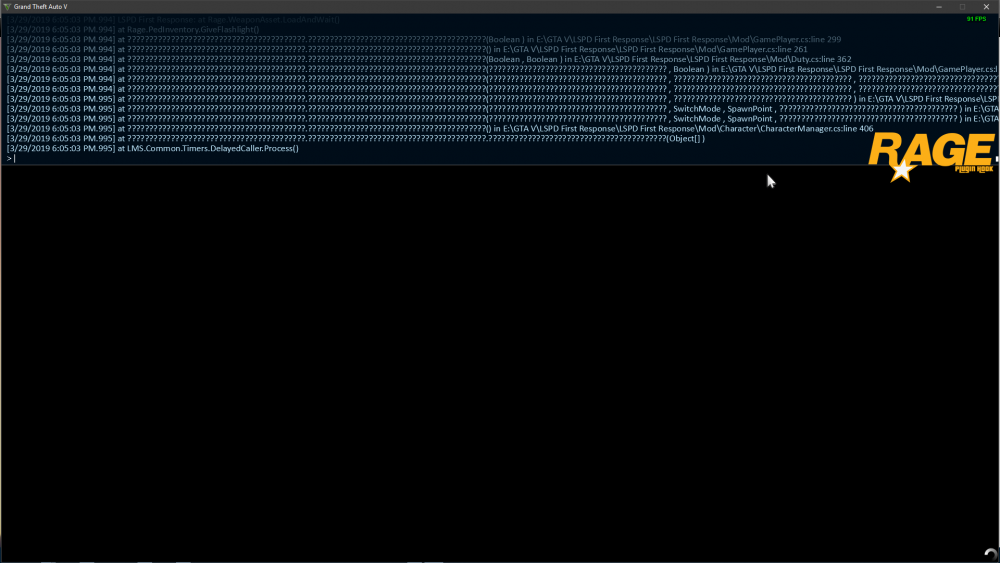
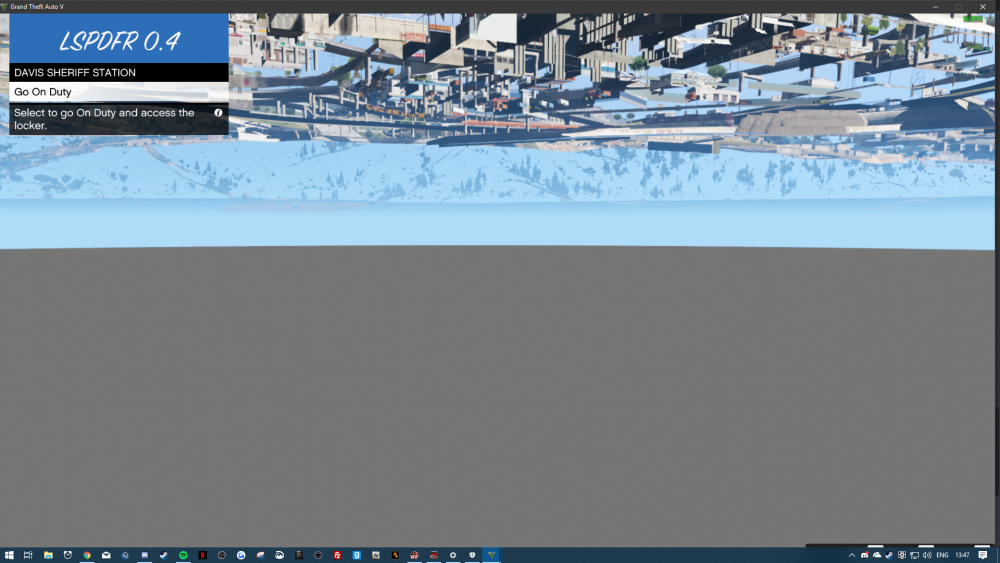
So I have this in the lspdfr.ini I installed LSPDFR automatically Upon selecting a Character the plugin crashes and this shows in console. Now to the second problem: As soon as I go into any Police Station (Expect Downtown Station) via E the Station says it is Loading but it doesnt show. Thanks in advance for help!